Full Color Card Printer
26
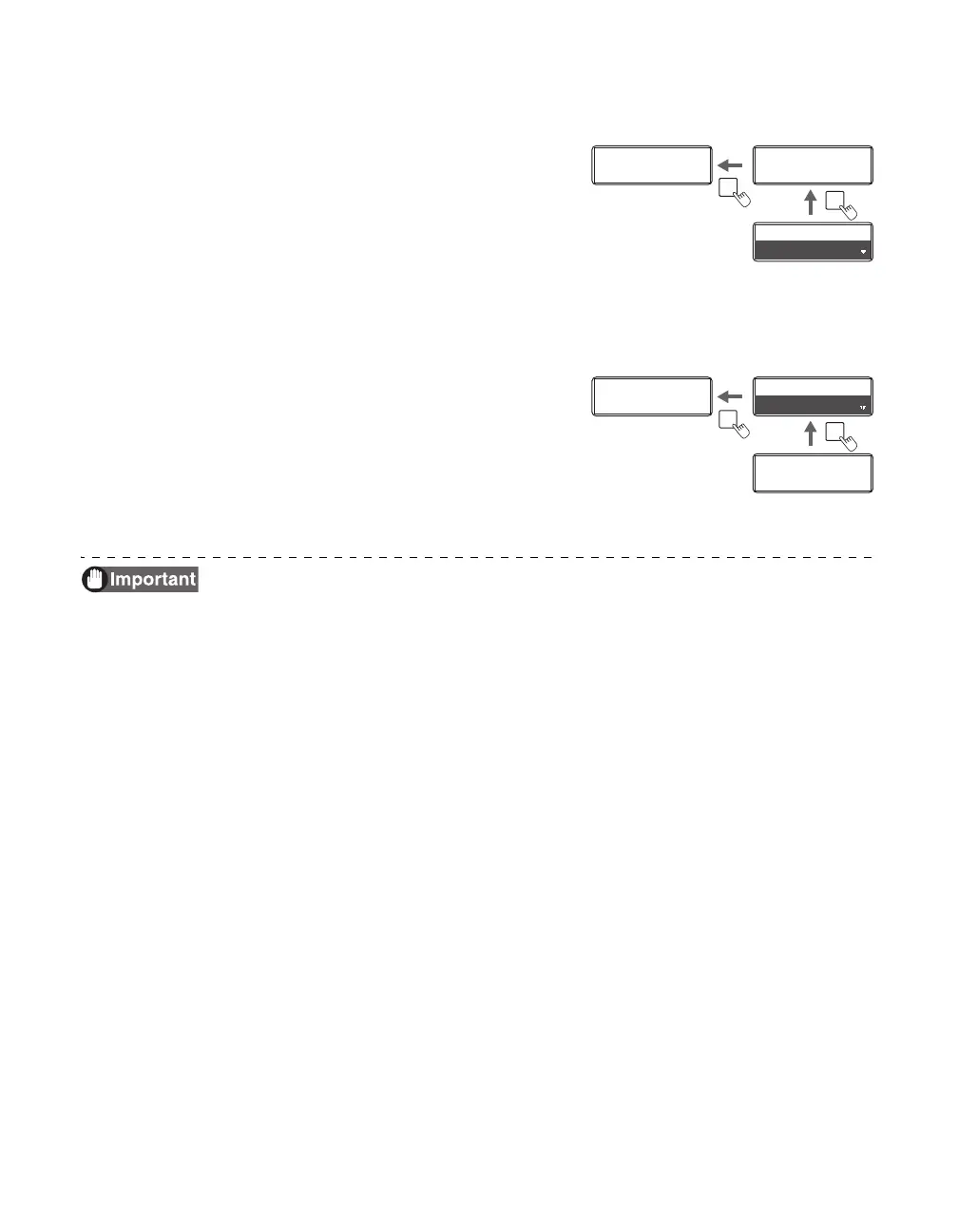
Returning to the Main Menu (Switching to Menus on a Higher Level)
You can return to a higher level by pressing the
MENU Key. You can return to the main menu by
pressing the MENU Key several times.
Switching to Normal Mode (Exiting User Mode)
After pressing the MENU Key several times to
display [Exit Menu ?], you can return to Normal
Mode by pressing the SET Key.
After pressing the Key several times to display
[NO], you can return to User Mode by pressing
the SET Key.
After changing settings values using the / Keys in each menu, press the
SET Key to make the changes.
Either pressing the MENU Key or turning off the power without pressing the
SET Key will mean that changes are not saved in the printer.
(Changed contents are saved when the SET Key is pressed.)
Printer Setup
SET:>>
Printer Setup
SET:>>
MENU
MENU
Buzzer
ON
Buzzer
ON
Buzzer
ON
Buzzer
ON
Ready to Print
Ready to Print
MENU
Exit Menu ?
YES
Exit Menu ?
YES
Printer Info.
SET:>>
Printer Info.
SET:>>
SET



 To Next Page