Full Color Card Printer
42
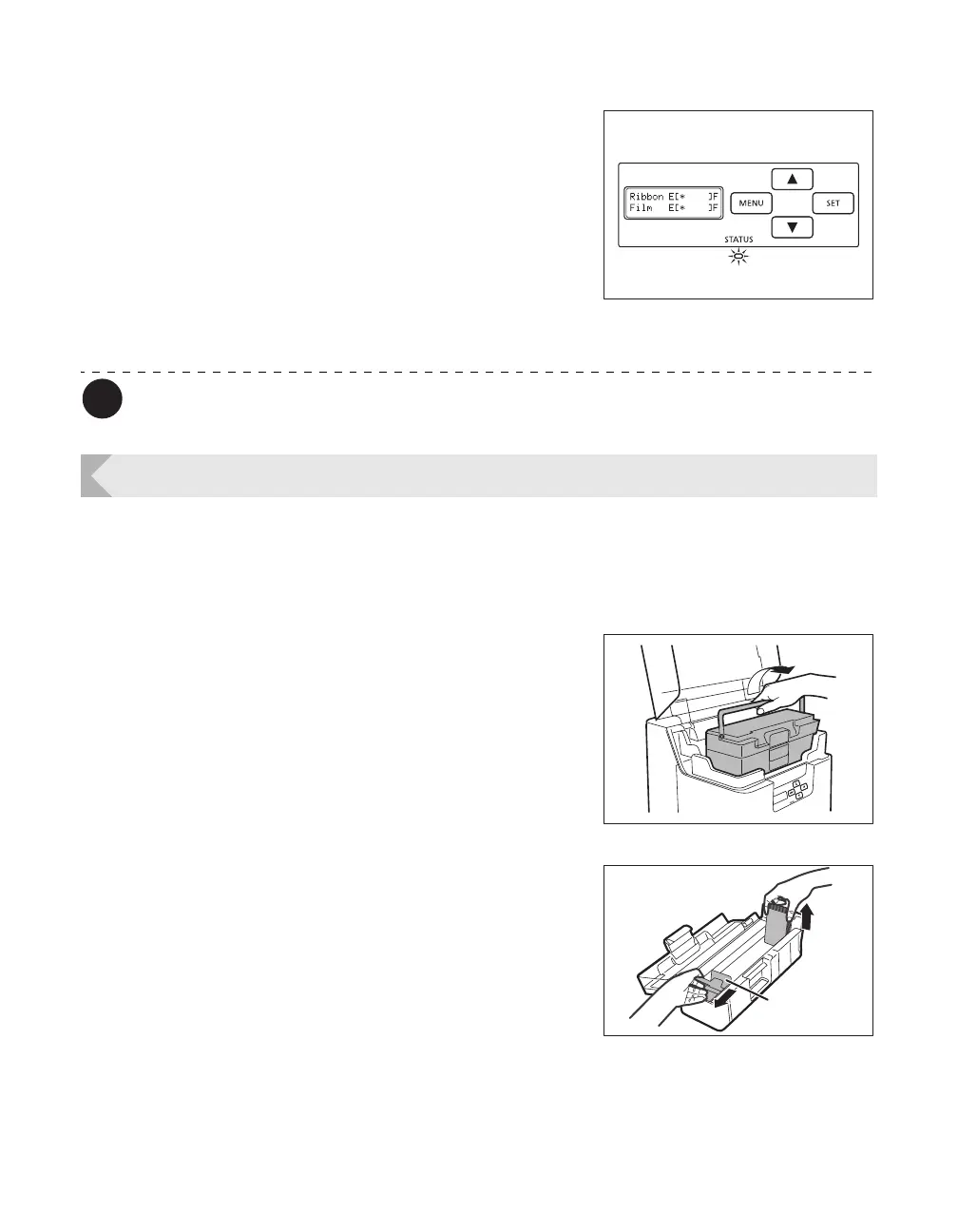
5 As time approaches for replacement of
the Ink Ribbon or Transfer Film, a
remaining quantity notification for
these is displayed.
• In Normal Mode, if the Ink Ribbon and Transfer Film
remaining quantity drops below the settings value (%),
then the remaining quantity notification will appear at a
set frequency (approximately 4 seconds).
→See "Changing the Ink Ribbon and Transfer Film" on
page 16 for details about changing the Ink Ribbon or
Transfer Film.
The factory default setting for [Ribbon Notice(%)] and [Film Notice(%)] is [0].
Setting the Types of Card to Use
Adjusting the Feed Gate Depending on Card Thickness
Adjust the card case and the gate gap to match the fed cards.
1 Open the top cover, and remove the
Card Case.
• Hold the Card Case handle, and remove.
2 Open the Card Case, and remove the
cards from the cassette.
• Pull the lock, and open the Card Case cover.
• Pull the card retainer, and after removing the cards,
return the card retainer to its original position.
• Remove the cards, and close the Card Case cover.
Card Retainer



 To Next Page