Full Color Card Printer
10
Loading Cards
Cards can be loaded in two ways: using the card retainer, and using the card feeding slot.
The Card Retainer can be loaded with a large quantity of cards, making it useful for mass printing.
Use the Card Feeding Slot to manually load cards when you want to print only 1 particular card
or to print many types of cards.
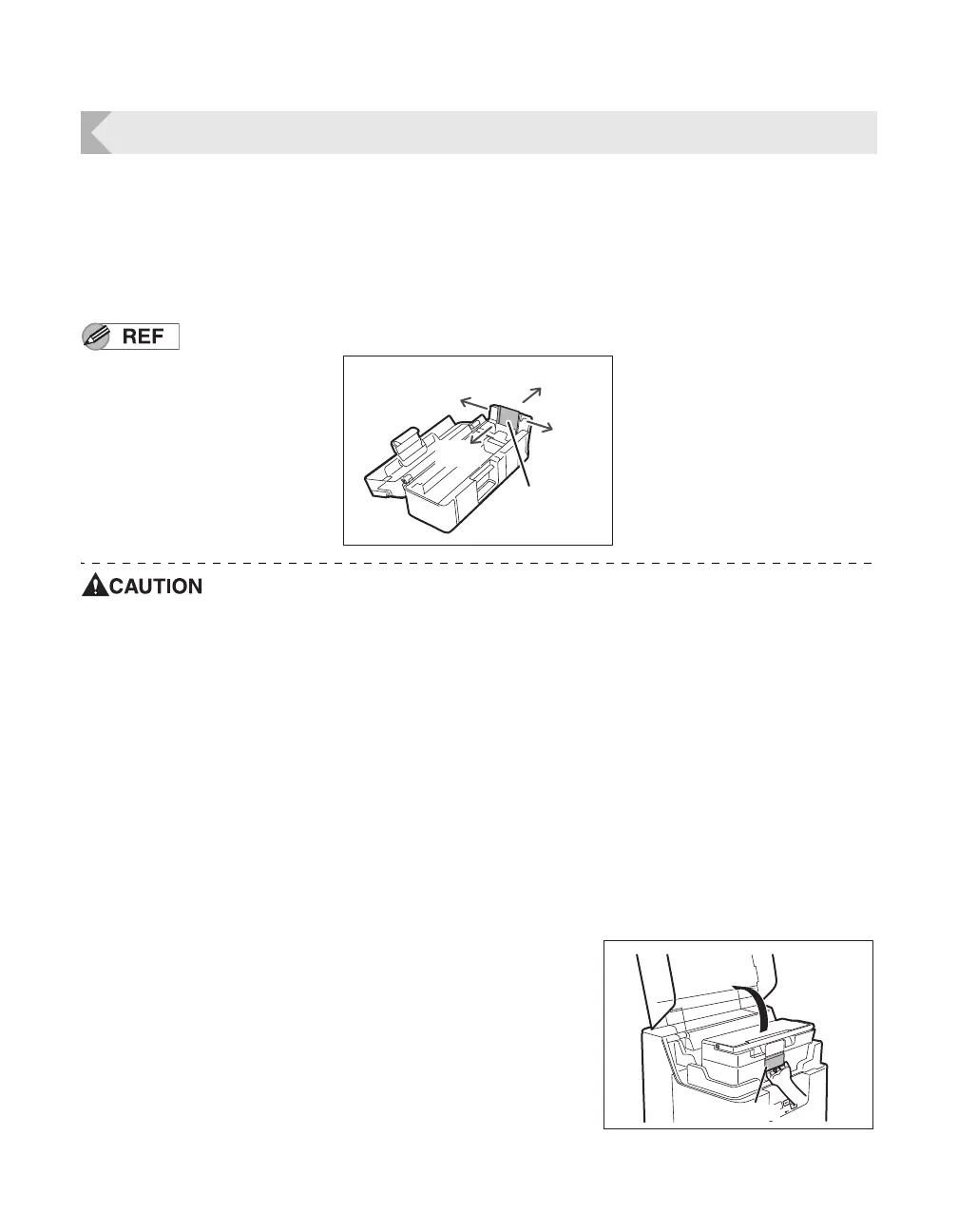
In this manual, the direction of the card case and of cards is as below.
Use cards recommended by your reseller.
→See "Cards" on page 82 for details about which cards you can use.
Do not use the following cards:
• Cards previously printed with this or any other card printer
• Wet cards
• Cards mixed with glass, metallic or other foreign objects
• Embossed cards
• Cards coated with oil or other foreign matter
• Cracked, chipped, bent or otherwise damaged cards
• Transparent cards
• Abnormally shaped cards
Loading Cards into the Card Case
1 Open the Top Cover, and the Card Case
cover.
• Pull the lock lever, and open the Card Case lid.
Rear
Front
Right
Left
Card (Front
Surface)



 To Next Page