Full Color Card Printer
44
4 Change the settings by using the /
Keys, then press the SET Key.
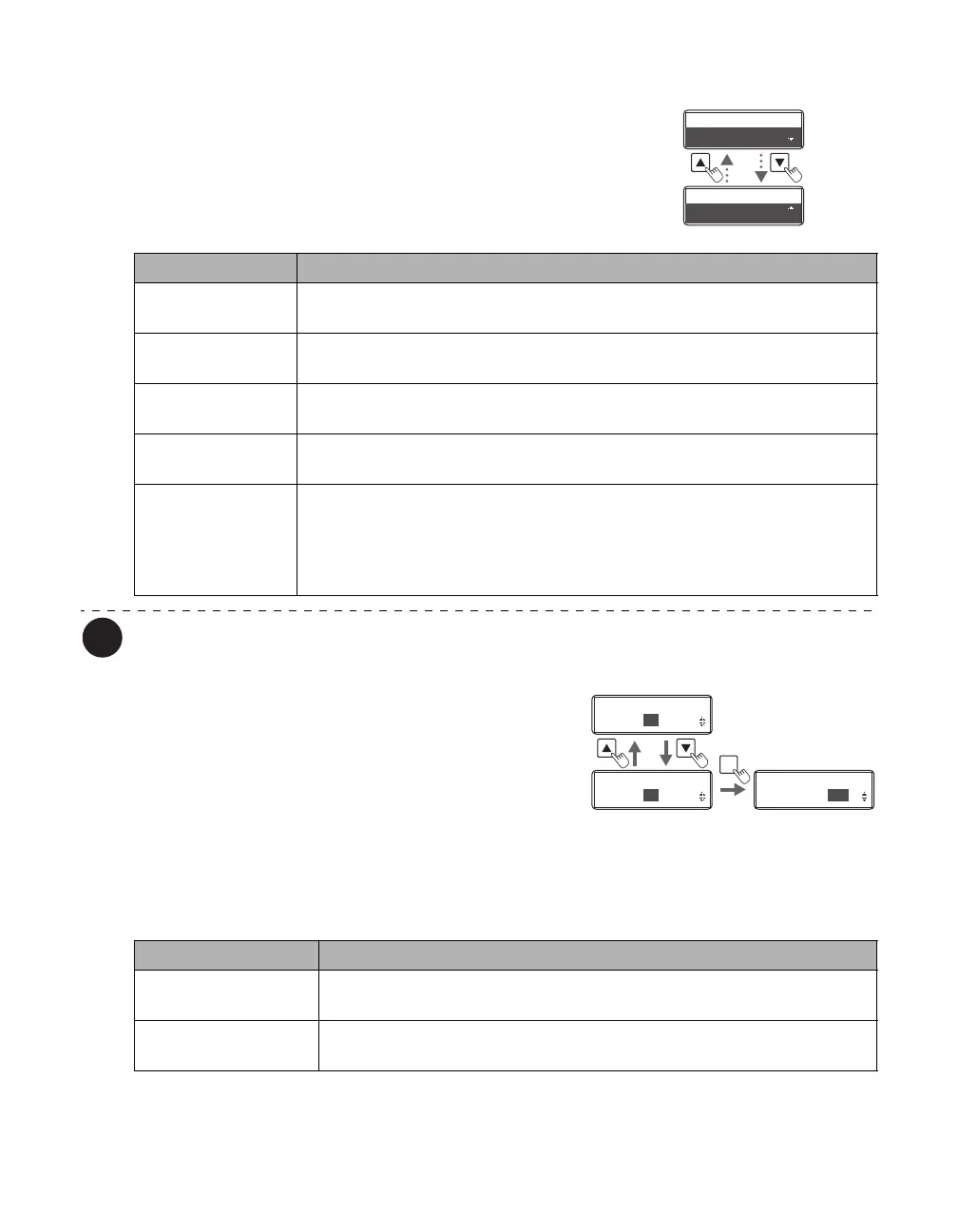
• Settings values that can be changed are as below.
• If CARD1-3 are selected, then go to Step 5. If other
settings values are selected, then you have finished.
The factory default setting is [PVC (0.76 mm)].
5 (Only if [CARD 1-3] are selected)
Use the / Keys and the SET Key to
set the transfer speed/transfer
temperature.
• Use the / Keys to change the value, and press the
SET Key to fix the changes.
• If the MENU Key is pressed prior to pressing the SET
Key to fix the changes, then the changes will be
canceled.
• The left value shows the transfer speed, and the right
the transfer temperature.
Card Type
PVC (0.76mm)
Card Type
PVC (0.76mm)
Card Type
CARD3 (00/+00)
Card Type
CARD3 (00/+00)
Settings Value Details
PVC (0.76 mm) Carry out secondary transfer using conditions corresponding to 0.76 mm
thickness standard PVC card.
PET (0.76 mm) Carry out secondary transfer using conditions corresponding to 0.76 mm
thickness standard PET card.
PET-G (0.76 mm) Carry out secondary transfer using conditions corresponding to 0.76 mm
thickness standard PET-G card.
Sheet (PET) Carry out secondary transfer using conditions corresponding to a 1.00 mm
card with a PET sheet affixed to a PVC card.
CARD1 (XX,+XX)
CARD2 (XX,+XX)
CARD3 (XX,+XX)
Carry out secondary transfer using conditions set for values set for
CARD 1-3. The left value is the transfer speed, and the right is the transfer
temperature. Selecting either of these settings will then transition to transfer
speed/transfer temperature settings.
→See Step 5
SET
Card Type
CARD1 (20,+00)
Card Type
CARD1 (20,+00)
Card Type
CARD1 (15,+00)
Card Type
CARD1 (15,+00)
Card Type
CARD1 (15,+00)
Card Type
CARD1 ( +00)
Settings Menu Details
Transfer speed
(left value)
Higher values mean a greater transfer speed, and lower values mean a
lower transfer speed.
Transfer temperature
(right value)
Higher values mean a greater temperature, and lower values mean a
lower temperature.



 To Next Page