Troubleshooting
77
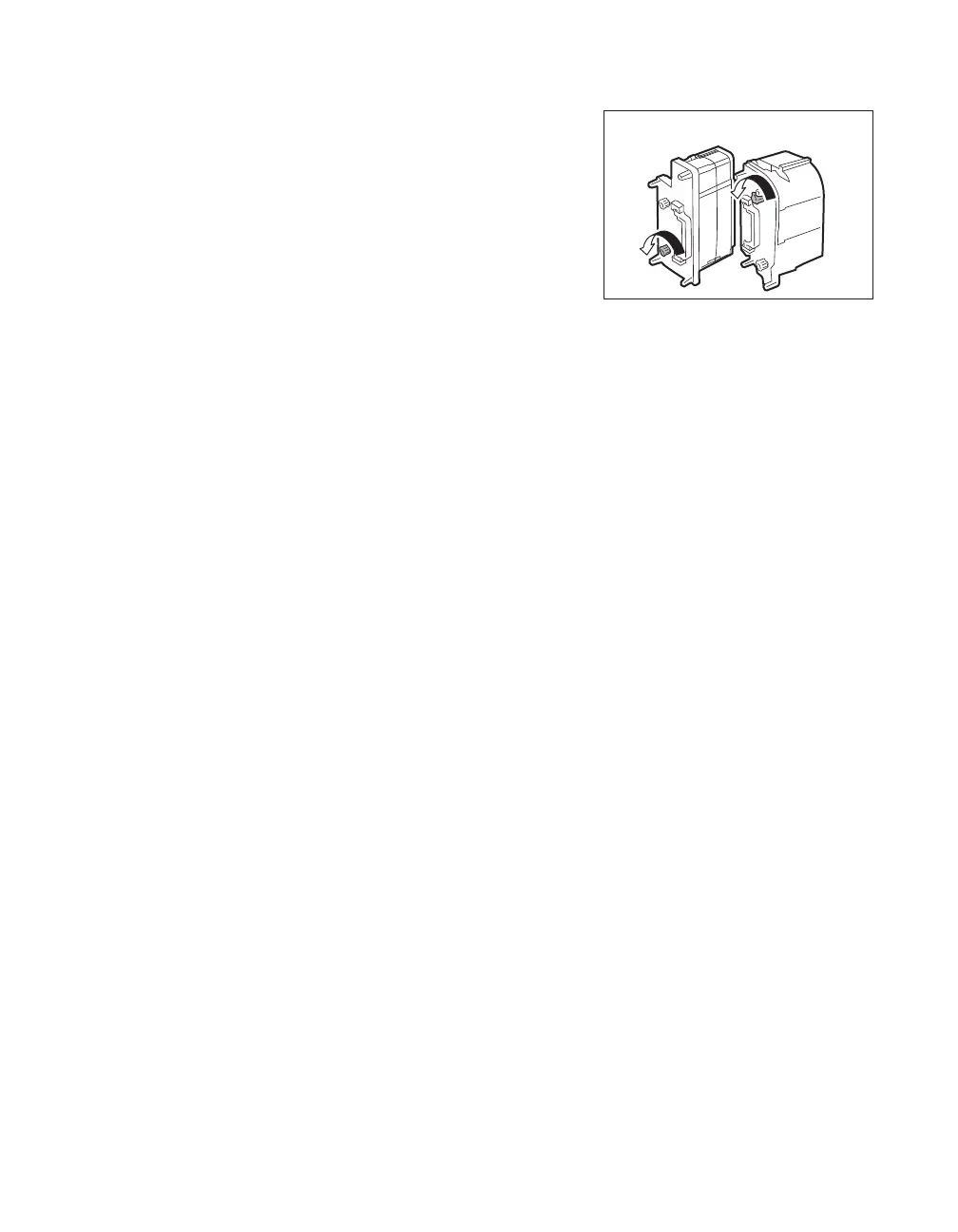
4 Rotate the winding side knob.
• Rotate the knob until the joined section of the Ink
Ribbon or Transfer Film is fully inside the winding side
spool spindle.
5 Return the Ink Ribbon Cassette or
Transfer Film Cassette to their original
positions.
→See "Changing the Ink Ribbon and Transfer Film" on
page 16 for details about attaching the Ink Ribbon and
Transfer Film.
6 Close the Front Cover.
7 Press the SET Key.
• The error message on the LCD Panel disappears, and
the printer returns to Normal Mode.
Transfer Film
Cassette
Ink Ribbon
Cassette



 To Next Page