54 Chapter 6 Using CallPilot Manager to monitor hardware
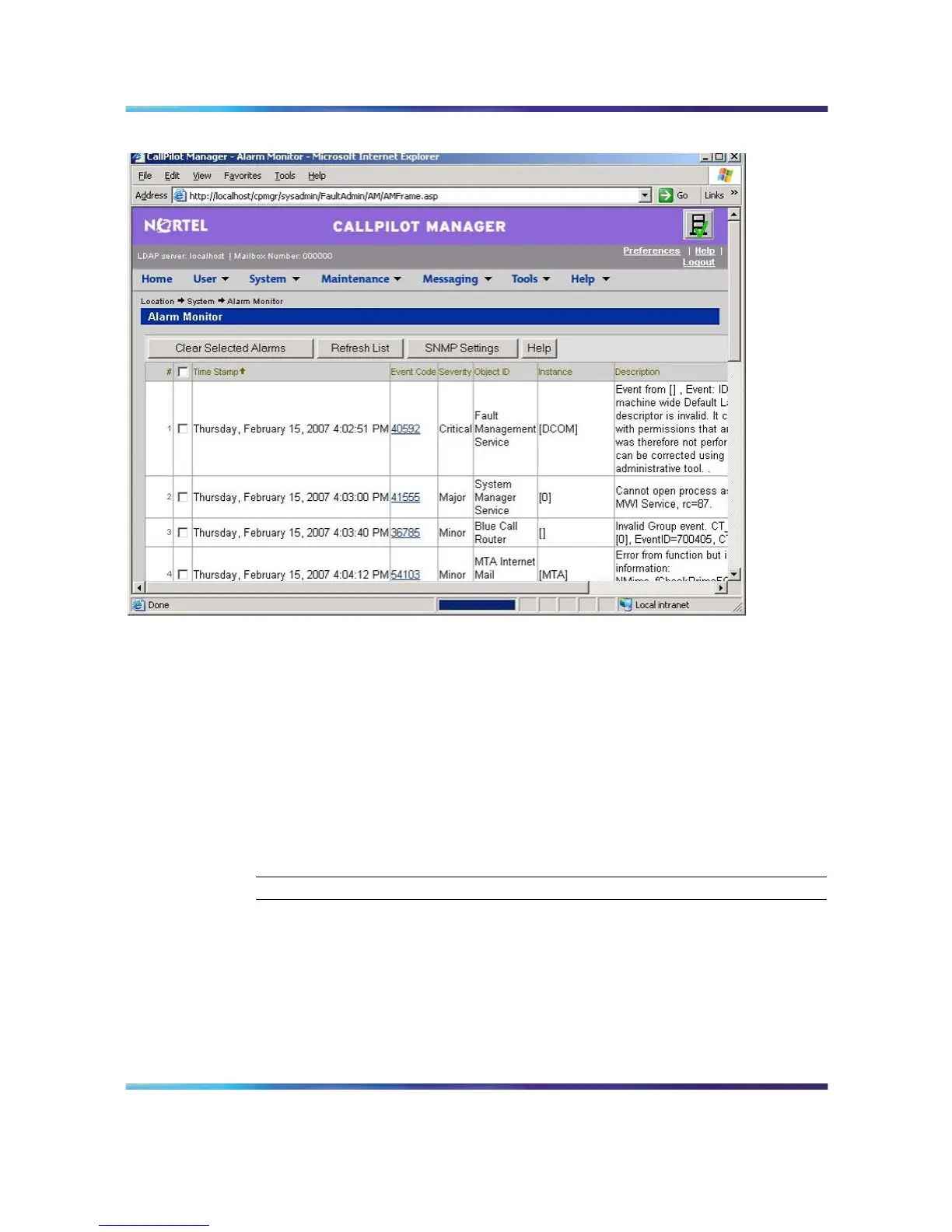
Alarm monitor
3
Click the Event Code for the first critical or major alarm.
Result: A description of the event appears in a new web browser
window.
4
Review the description and recovery action.
5
Repeat steps 3 and 4 for a more alarms, if necessary.
6
If the solution to the problem is not apparent, obtain the return code
of the first event and continue the investigation by using the Event
Browser (see "Event Browser" (page 55)).
—End—
Note: For information on how to use the Alar m Monitor, refer to the
Administrator’s Guide (NN44200-601), or the CallPilot Manager online
Help.
Nortel CallPilot
703t Server Maintenance and Diagnostics
NN44200-702 01.03 Standard
5.0 3 April 2007
Copyright © 2007, Nortel Networks Nortel Networks Confidential
.











 To Next Page