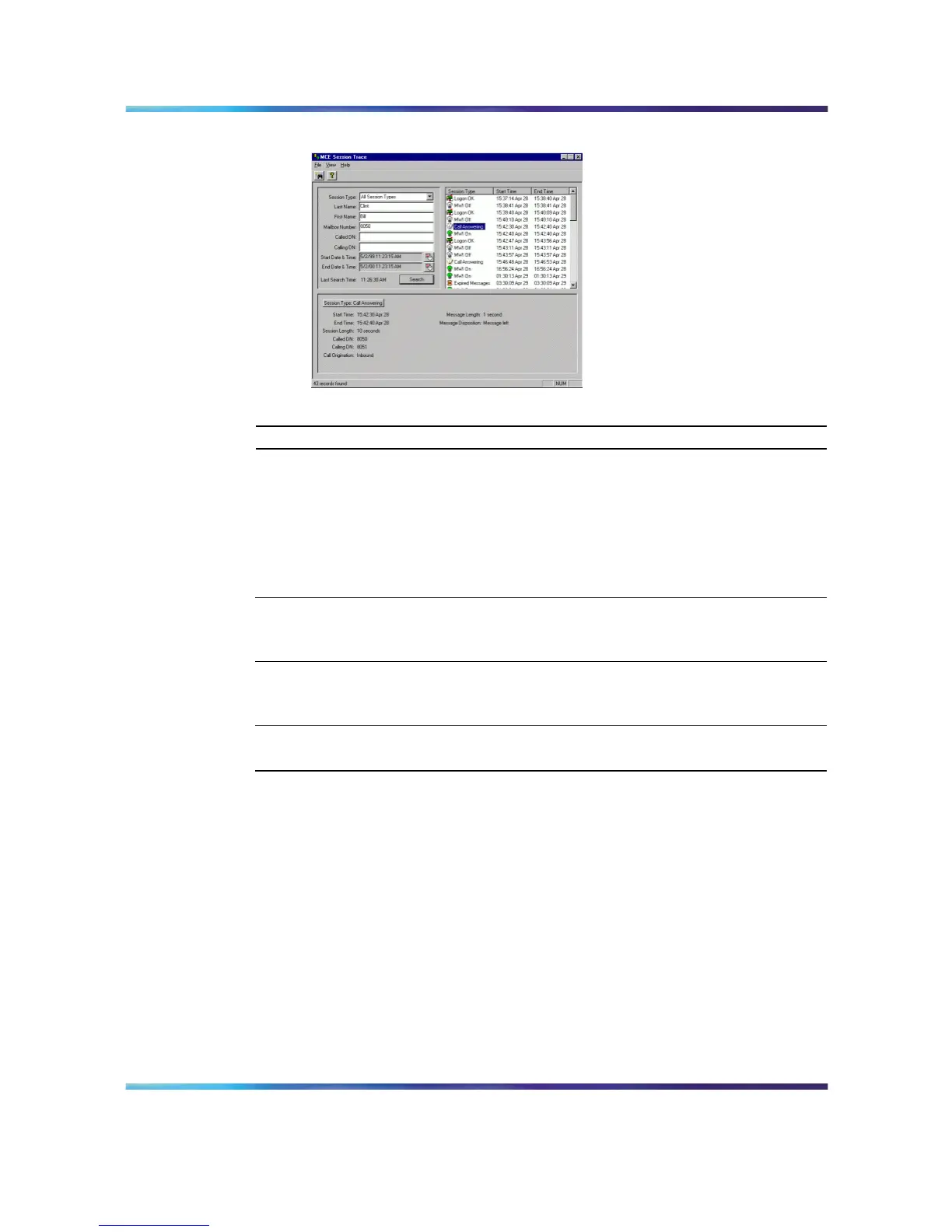
System Monitor 77
Call Answering session Type
—End—
System Monitor
The System Monitor consists of three tabs, as described in the following
table:
Tab Description
Channel Monitor Shows the status of all CallPilot services, multimedia
channels, and call channels (DS30X channels in
Meridian 1 and Communication Server 1000).
System Info Displays details about the CallPilot 5.0 system, such
as features purchased, keycode, serial number, and
CallPilot server IP addresses.
Legend/Help Provides a description of icons and terminology
displayed in the System Monitor window.
System Monitor is a non-destructive tool that does not alter the behavior of
any CallPilot components.
To access the System Monitor
On the Windows desktop, click Start → Programs → CallPilot → System
Utilities → System Monitor.
Result: The CallPilot System Monitor window appears. By default, the
Channel Monitor tab appears on top. Click the other tabs to view the
information on those tabs.
Nortel CallPilot
703t Server Maintenance and Diagnostics
NN44200-702 01.03 Standard
5.0 3 April 2007
Copyright © 2007, Nortel Networks Nortel Networks Confidential
.











 To Next Page