56 Chapter 6 Using CallPilot Manager to monitor hardware
Event browser
3
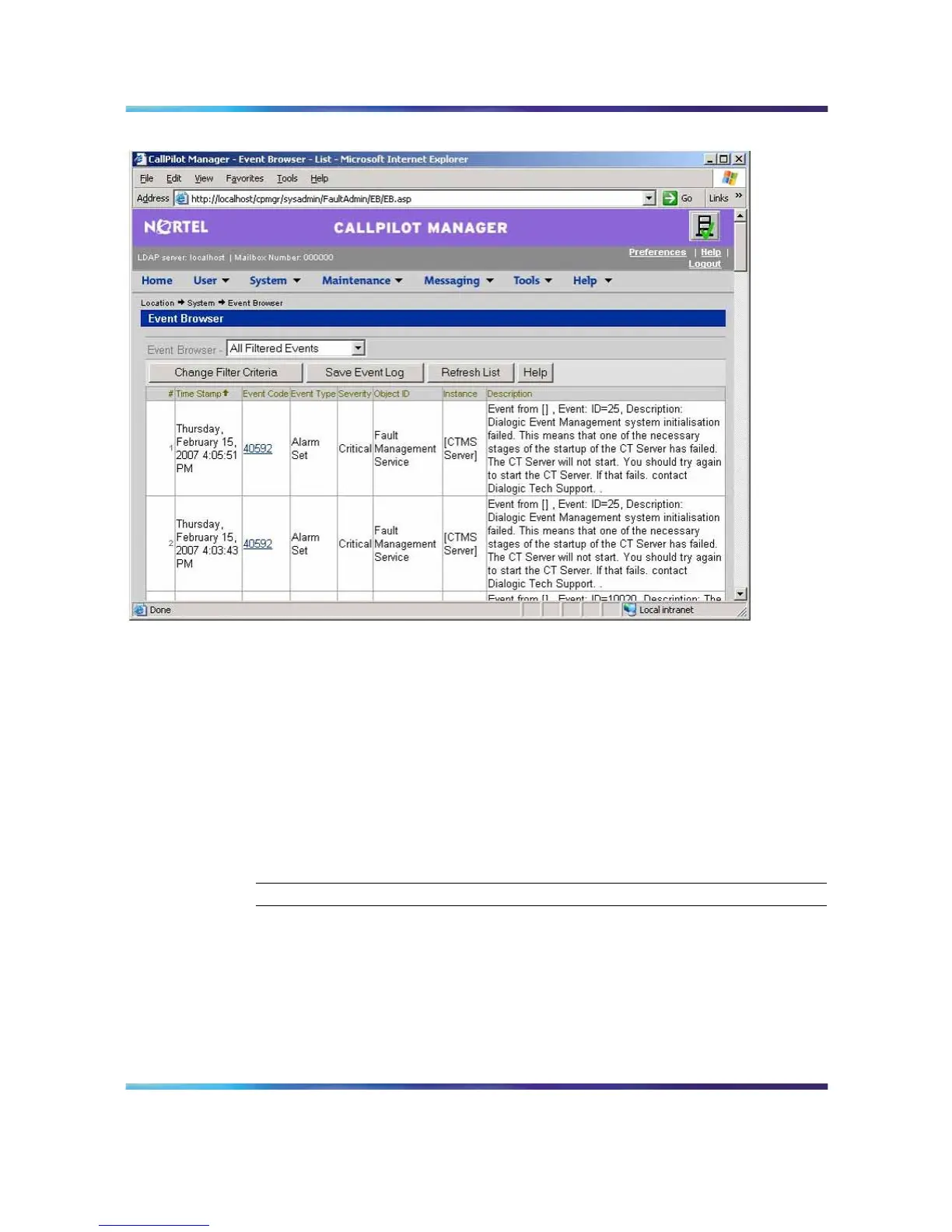
Click an event that appears to be related to the problem, or an event
that occurred near the time the alarm was raised.
Result: A description of the event appears in a new web browser
window.
4
View the description and recovery action.
5
Repeat steps 3 and 4 for more events, if necessary.
6
If the solution to the problem is not apparent, contact your Nortel
technical support representative.
—End—
Note: For information on how to use the Event Browser, refer to the
Administrator’s Guide (NN44200-601), or the CallPilot Manager online
Help.
Nortel CallPilot
703t Server Maintenance and Diagnostics
NN44200-702 01.03 Standard
5.0 3 April 2007
Copyright © 2007, Nortel Networks Nortel Networks Confidential
.











 To Next Page