Viewing component states 61
State
Description
Shutting Down The component is in the process of stopping. This state
occurs quickly and is immediately followed by Off Duty.
Uninitialized The call processing component has not initialized the
resource.
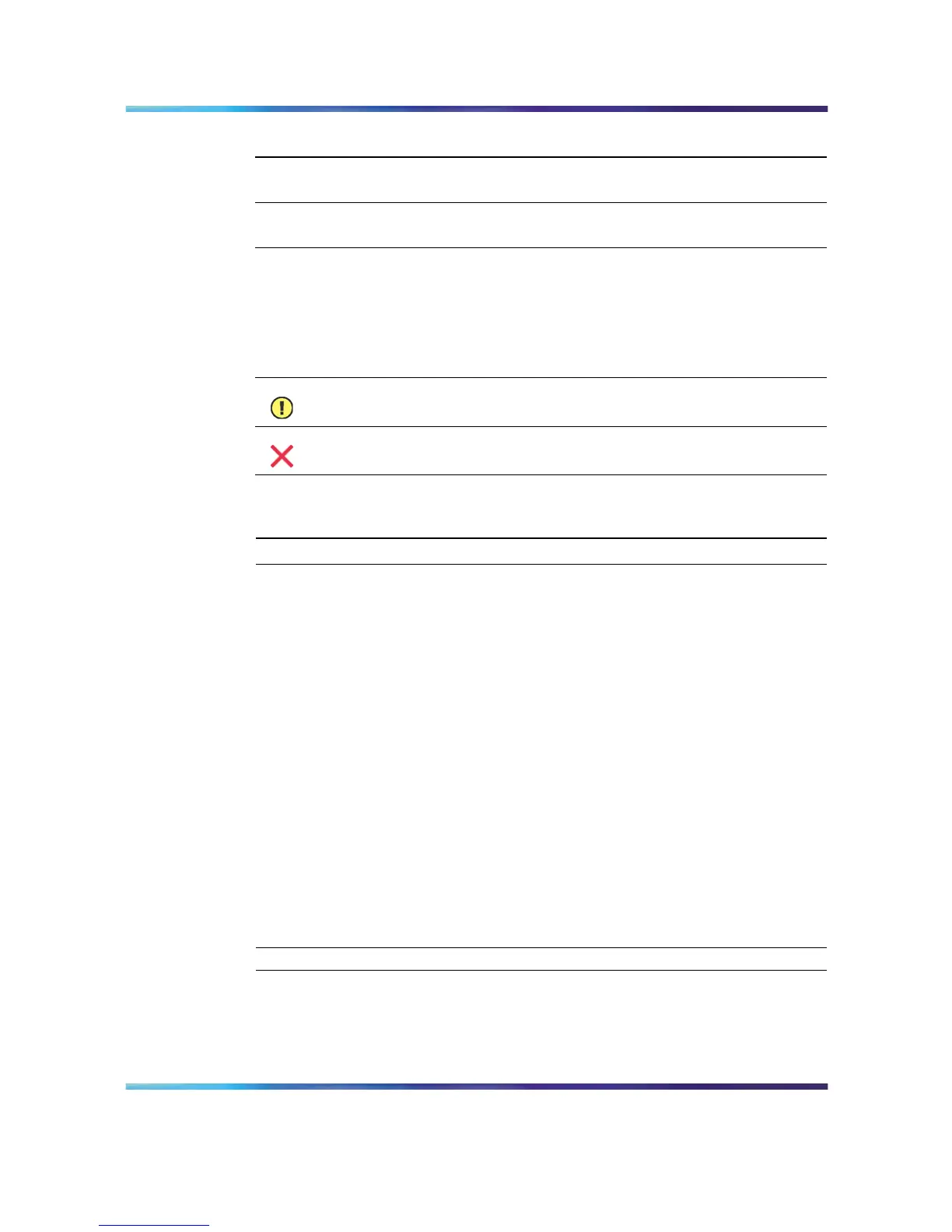
Alert icons
If one of the following icons appears next to a component in the tree, then
the component or one of its subcomponents is experiencing a problem:
Icon Description
A problem exists with a subcomponent of the selected component.
Expand the tree to locate the subcomponent with the problem.
A problem exists with the selected component.
To view the state of a hardware component
Step Action
1
Run CallPilot Manager and login.
2
In CallPilot Manager, click Maintenance → Maintenance Admin.
Result: The Maintenance screen appears.
3
Click the plus sign (+) beside the CallPilot server to expand the
component tree.
4
Continue clicking the plus sign (+) until the component with which
you want to work is visible.
5
Click the hardware component with which you want to work.
Result: The Maintenance screen refreshes to show details about
the component.
6
Scroll down to the Maintenance section.
7
View the state of the selected component in the State box.
—End—
Nortel CallPilot
703t Server Maintenance and Diagnostics
NN44200-702 01.03 Standard
5.0 3 April 2007
Copyright © 2007, Nortel Networks Nortel Networks Confidential
.











 To Next Page