68 Chapter 6 Using CallPilot Manager to monitor hardware
To view or work with multimedia channel states
Step Action
1
Run CallPilot Manager and log in.
2
In CallPilot Manager, click Maintenance → Multimedia Monitor.
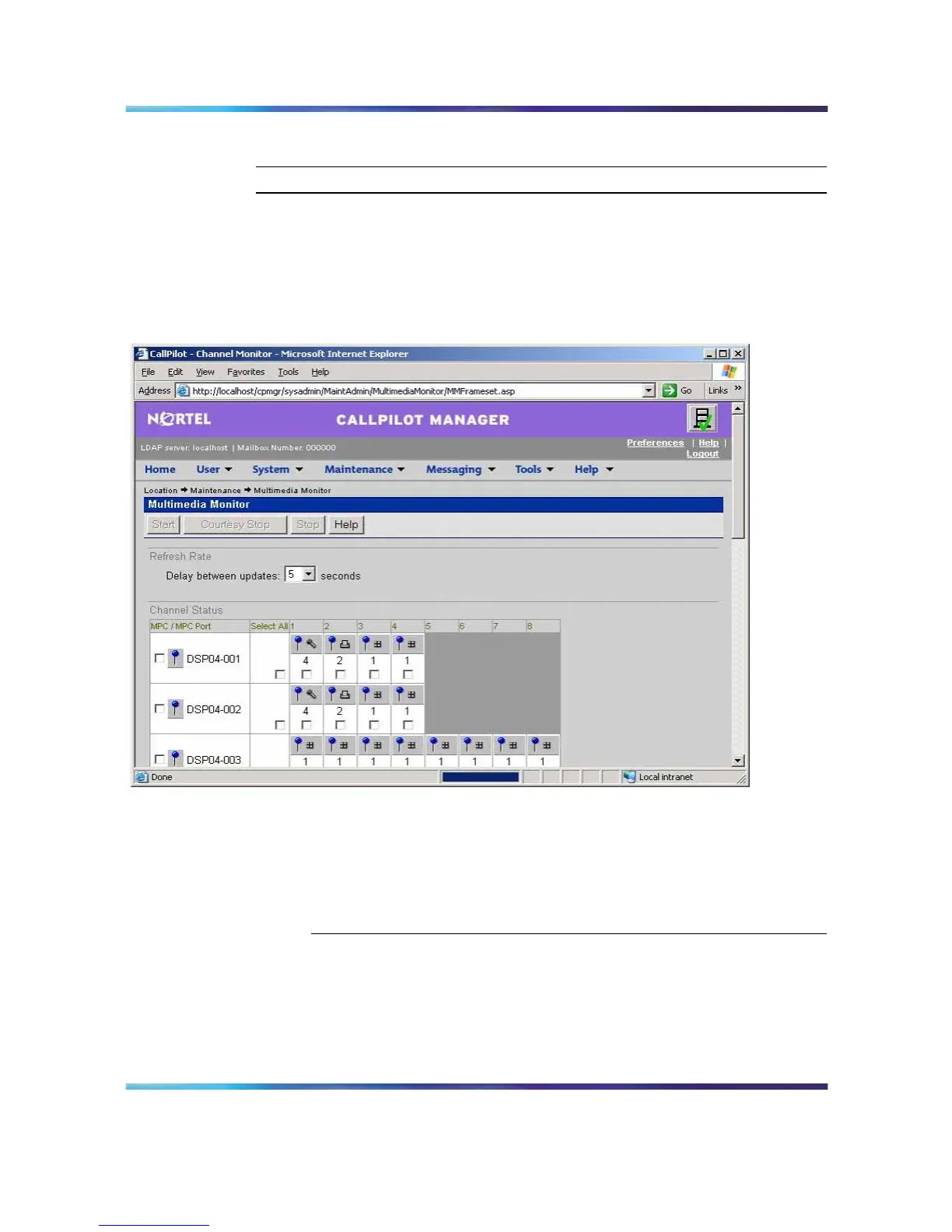
Result: The Multimedia Monitor screen appears, showing the
channels associated with each DSP
Multimedia Monitor.
Note: For an explanation of the channel states, refer to the
CallPilot Manager online Help.
3
Do one of the following:
IF you want to stop or start THEN
all of the channels associated with
a DSP
check the check box to the left of
the DSP that you want to stop or
start.
Nortel CallPilot
703t Server Maintenance and Diagnostics
NN44200-702 01.03 Standard
5.0 3 April 2007
Copyright © 2007, Nortel Networks Nortel Networks Confidential
.











 To Next Page