Removing and replacing the upper fan holder foam 87
Install fan holder foam
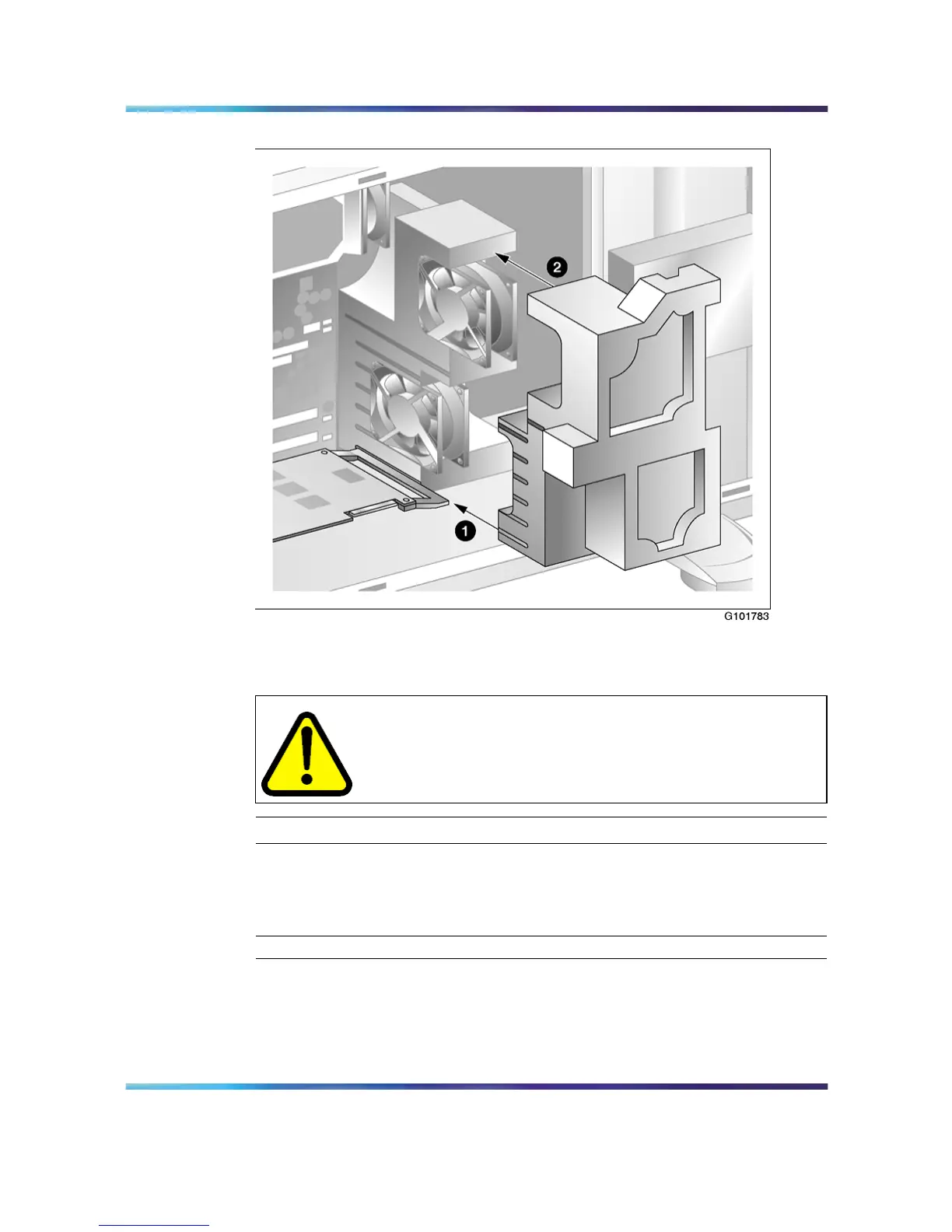
To remove the upper fan holder foam
CAUTION
Use an ESD wrist strap to protect static-sensitive components.
Step Action
1
Remove the server side cover.
2
Lift the upper fan holder foam out of the server.
—End—
Nortel CallPilot
703t Server Maintenance and Diagnostics
NN44200-702 01.03 Standard
5.0 3 April 2007
Copyright © 2007, Nortel Networks Nortel Networks Confidential
.











 To Next Page