5.4.1 Semi-automatic paper insertion
110 A29246-X20-X-4-7680 / fa502_pinfed.fm
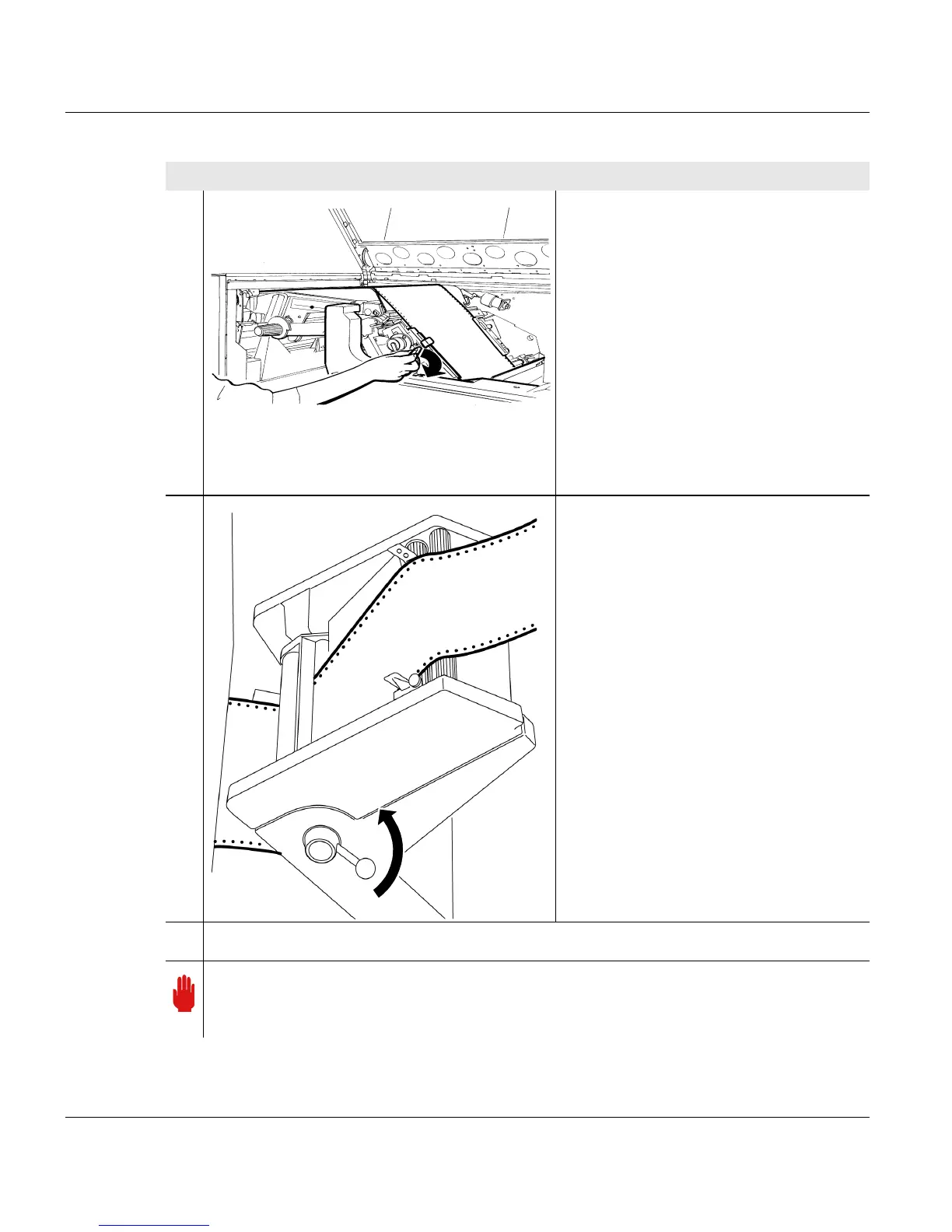
11. Only for printing systems with heated
preheating saddle:
When the front edge of the paper has
disappeared under the cover of the
preheating saddle, swivel the lever to
the right. The lower tractor doors are
now closed.
Only for printing systems without
heated preheating saddle:
When the front edge of the paper is in
front of the fuser station, swivel the
lever to the right. The lower tractor
doors are now closed.
12. Only for external paper feed:
Pull out the paper feed lever by 40
o
(= 4 stages), turn to the left and
release.
13. Check whether the lever has engaged in the gearing.
Important
The precise position of the lever can only be determined during printing (see section
5.5 Setting the external paper feed lever, page 120).
Proceed as follows:



 To Next Page