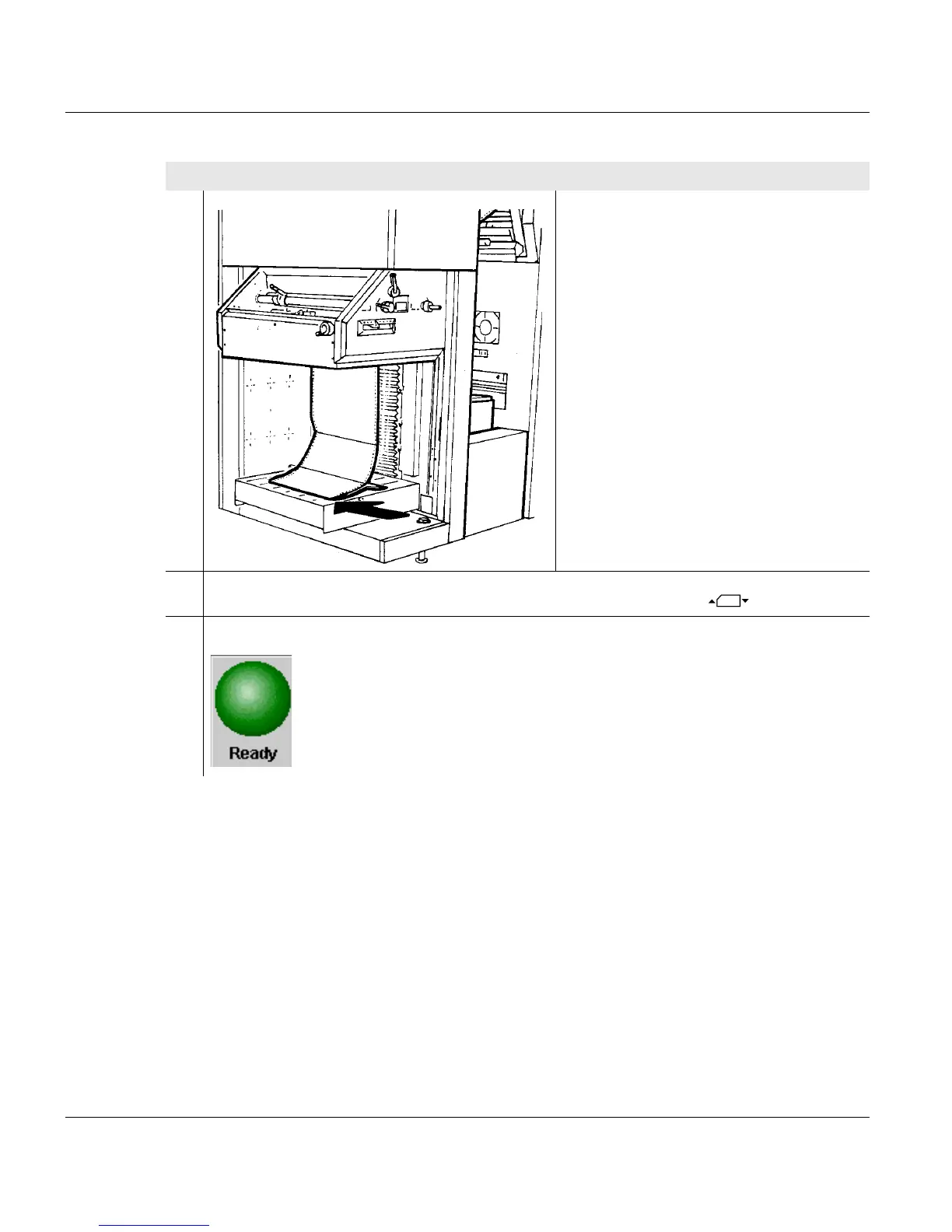
5.7 Removing the paper stack
132 A29246-X20-X-4-7680 / fa508.fm
6. Position the rest of the paper stack in
line with the fold and move the stack to
the marking for the corresponding
format length.
7.
Lower the stacker top by pressing the right key under this icon .
8. Click on the following button:
Proceed as follows:
2 of 2



 To Next Page