7.2.4 Replacing the developer
248 A29246-X20-X-4-7680 / fa701.fm
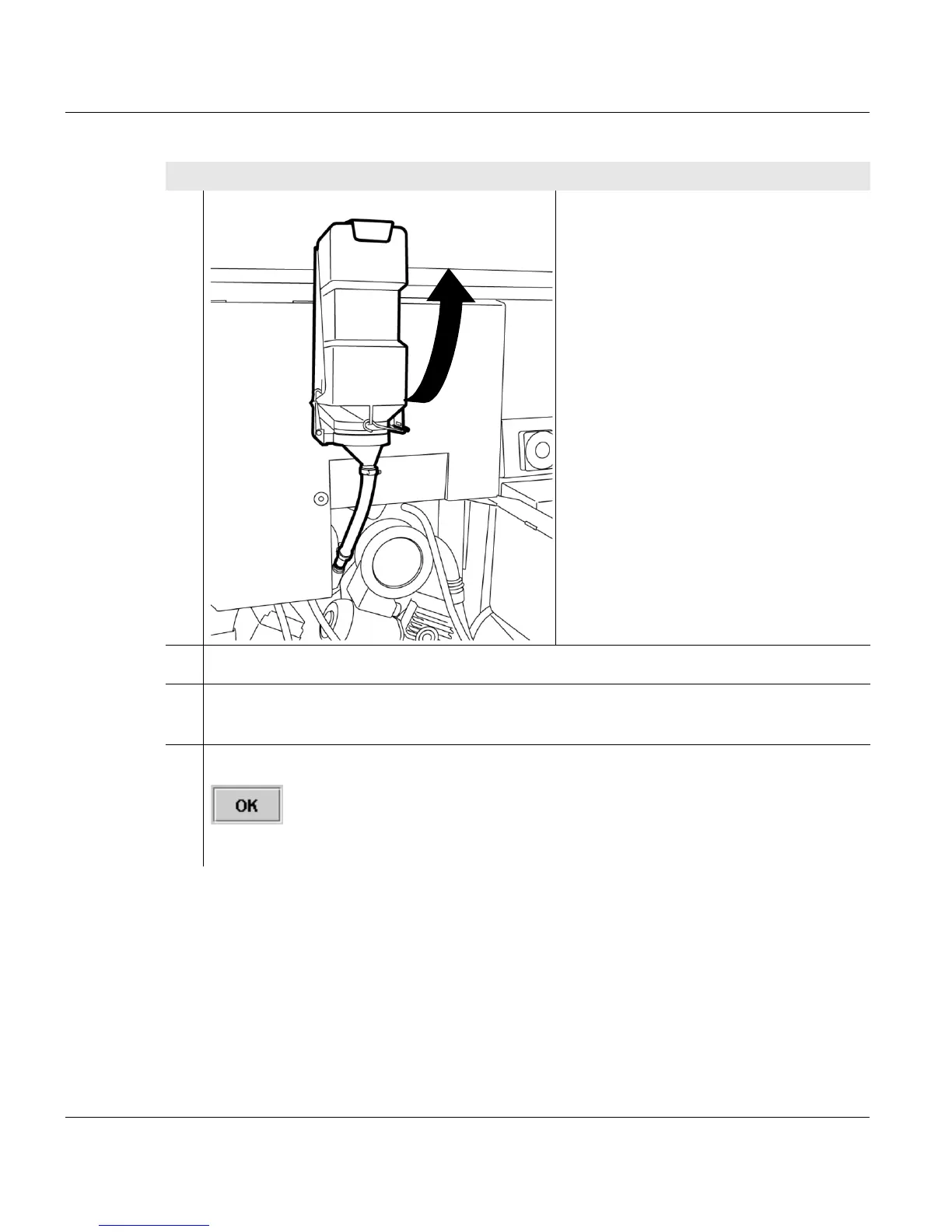
14. Hang the cage with the developer
bottle upside down into the upper
recess on the printing system frame.
Make sure that there is no bend in the
hose.
15. Shake bottle carefully.
16. In the dialog window of the operator panel still displayed, confirm the filling process
by pressing the <Refill> button.
17. Click on the following button to start the filling process:
The developer runs into the developer station without shaking.
Proceed as follows:
5 of 8



 To Next Page