7.3.7 Replacing the heater
310 A29246-X20-X-4-7680 / fa703.fm
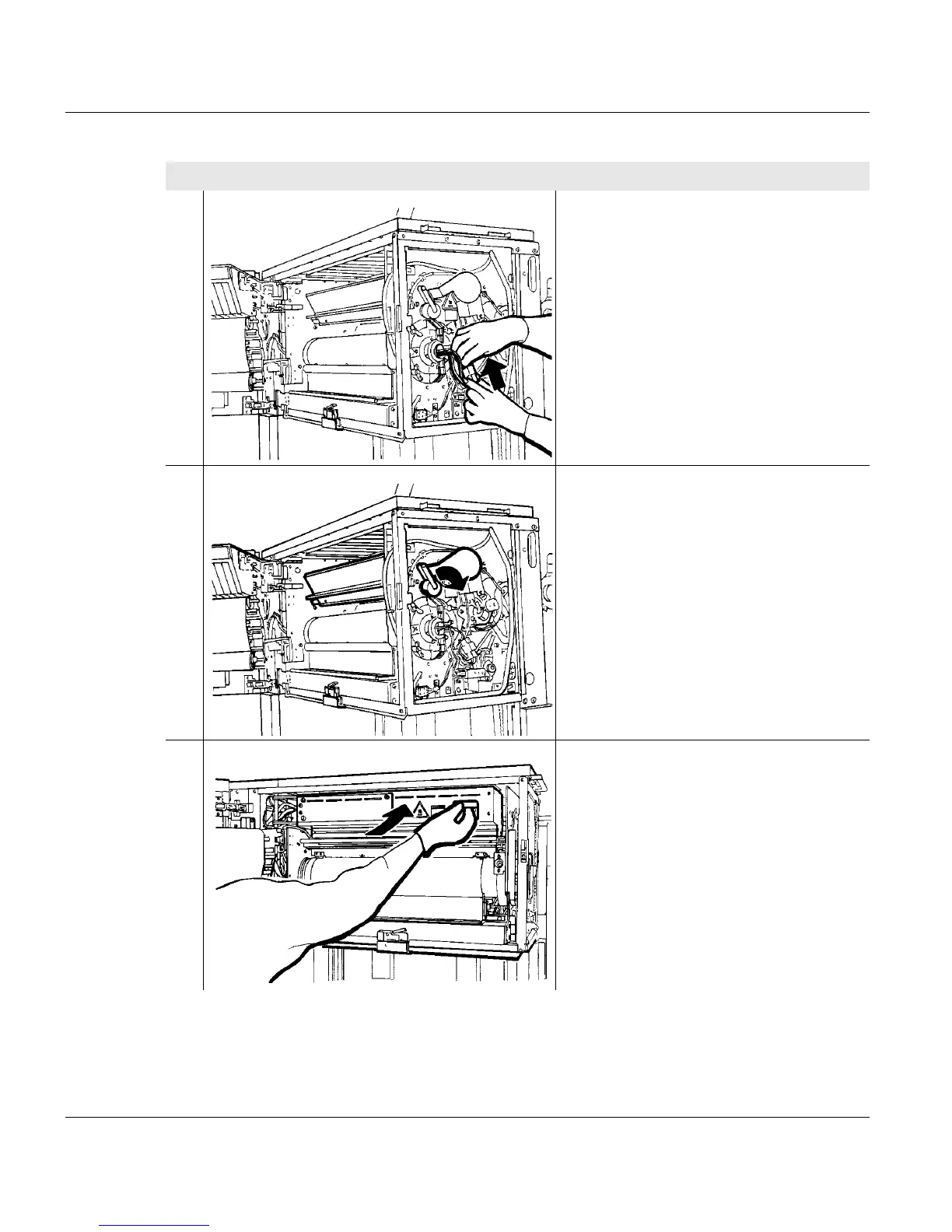
9. Connect the heater connector plug on
the front side of the printing system
again.
Lay the cable so that the cover on the
handle does not rub against the cable
when subsequently swiveling off the
temperature sensor bar.
10. Move the temperature sensor lever to
the right. The temperature sensor bar
is swiveled on again.
11. Swivel on active filter unit by the
handle to the stop point.
Proceed as follows:
4 of 5



 To Next Page