8.2.1 Locating a message
A29246-X20-X-4-7680 / fa801.fm 339
Proceed as follows:
1.
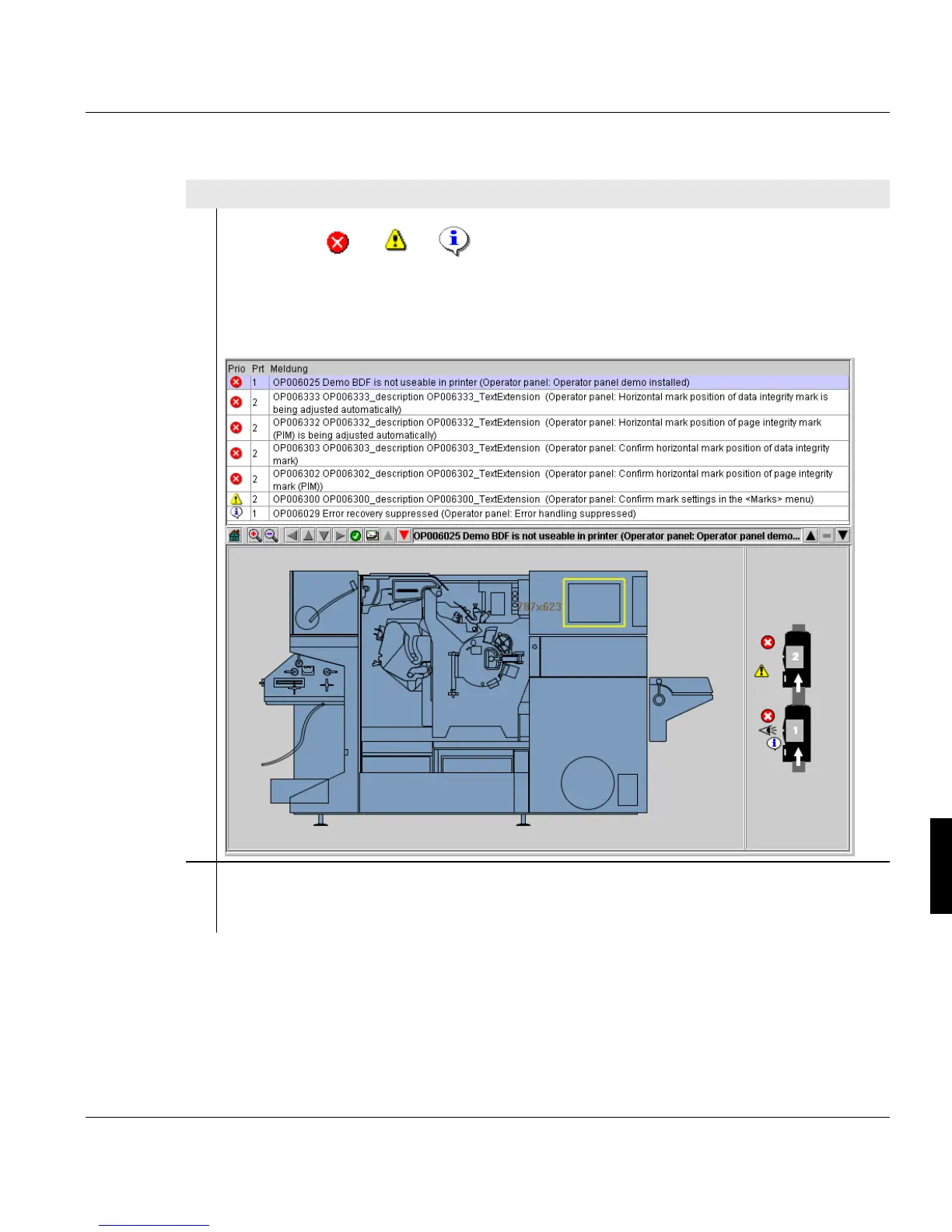
Click on the or or button in the toolbar.
The <Errors and warnings> menu is displayed.
All error messages, warnings and information messages that have occurred are listed
in the upper area, sorted by priority and time.
2. Click message in the "Errors and warnings" list.
In the printer view, the assembly concerned is displayed in color.
1 of 2



 To Next Page