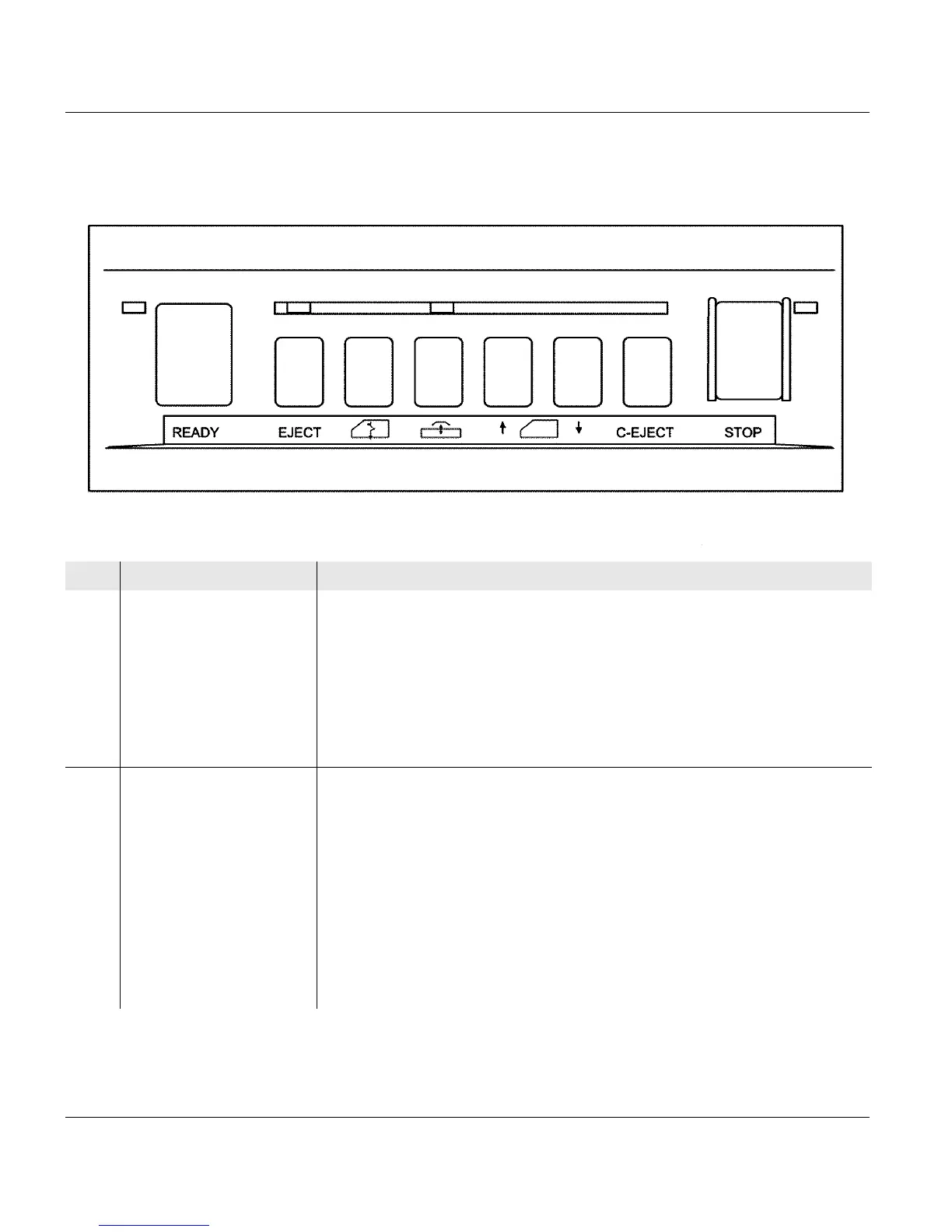
3.3.2 Stacker operator panel
52 A29246-X20-X-4-7680 / fa301.fm
Stacker operator panel
Pos. Key Function
1 READY Switches the printing system from "Stop" or "Error" modes to ready
mode.
If no error condition is present, the green indicator lamp lights up.
Requirements:
• No errors present
• Controller and system control are ready
2 EJECT moves the paper web at print speed while the key is pressed.
Depending on how long this key is pressed, single or several pages
can be advanced.
The yellow NPRO key light and the red STOP key light come on during
this time. The paper path always stops at the beginning of the paper
depending on the selected form length.
The paper web is not printed. Pages already printed are fused.
Requirement:
• This function can only be executed in "Stop" status.
1 of 2
12345678
91011 12



 To Next Page