4.2.1.3 Frame toolbar
70 A29246-X20-X-4-7680 / fa400.fm
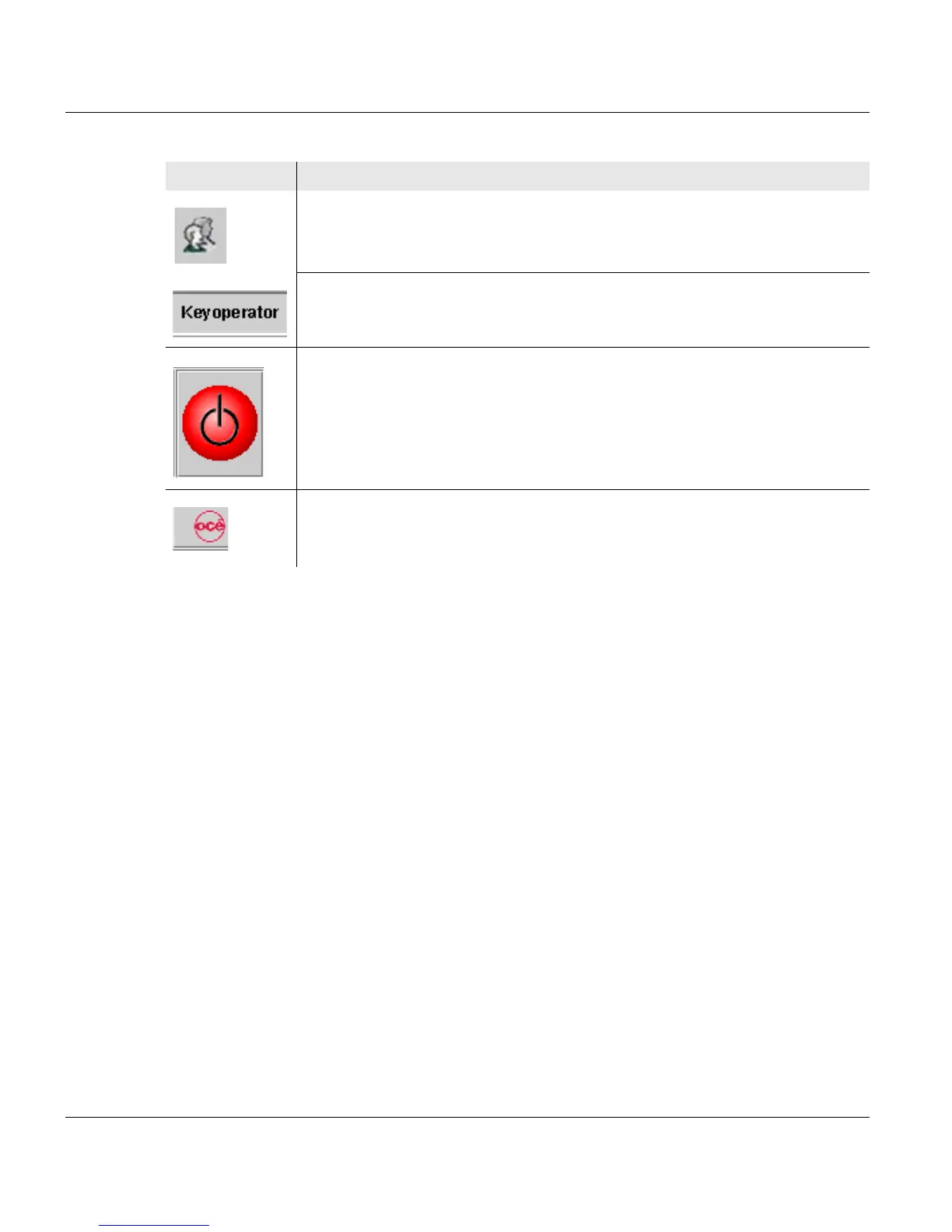
Switches to the <Change user> menu.
Users can be logged on and off in this menu.
Displays the user currently logged on.
Powers down the printing system if the print is confirmed.
This button can be operated both with the mouse and from the
touchscreen.
Switches from any sub-menu directly to the main menu of the printing
system or the UP3I manager.
Button Function
2 of 2



 To Next Page