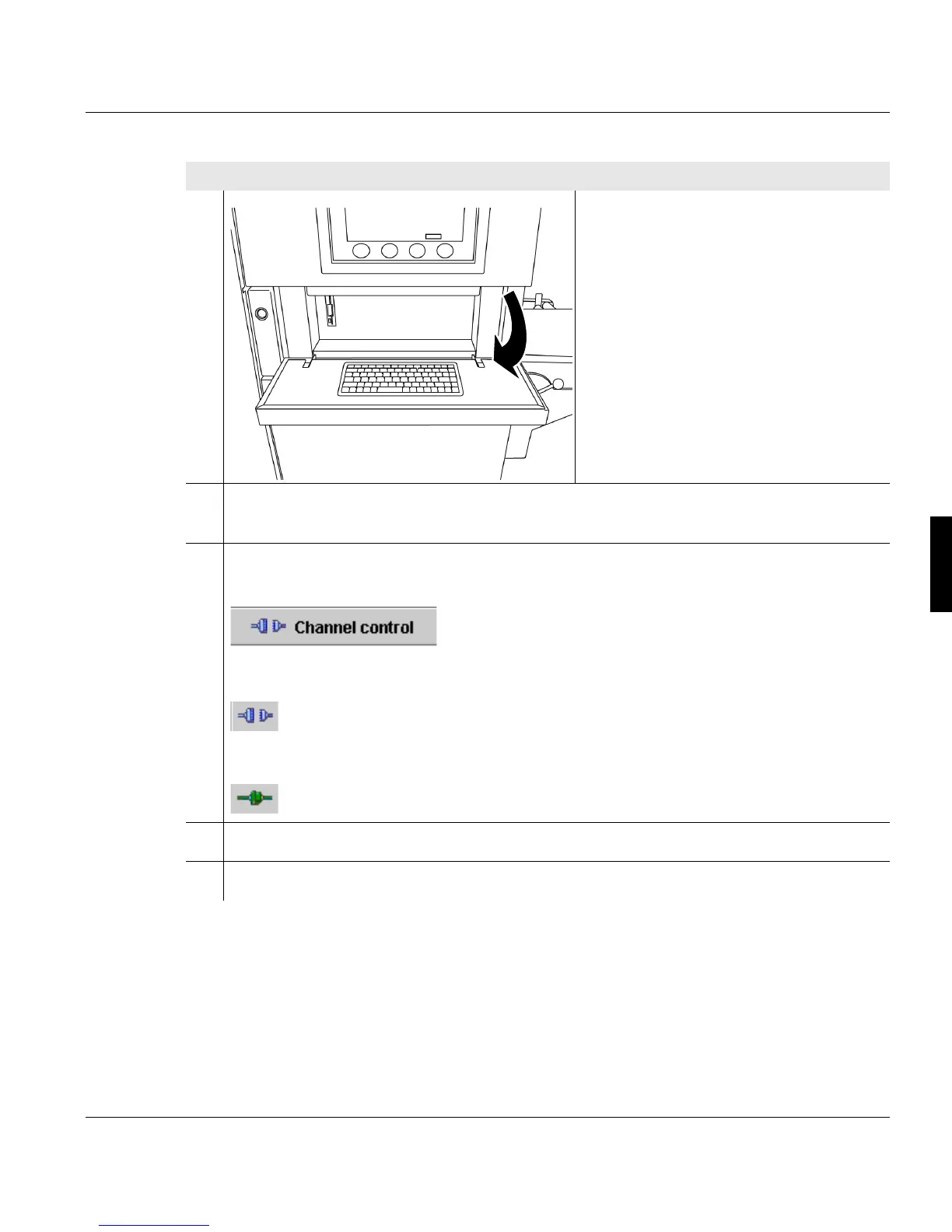
5.2 Powering on the printing system
A29246-X20-X-4-7680 / fa501.fm 97
3. Only if an SRA boot error appears in
the operator panel or when rebooting
is required.
4. The printing system is initialized (takes approx. 6 minutes). The printing system's
current status information is displayed on the operator panel.
5. Activate the desired channel on the operator panel. To do this, click the following
button:
The <Channels> menu is displayed.
To activate the channel, click on the following button:
During the time needed for activation, the clutch icon is shown in yellow. An activated
channel is represented by the following icon:
6. Insert paper web.
7. Set up a print job.
Proceed as follows:
2 of 3



 To Next Page