9-18
Y100250-4
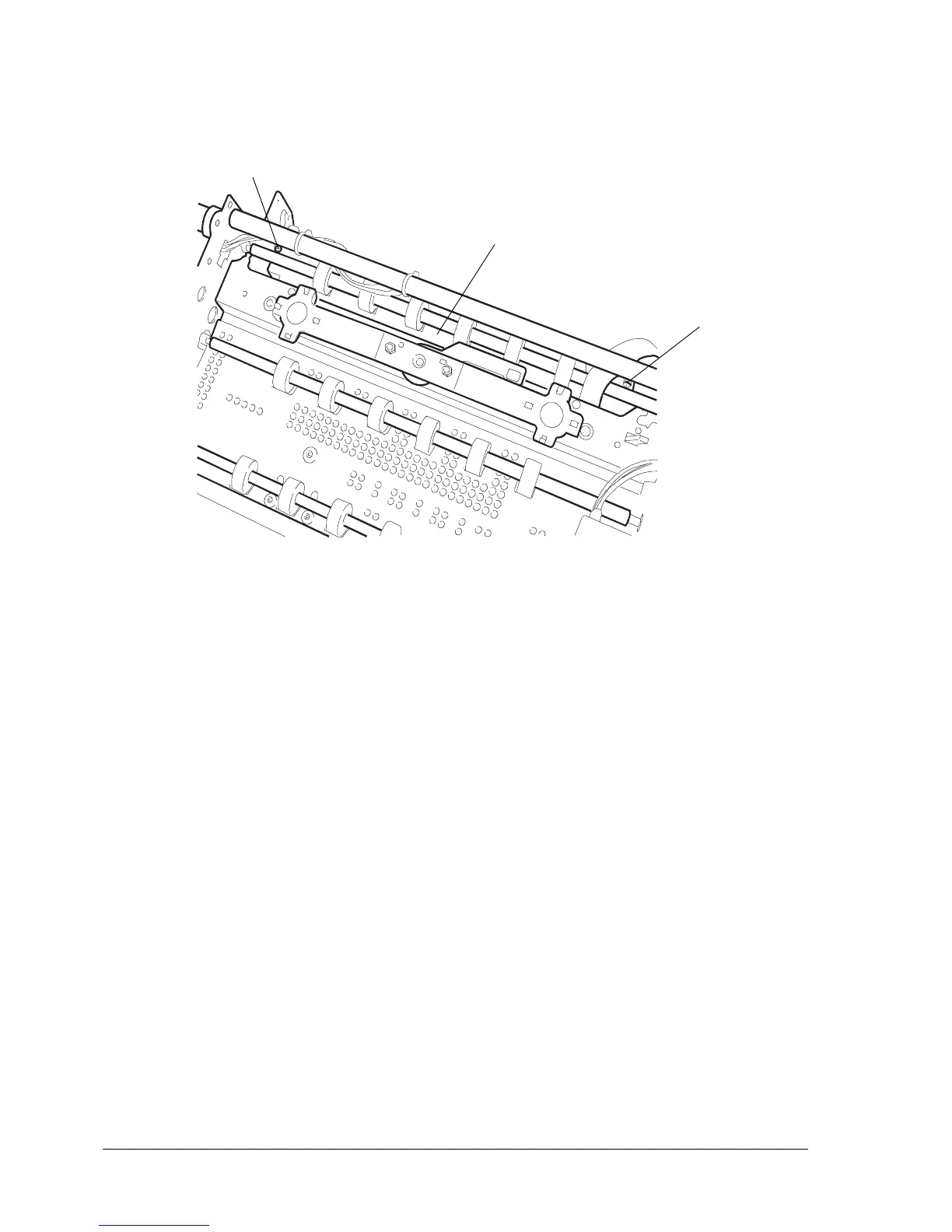
- Remove the two screws (9) that secure photosensor support (10) and then remove the support.
Fig. 9-19
Note: When refitting the conveyor assy, make sure that you refit the related bushing before refitting
the pressure roller assy.
During reassembly, do not secure the photosensor support until the conveyor assy is properly
fitted since the conveyor assy has two reference pins for the photosensor support.
After reassembly, adjust the tab (section 8.4), the front pressure rollers (section 8.7), the
opening of the tab (section 8.8) and then calibrate the photosensors (section 4.4.1).
9
9
10



 To Next Page