29
Executing ON/OFF Control Section 3-6
3-6 Executing ON/OFF Control
In ON/OFF control, the control output turns OFF when the PV (temperature)
reaches the preset SP. When the control output turns OFF, the temperature
begins to fall and the control output turns ON again. This operation is
repeated between certain points. How much the temperature must fall in rela-
tion to the SP before control output turns ON again is determined by the
“heating hysteresis” parameter. Also, whether the manipulated variable (MV)
must be increased or decreased in response in an increase or decrease in the
PV is determined by the “direct/reverse operation” parameter.
3-6-1 ON/OFF Control
Either 2-PID control or ON/OFF control can be set using the “PID/OnOff”
parameter. When this parameter is set to “PID,” 2-PID control is used, and
when set to “OnOff,” ON/OFF control is used. The default is “PID.”
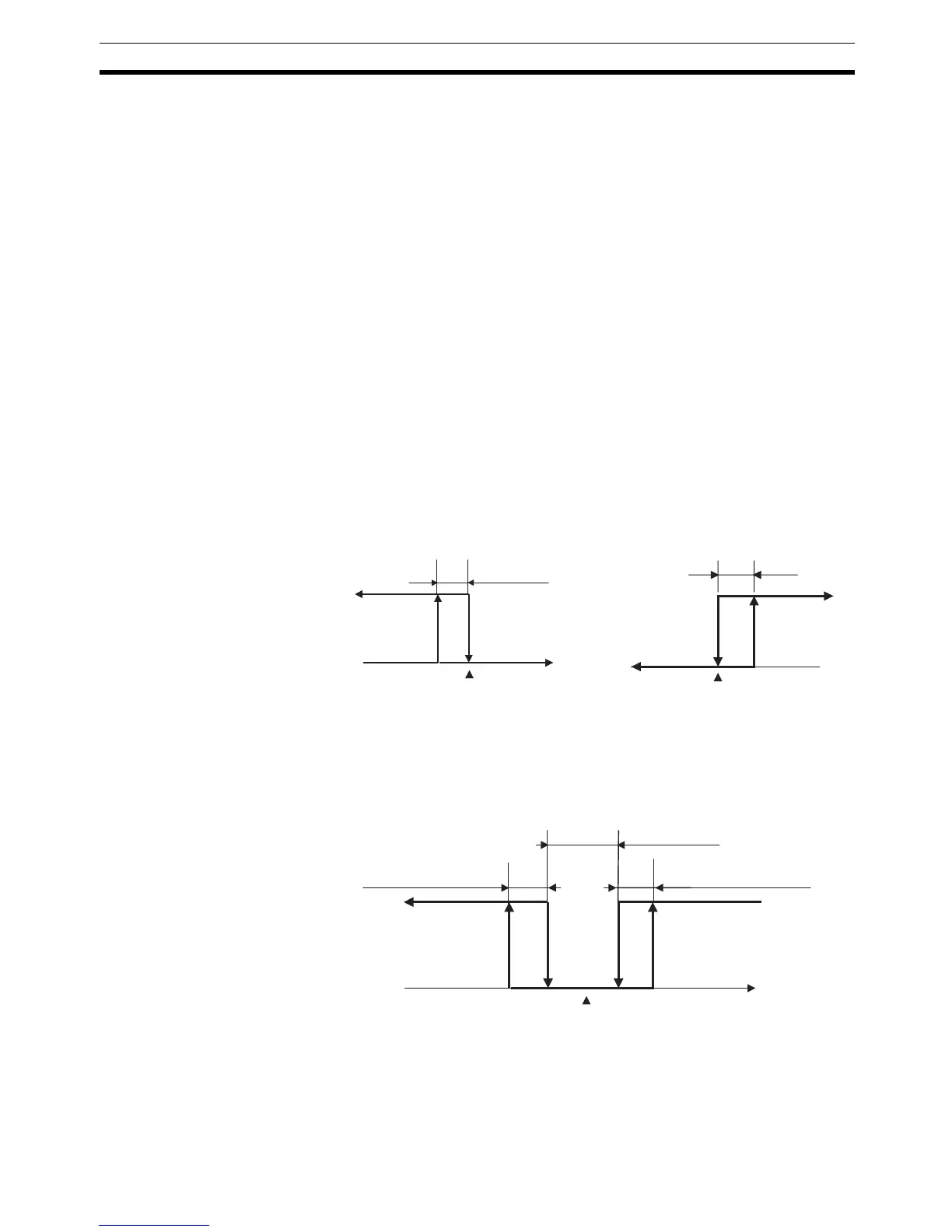
Hysteresis • In ON/OFF control, hysteresis is provided in the program when switching
between ON and OFF to stabilize operation. The hysteresis width pro-
vided during ON/OFF control is simply referred to as “hysteresis.” Heating
control output and cooling control output functions are set in the “heating
hysteresis” and “cooling hysteresis” parameters.
• In standard heating or cooling control, the hysteresis can only be set at
the “heating hysteresis” parameter.
• The default is 1.0.
3-position Control In heating and cooling control, a dead band (an area where both control out-
puts are 0) can be set between the heating and cooling sides, enabling 3-
position control.
Cooling hysteresis
PVOFF
ON
SP
Heating hysteresis
ON
OFF
PV
SP
Heating Control
Cooling Control
ON
OFF
Heating hysteresis Cooling hysteresis
Dead band
Heating side Cooling side
SP
PV



 To Next Page