Auto Focus Multi Code Reader V430-series User’s Manual (Z392) 1-23
Quick Start
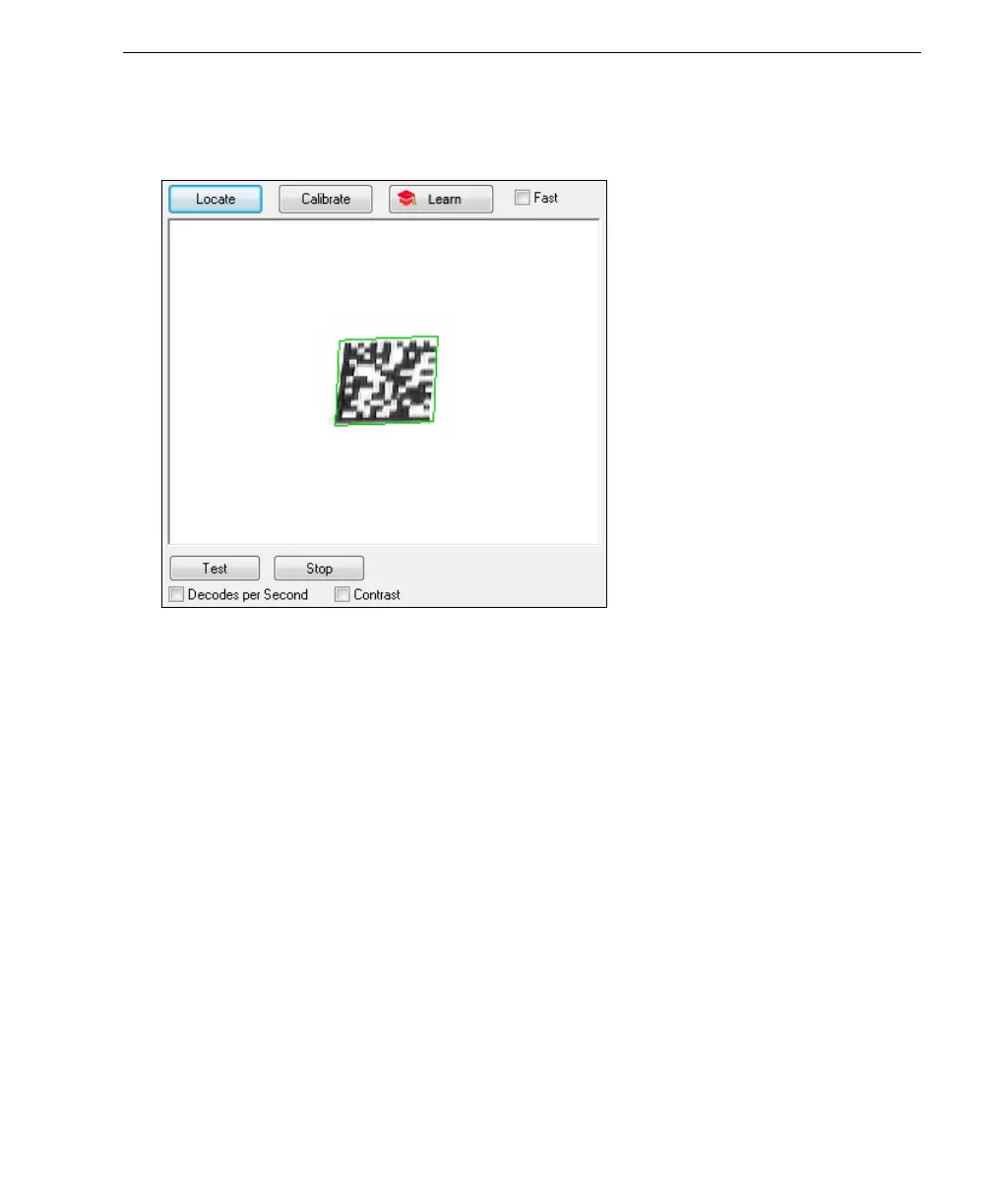
Step 6 — Locate the Symbol in the Field of View
•In ESP’s EZ Mode, click the Locate button to enable the blue target pattern.
The symbol in the field of view will appear in the video view beneath the
Locate
and
Calibrate
buttons, and you will see the blue target
pattern projected from the front of the reader.
• Center the target pattern on the symbol.
Important: The entire symbol should fall within the field of view (FOV) of the reader. The
field of view is what appears in ESP’s Locate/Calibrate window in EZ Mode.
• Click the Stop button to end the Locate function.



 To Next Page
 Loading...


