Manual Version e1-4.3.0.ae-R3. Page
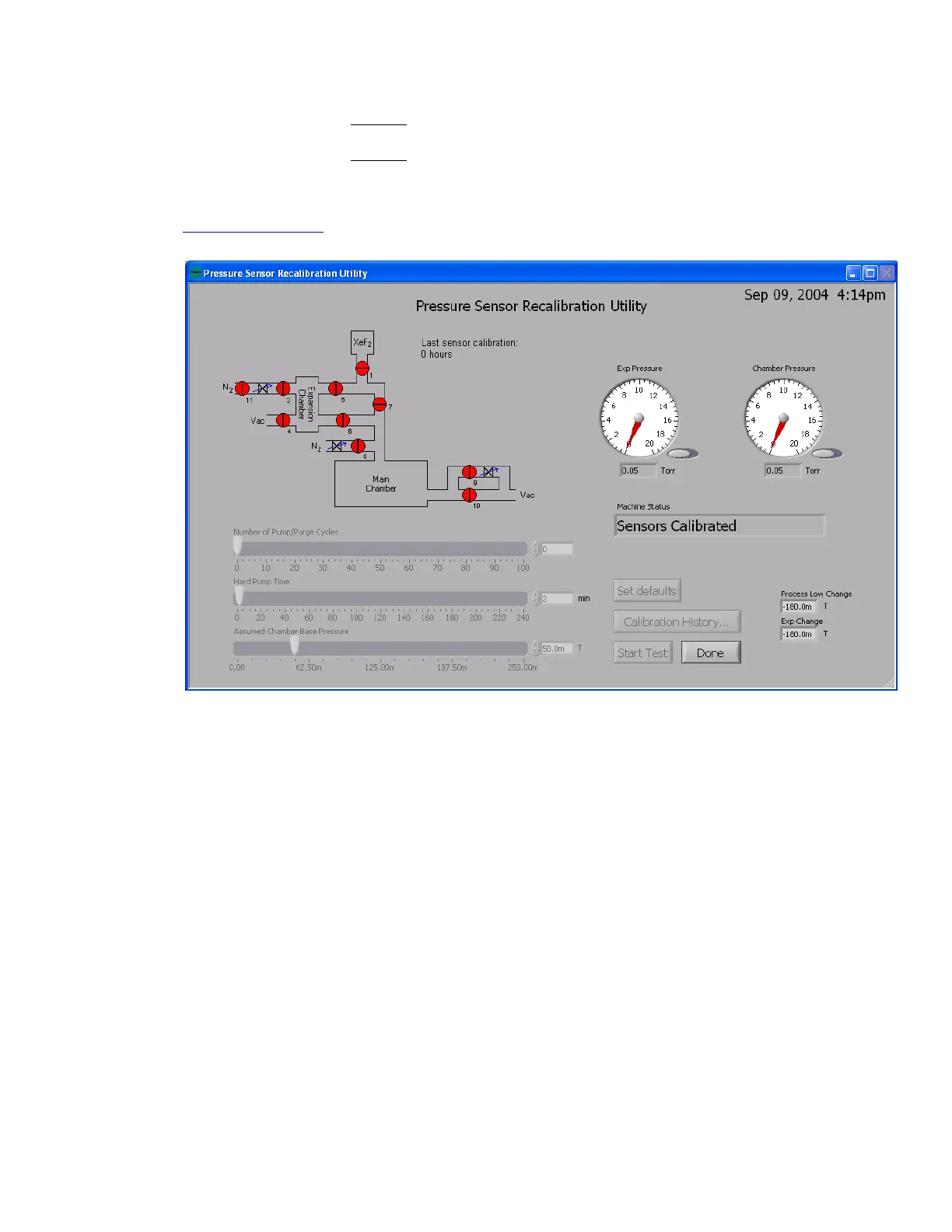
10. Press Start Test and wait for procedure to end. Record the:
Process Low Change:
Torr
Exp Change:
Torr
which are the values displayed at the completion of the Pressure Sensor Recalibratioin Utility
(see below) that correspond to the offsets of the gauges. Please send these values to
support@xactix.com and continue on with the procedure.
11. Press done:
12. The Main Menu will be displayed. Go to the Maintenance Menu and press Quit Program.
Acknowledge the prompt by pressing YES to quit the program.
13. Restart the Xetch software, which can be found in the Start menu or at
C:\Program Files\Xactix\xetch.exe
14. Allow the system to start up through normal mode
15. Rerun the Gauge Calibration utility, but this time use the defaults of 3 purge cycles, 60 minutes
of Hard Pump, and 50 mTorr base pressure



 To Next Page