Manual Version e1-4.3.0.ae-R3. Page
5.3 Software operation details
5.3.1 Recipe Storage
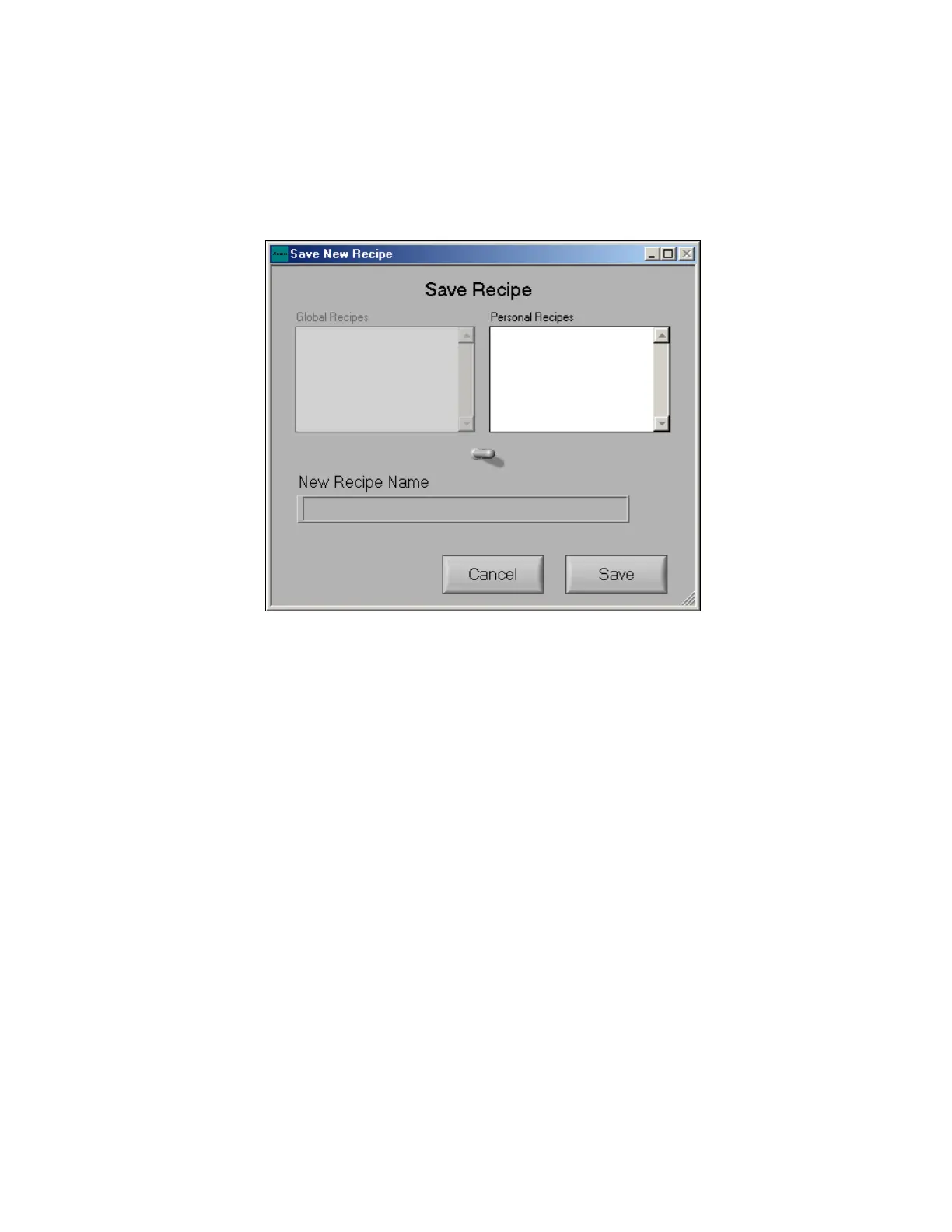
To save a recipe, click on the save button located near the top of the “perform etch screen”. The save
new recipe screen is pictured below. By using the toggle switch in the middle of the screen users can
save the new recipe to their Personal Directory or the accessible to all users Global Recipes directory
(the ability to save recipes to the global directory may be turned off for some users as described below).
5.3.2 Recipe Manager
The recipe manager may be used to copy other users’ recipes, located in their personal directory to the
current user’s personal directory. This option is limited to users with configurable etch access. The
current user’s personal recipes are displayed in the left box (in this case admin). The personal directory
for other users is found in the right box. The pull down bar at the top right can be used to select from
the personal recipes of various users. To copy a recipe into the current user’s directory, select the
desired recipe and click on the left arrow icon between the two directory windows.
A recipe may also be copied from the user’s personal directory to the global directory (if the user has
global write access). This is done by highlighting a recipe in the user’s directory, selecting Global
Recipes in the right window and then using the right arrow to copy it to the Global Directory.



 To Next Page