Manual Version e1-4.3.0.ae-R3. Page
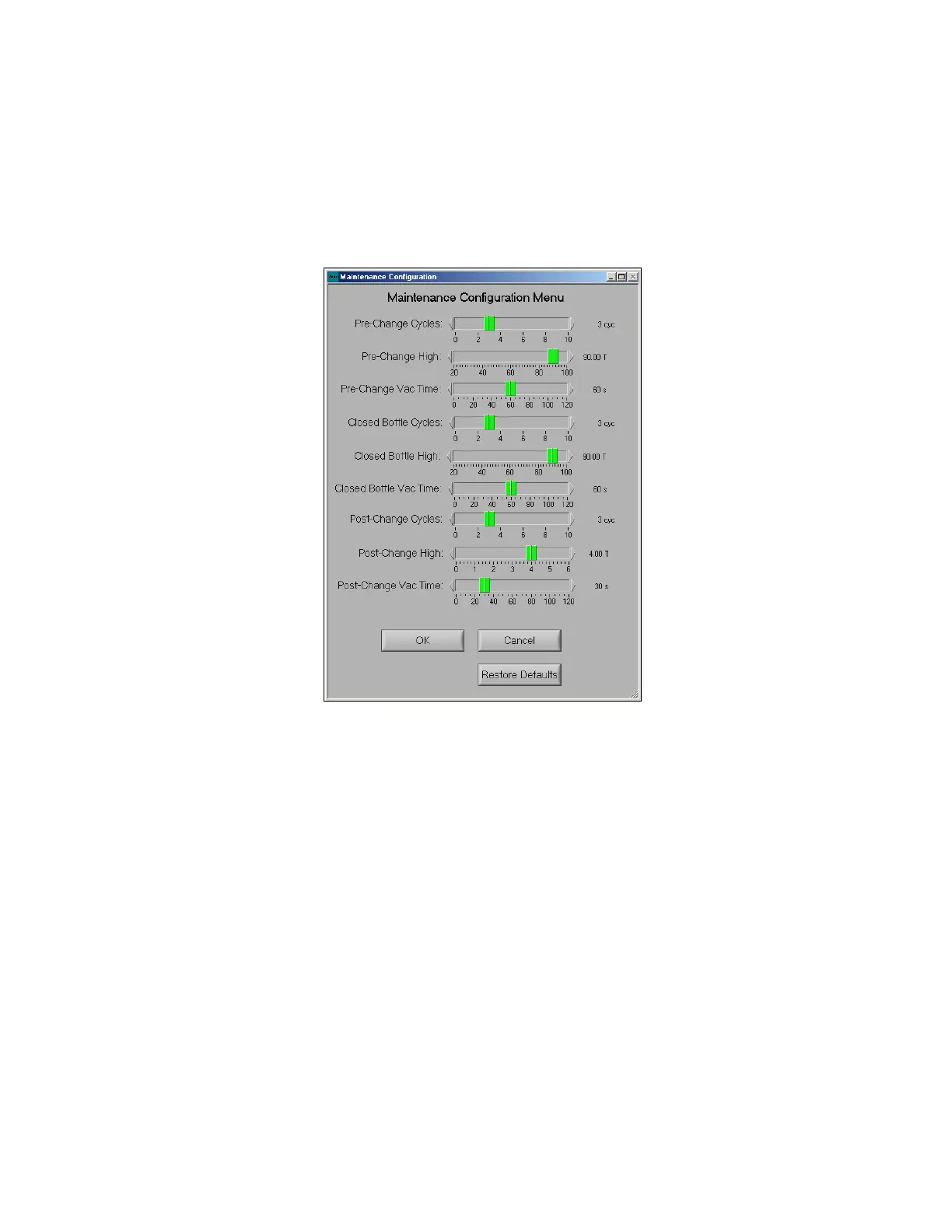
Post-Change Cycles
Allows user to set the number of cycles used to ensure that the XeF2 bottle is operating correctly.
Post-Change High
Allows user to set the XeF2 pressure for the conditioning cycles following a XeF2 bottle change.
Post Change Vac Time
Allows user to set the vacuum time for the conditioning cycles following a XeF2 bottle change.
5.4.8 Etch Configuration Menu
The etch parameters options screen is displayed on the next page. Each of the options is briefly
explained:
Soft Etch Stop
Allows the user to stop etching; yet allow the current cycle to finish before exiting. As opposed to a hard
etch stop; which can still be performed by pressing the “STOP” button twice, which immediately
evacuates all chambers closes all valves, and returns to the main menu.
Allow In-Progress Cycle Changes
Allows the user to add additional cycles to an etch while etch is still in progress.
Show overtime warning and Overtime threshold
If this is enabled, a warning message will be displayed to alert the user that the system is taking a
longer time than is expected to complete an etch cycle. The overtime associated with this feature is set
via the Overtime threshold. Typically, a long time such as 100 seconds is recommended to avoid an
accidental warning. For example, if the Overtime threshold is set to 100 seconds and the software
expects a cycle to take 30 seconds, if the cycle exceeds 130 seconds, then a warning will be displayed
to indicate that there may be a problem.



 To Next Page