Manual Version e1-4.3.0.ae-R3. Page
5.1 e1 Series Log in
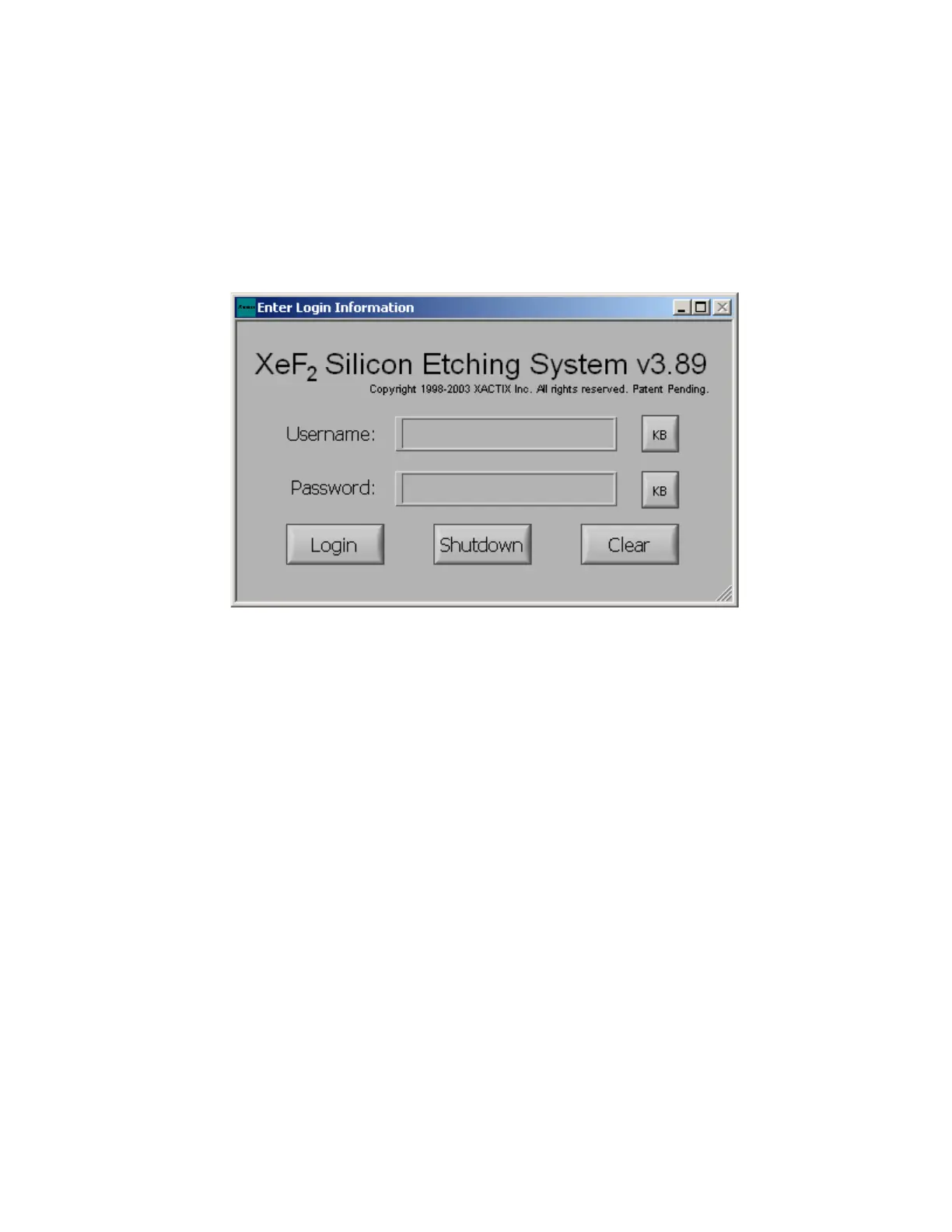
The e1 Series is set up so that individual users are required to log in to the system. When starting the
e1 Series the prompt below will be displayed. Each operator is required to input their username and
password which will be assigned to them by the system administrator. The KB button beside the
Username and Password field can be used to access the on-screen keyboard.
The system administrator can log in to the system by inputting “admin” as the username. A password
can be created after the initial log in as the administrator (for the first login, the password field should be
left blank).



 To Next Page