Manual Version e1-4.3.0.ae-R3. Page
5 Description of operation; Method of use
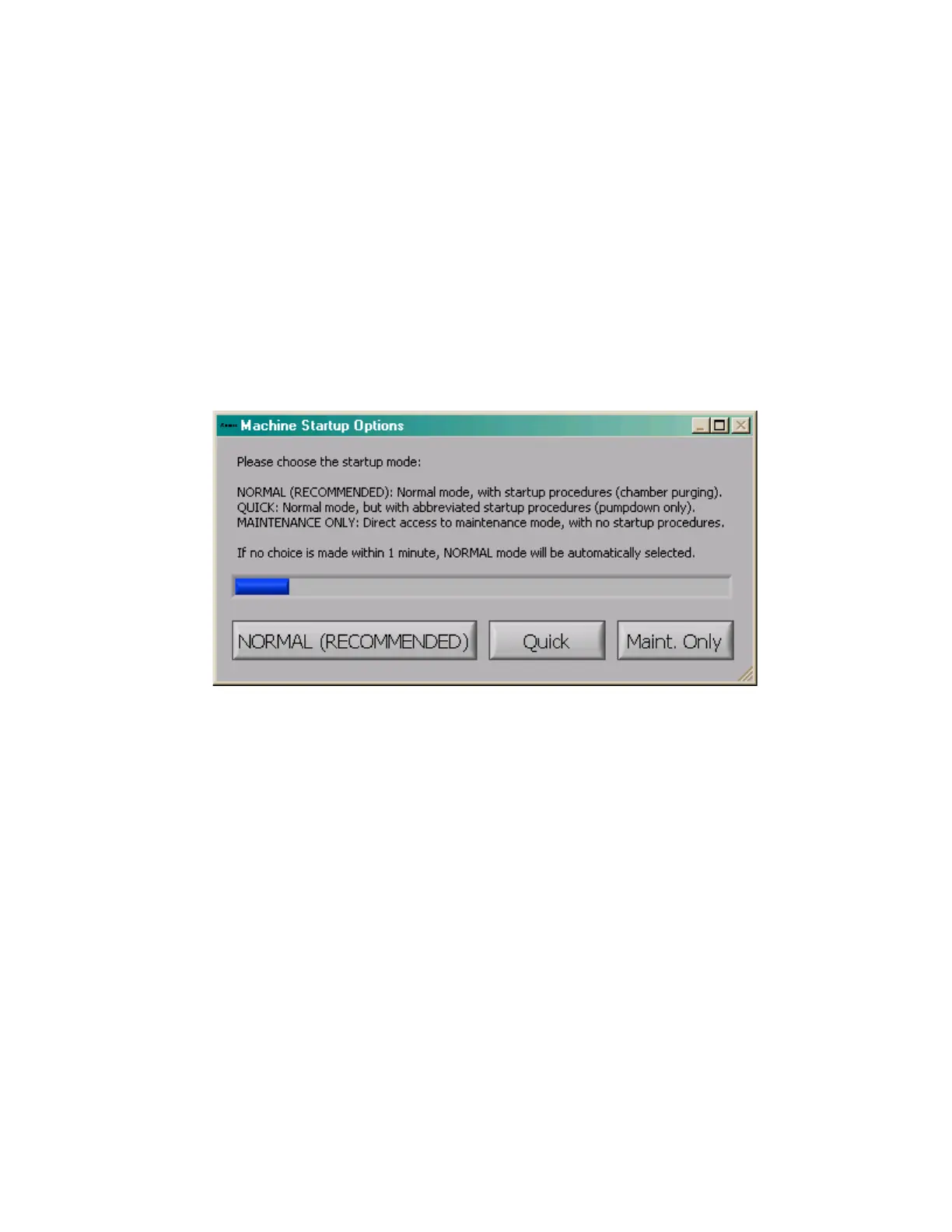
The e1 Series performs several activities when the system is turned on, including initializing hardware,
purging the chambers, and preparing the software to run. There are three options displayed after the
machine initializes the hardware, and this dialog box is shown below.
• Normal mode is the recommended method of startup for the e1 Series. In this mode, the
machine pumps and purges all of the machine chambers, assuring the user that the chambers
are purged.
• In Quick mode, the chambers are simply pumped down, with no purging performed. This mode
is useful when the state of the system is known upon startup, and no purging is necessary.
• In Maintenance only mode, the etch menu and load sample menu are disabled, and only the
maintenance menu can be reached. This mode is useful when there is a machine fault that
needs to be resolved by a technician.
If no choice is made for one minute, Normal mode is selected by default. This allows the system to start
up unattended.



 To Next Page