Manual Version e1-4.3.0.ae-R3. Page
5.4.4 System Configuration Menu
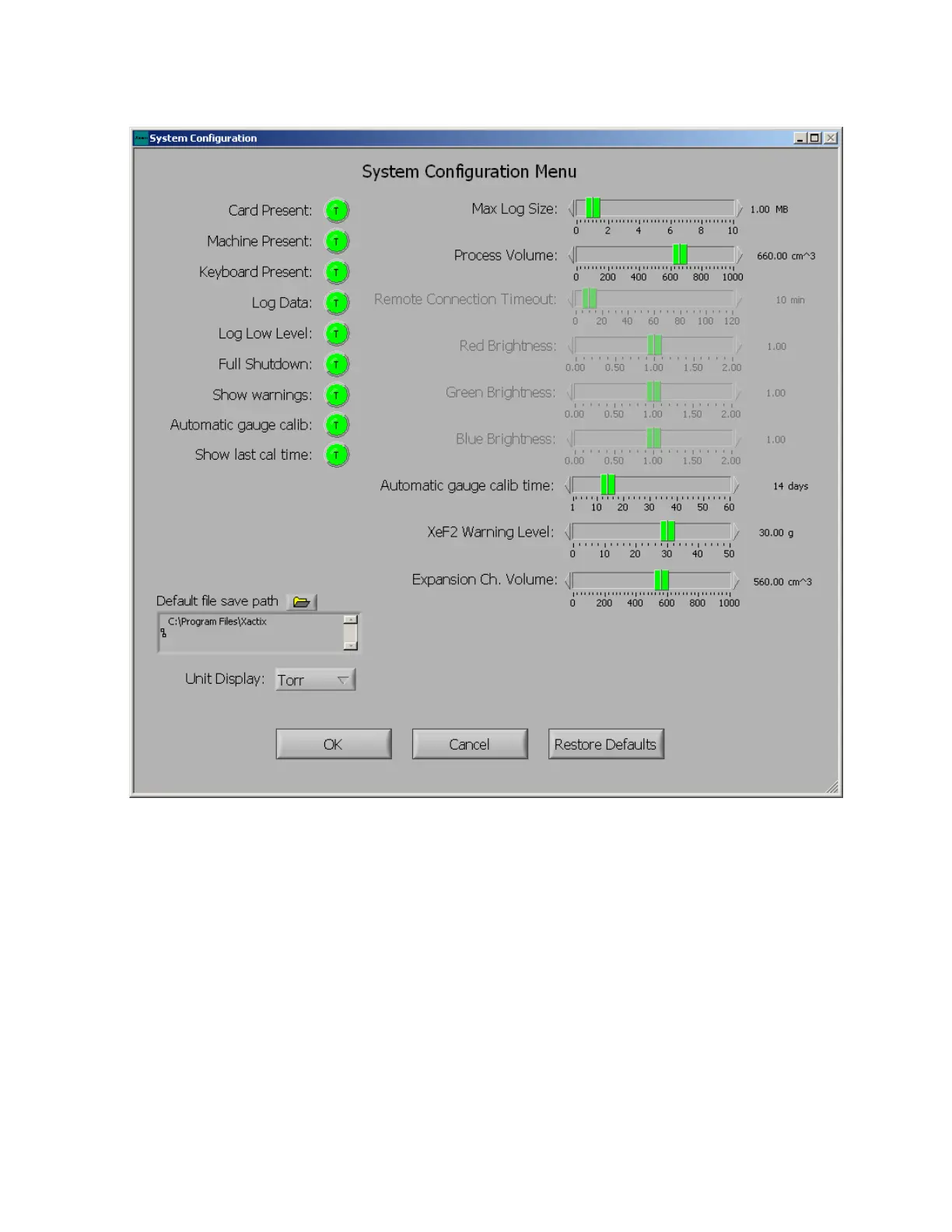
The system configuration options screen is displayed below. Each of the options is briefly explained:
Card Present
Query for the presence of system controller card. This should normally be true for systems. Otherwise,
the software will operate in a simulation mode.
Machine Present
Query for the presence of e1 Series machine. This should also be normally set to true.
Keyboard Present
Query for the presence of an external keyboard. It is suggested to leave this as false, even if there is a
keyboard since setting it to true removes many of the on screen keyboard functions that may be
convenient.
Log Data
Keeps track of machine operation for incorporation into the log.



 To Next Page