Manual Version e1-4.3.0.ae-R3. Page
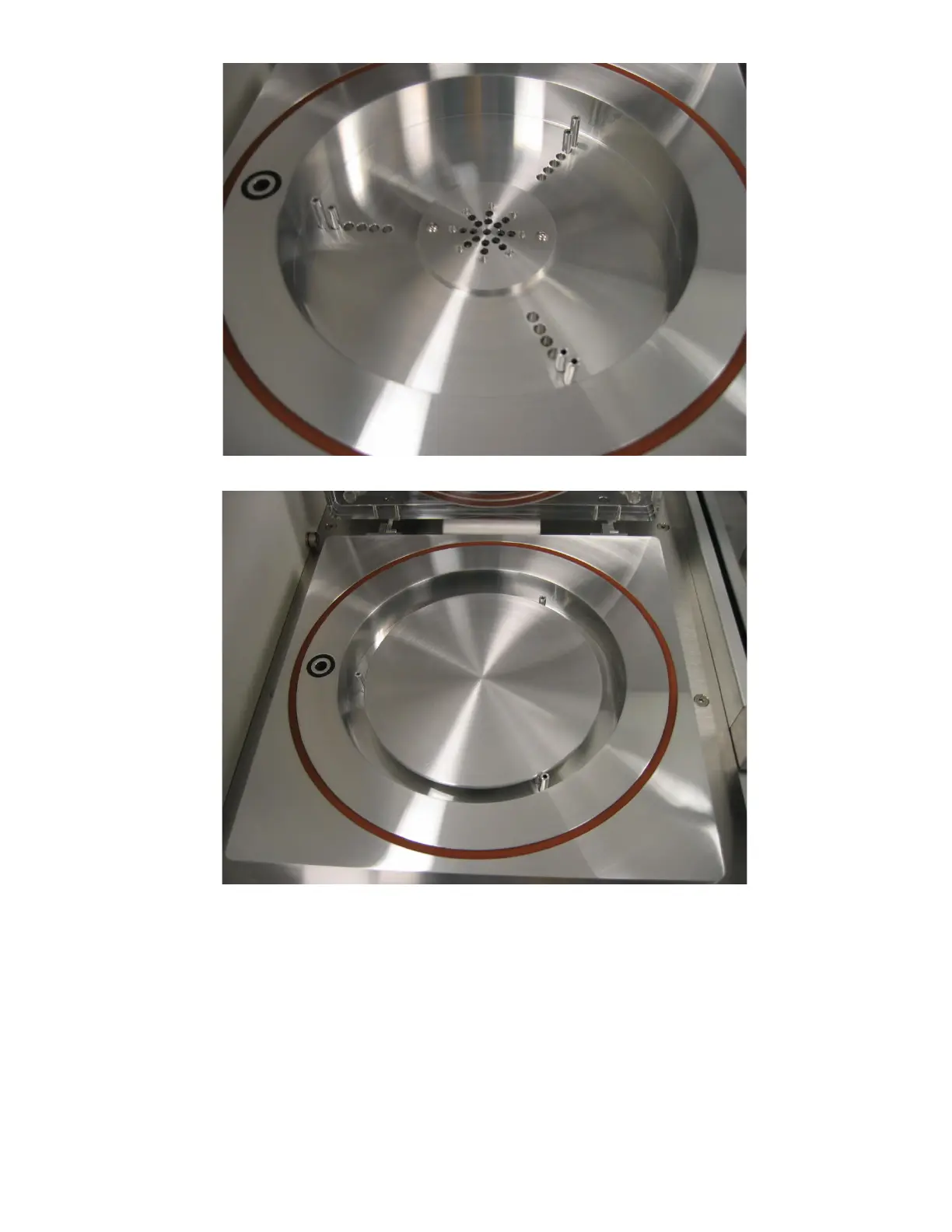
Figure 31. Wafer holding pins in place.
Figure 32. Wafer holder placed on pins.
5.2.2 Viewing the Log
The log may be viewed by clicking on the “View Log” button on the Main Menu. The log file is a
database that is queried by beginning date and ending date. The “Today”: button will automatically set
the dates to the current month, day, and year. The lot number, username, recipe, note’s keyword(s),
and/or etching mode used can further specify your search. Wildcard characters (*,?) may be used to
fully specify the search criteria.



 To Next Page