Manual Version e1-4.3.0.ae-R3. Page
5.4.1 Viewing the Full Log
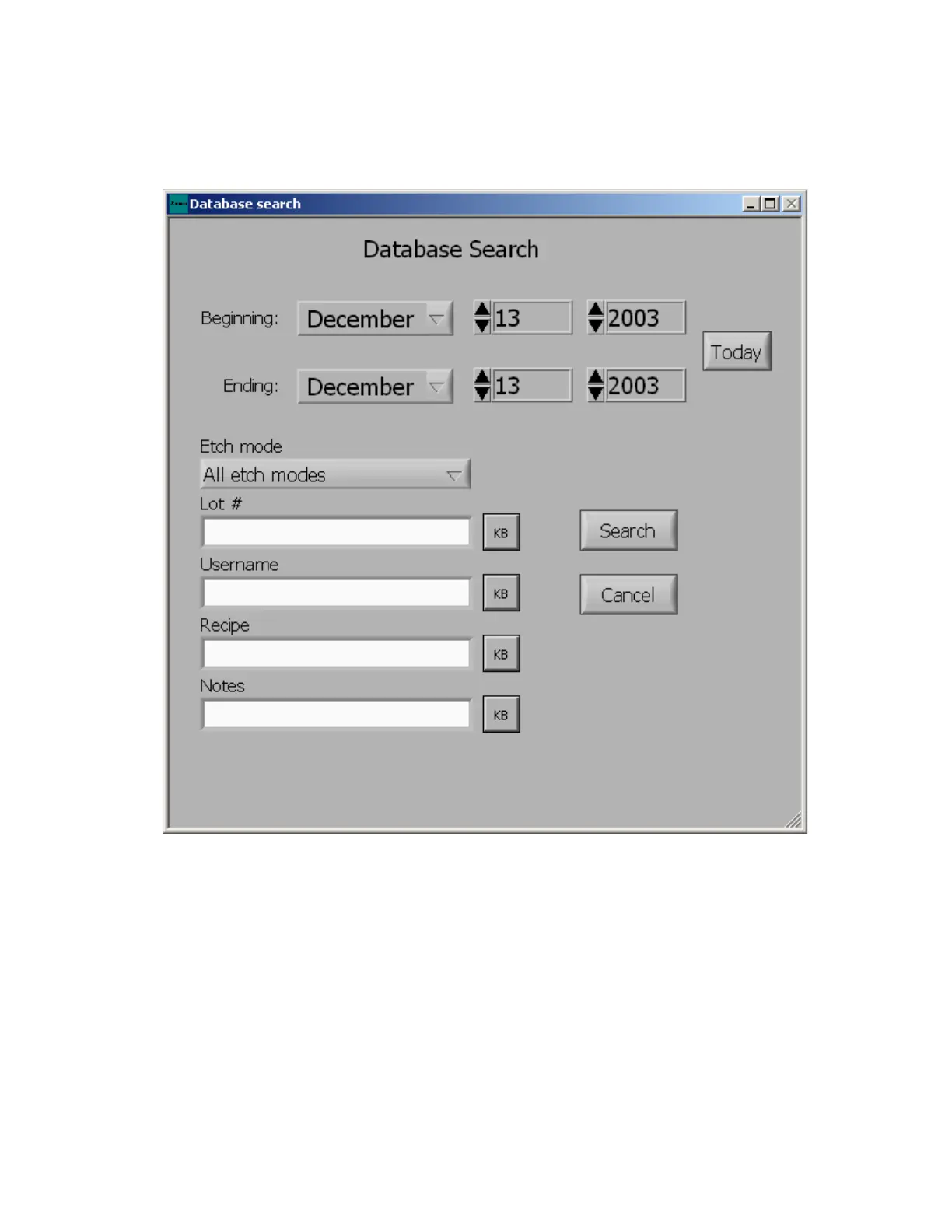
The full log may be viewed by clicking on the “View Full Log” button within the maintenance menu. The
log file is a database that is queried by beginning date and ending date. The “Today”: button will
automatically set the dates to the current month, day, and year. The lot number, username, recipe,
note’s keyword(s), and/or etching mode used can further specify your search. Wildcard characters (*,?)
may be used to fully specify the search criteria.
If the boxes are left blank, clicking the search button will reveal all history info, displayed in a tabular
form.



 To Next Page