Manual Version e1-4.3.0.ae-R3. Page
4.4 Uncrating
4.4.1 Receiving the System
Inspect the shipping crate for signs of obvious damage encountered during shipment (dents, scrapes,
holes, etc.). Also inspect the "Tip n' tell" gauges and ensure that they have not been tripped (blue
powder will be in the arrowhead if it was handled roughly). If a gauge has been tripped, this indicates
that the crate was handled roughly and/or tilted at high angles during shipment. Please make a note to
the shipper and contact SPTS immediately. Also, please keep this crate for future system storage and
shipment.
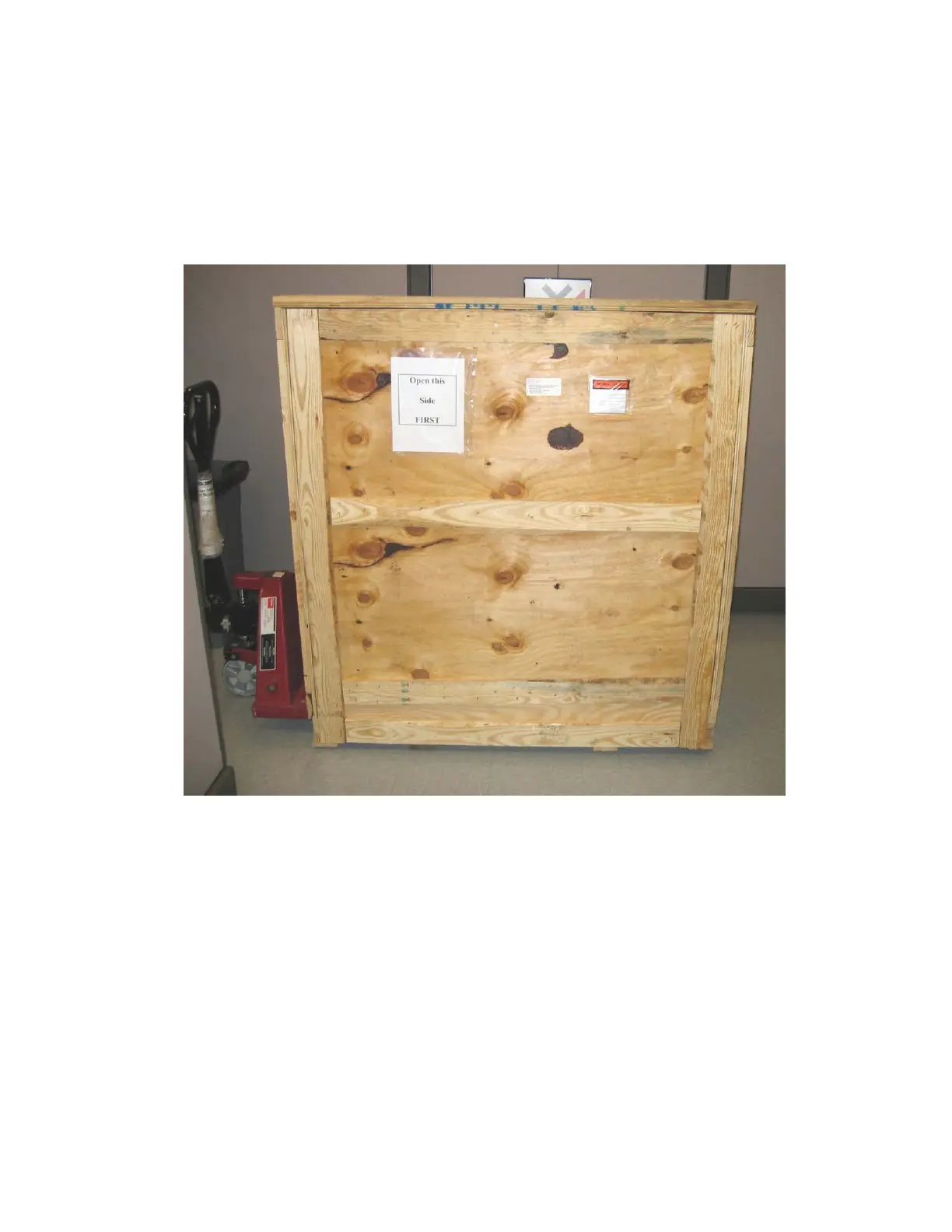
Figure 6. Crated system.
Note that the crate should be lifted from the end as shown in Figure 7.:
4.4.2 Storing the System Before Installation
If necessary, store equipment in a secure indoor location, free from traffic, moisture, dirt and in a
temperature range of 5ºC to 55ºC.
Do not stack the crates with each other or any other boxes that might create a safety hazard or cause
sudden movements or tipping of the system.
Damage caused by shocks to the equipment, tipping of the equipment, or any other hazard while the
system is stored is fully the responsibility of the customer.



 To Next Page