Manual Version e1-4.3.0.ae-R3. Page
5.4.3 Configuration Menu
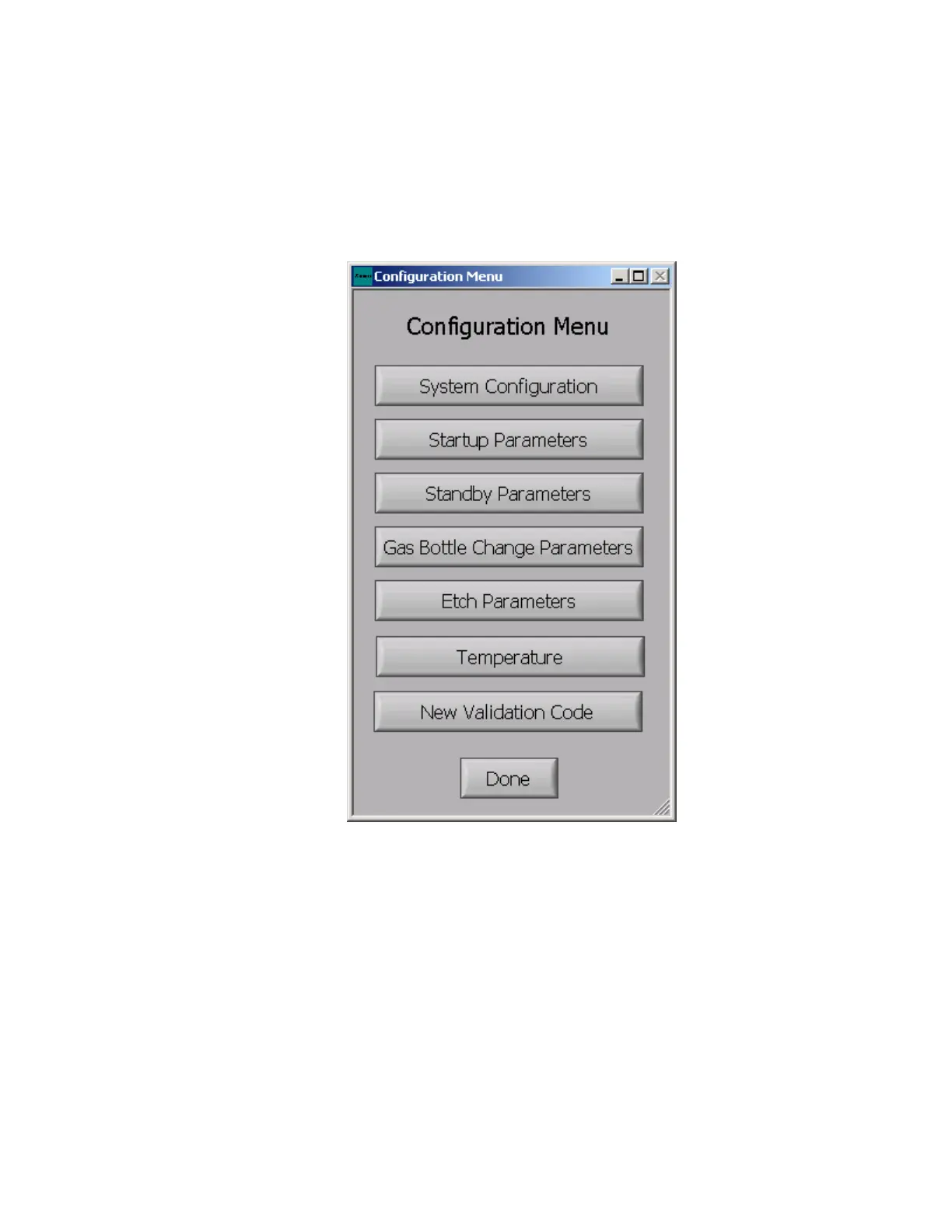
The configuration menu can be edited to change various system operations relating to basic system
parameters, startup parameters, standby parameters, maintenance parameters, etch parameters, and
validation codes; NOTE: The validation code should only be changed by the system administrator.
To edit the configuration menu select the “Edit CFG” option in the maintenance menu. The following
options will appear as follows:



 To Next Page