Manual Version e1-4.3.0.ae-R3. Page
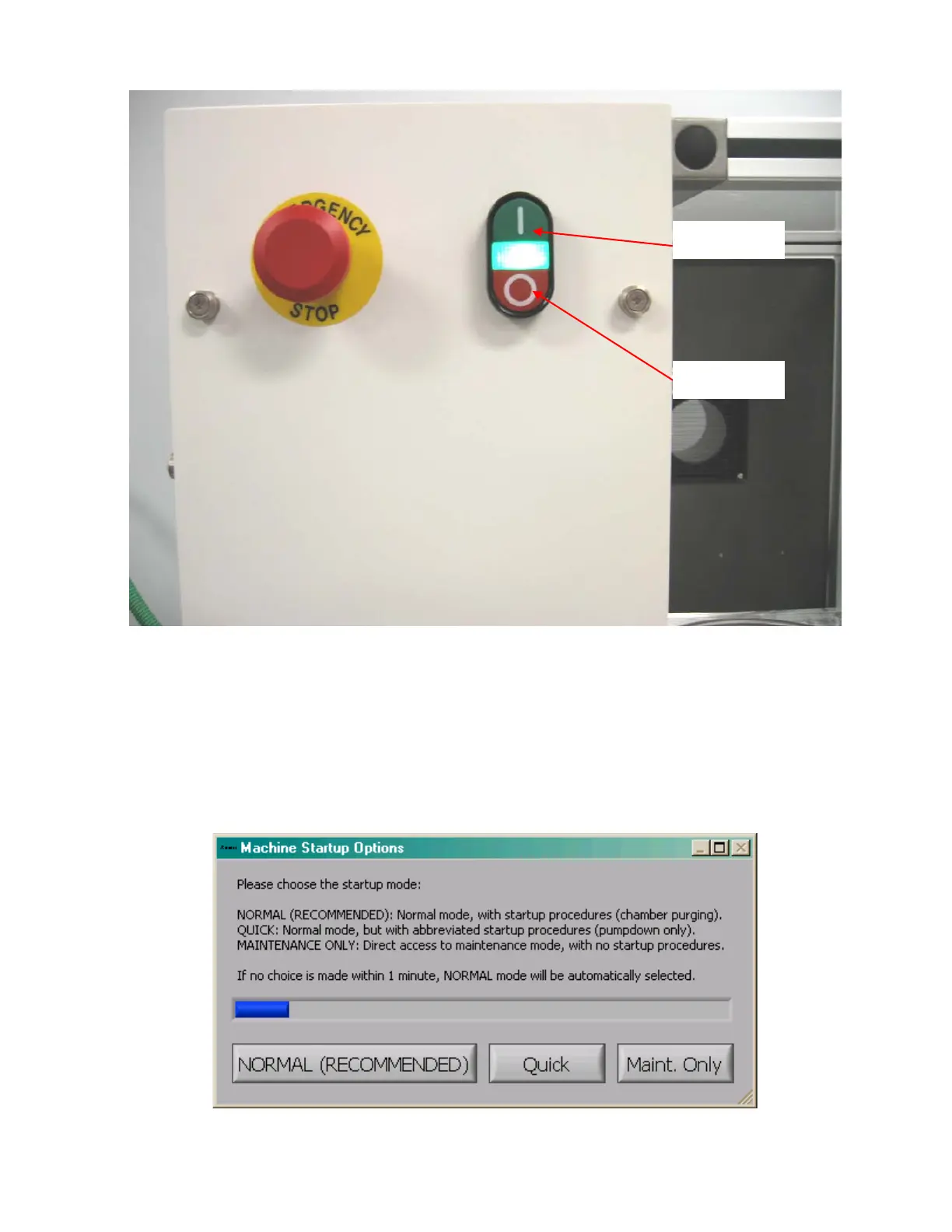
Figure 28. Main power controls.
Press the ON button to start up the e1 Series and the vacuum pump.
Since the system has not been running, let the system warm up for 4 hours so that the gas box
temperature can stabilize. Also, be certain that the room temperature is between 65ºF and 75ºF
(18ºC to 24ºC) and does not fluctuate.
After the warm-up period, start the computer system. Then, the e1 Series control program, which is
located under; Start Button; Programs; Xactix; Xetch, will auto start (if it is not set to auto start, it can be
started manually).
After the initialization procedure, a dialog box will appear as below:



 To Next Page