Manual Version e1-4.3.0.ae-R3. Page
2. Swing the optional microscope out of the way of the chamber. If the chamber ventilation shroud
covering the chamber is not pulled fully forward (see Figure 29), a request to close the shroud
will be displayed before venting the chamber. Move the shroud forward (see Figure 30) and
acknowledge the prompt.
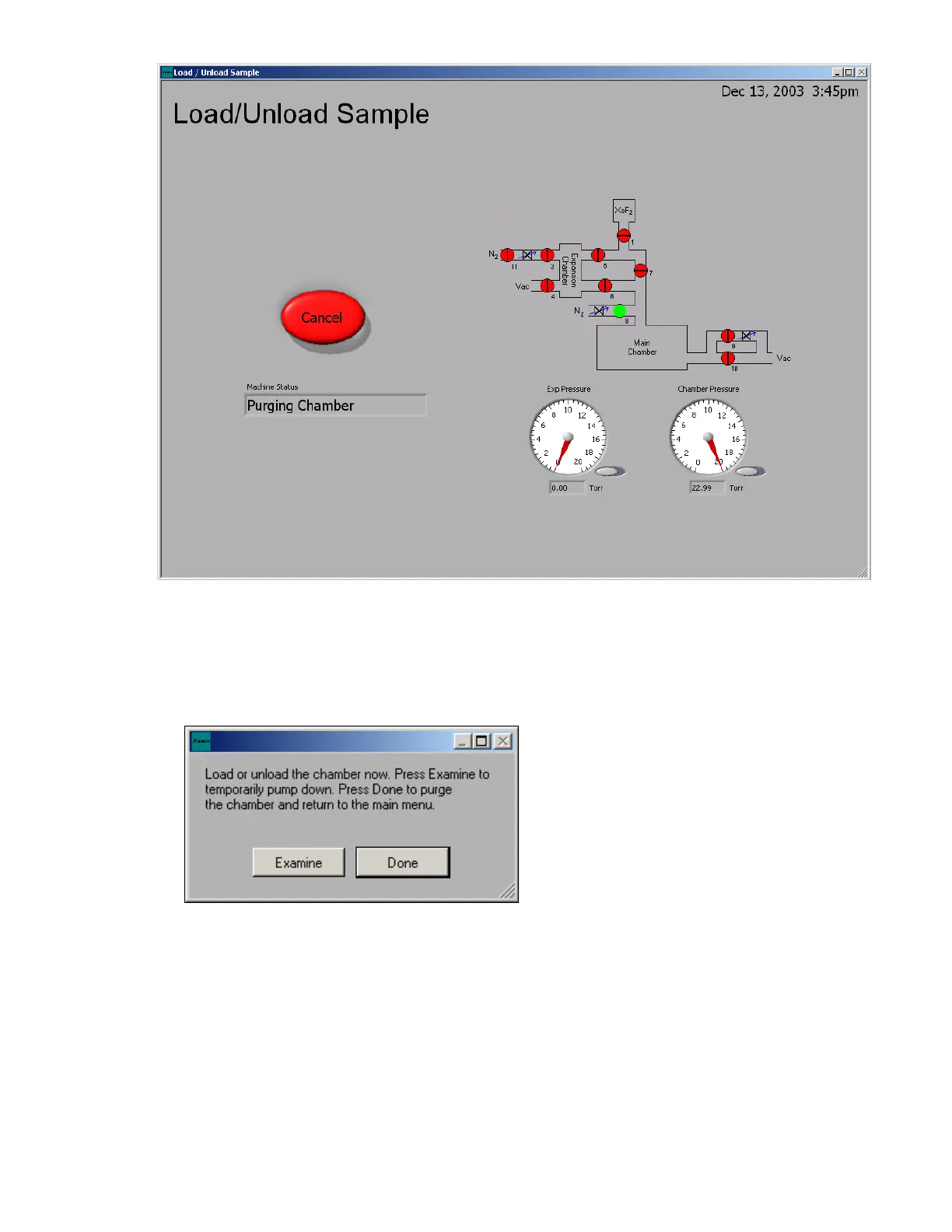
3. When the chamber is vented, the dialog box below will appear and you can open the chamber
lid. The lid will rest open on the stop behind chamber.
4. If desired, load a sample. If the sample holder and pins have not been placed inside of the
chamber, and you wish to do so, please do so now. See Figure 31 and Figure 32.
5. Close the lid.
6. Press “Done” on LCD screen as shown below, the system will go through a purging cycle prior
to chamber pump-down. As a side note, the Examine button only pumps the chamber down,
without purges, so that the system can be quickly vented to load the sample. This is very
useful when examining a sample away from the system to prevent moisture from accumulating
in the chamber. However, it is always necessary to press Done before etching the sample.
7. During the pumping cycle, a “click” sound will be heard that indicates that the ventilation shroud
can be moved.



 To Next Page