Manual Version e1-4.3.0.ae-R3. Page
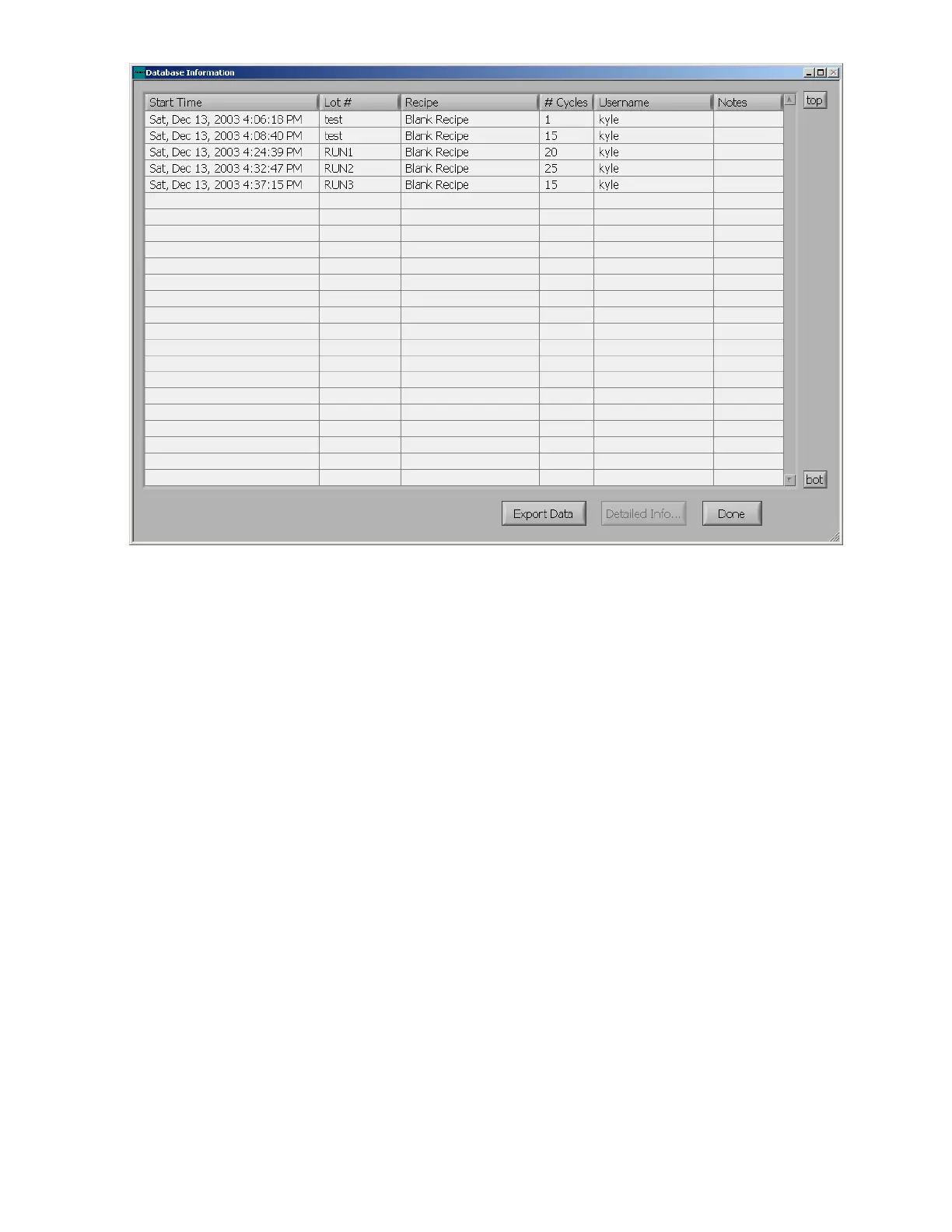
Figure 33. Database Information screen.
The export data button allows you to export all of the information shown in the table to a tab-separated
text file that can be opened in the program of your choice, such as Microsoft Excel, Microsoft Access,
and Microsoft Word, as shown below. Choosing a destination folder can be done by clicking on the
folders icon at right side of the “File Dialog” screen. A default folder for saving log files and photos may
be selected in the “System Configuration Menu”. File names are automatically entered in this form,
(2003-12-13_001.txt). This represents the year, month, day, and the number of the export for that day.



 To Next Page