Manual Version e1-4.3.0.ae-R3. Page
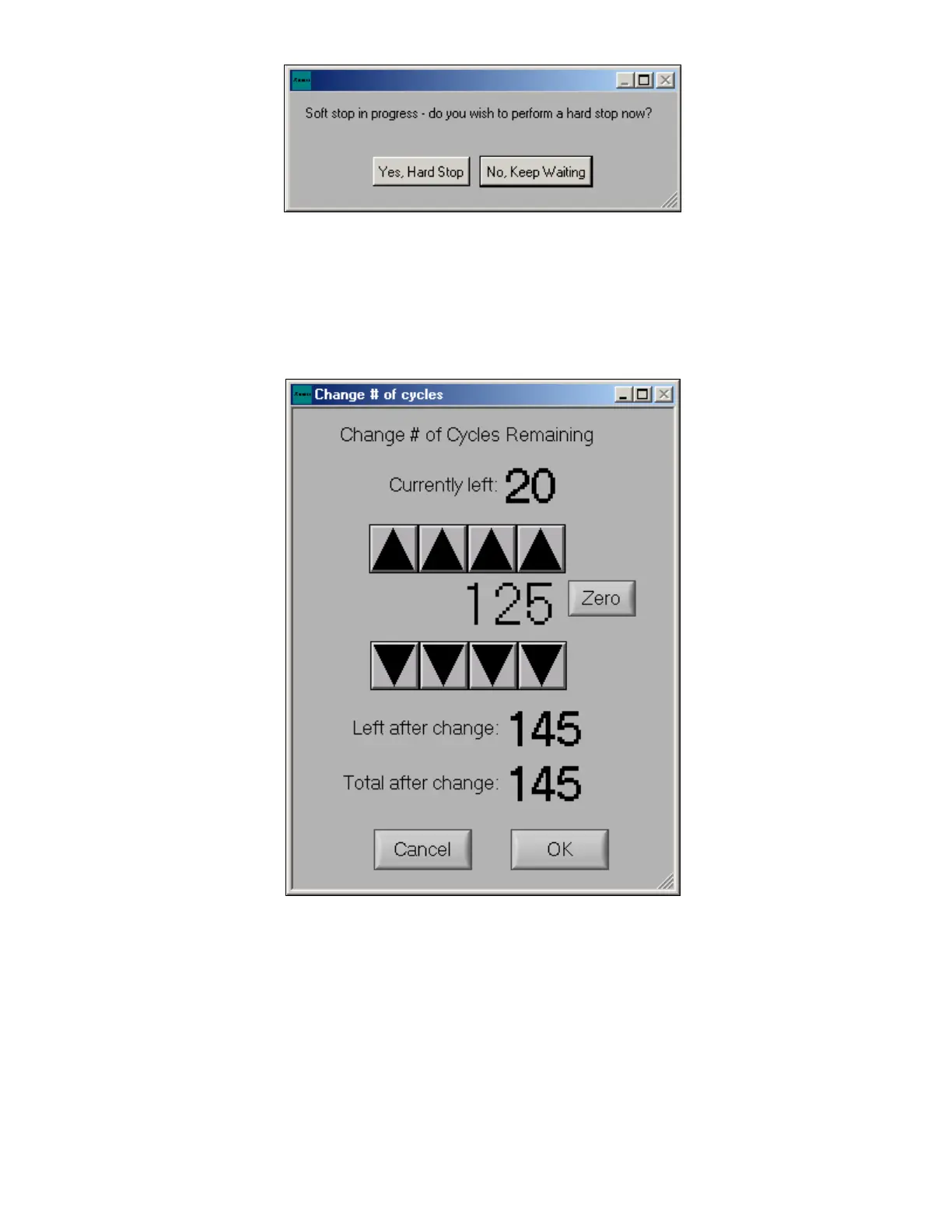
If “Soft Stop” is made “TRUE” in the “Etch Parameters” menu, the Xetch will allow the current cycle to
finish before ending the entire etch. If the “STOP” button is pressed twice, the Xetch will prompt the
above menu (See also “Soft Stop” on page 78). Choosing “Yes, Hard Stop” will end the etch cycle
immediately and return the user to the main menu. If “No, Keep Waiting” is chosen only the current
cycle will be completed before returning the user to the main menu.
At the bottom of the screen there is a figure labeled ETA. This feature displays the expected completion
time. The ETA is continuously updated during the process run.
Once the desired recipe settings have been chosen then etching can be initiated. By pressing the “Start
Etch” button at the bottom left, the set values are stored and used to complete the desired etching
sequence. At this point all of the controls will be disabled except for the stop button.



 To Next Page