Manual Version e1-4.3.0.ae-R3. Page
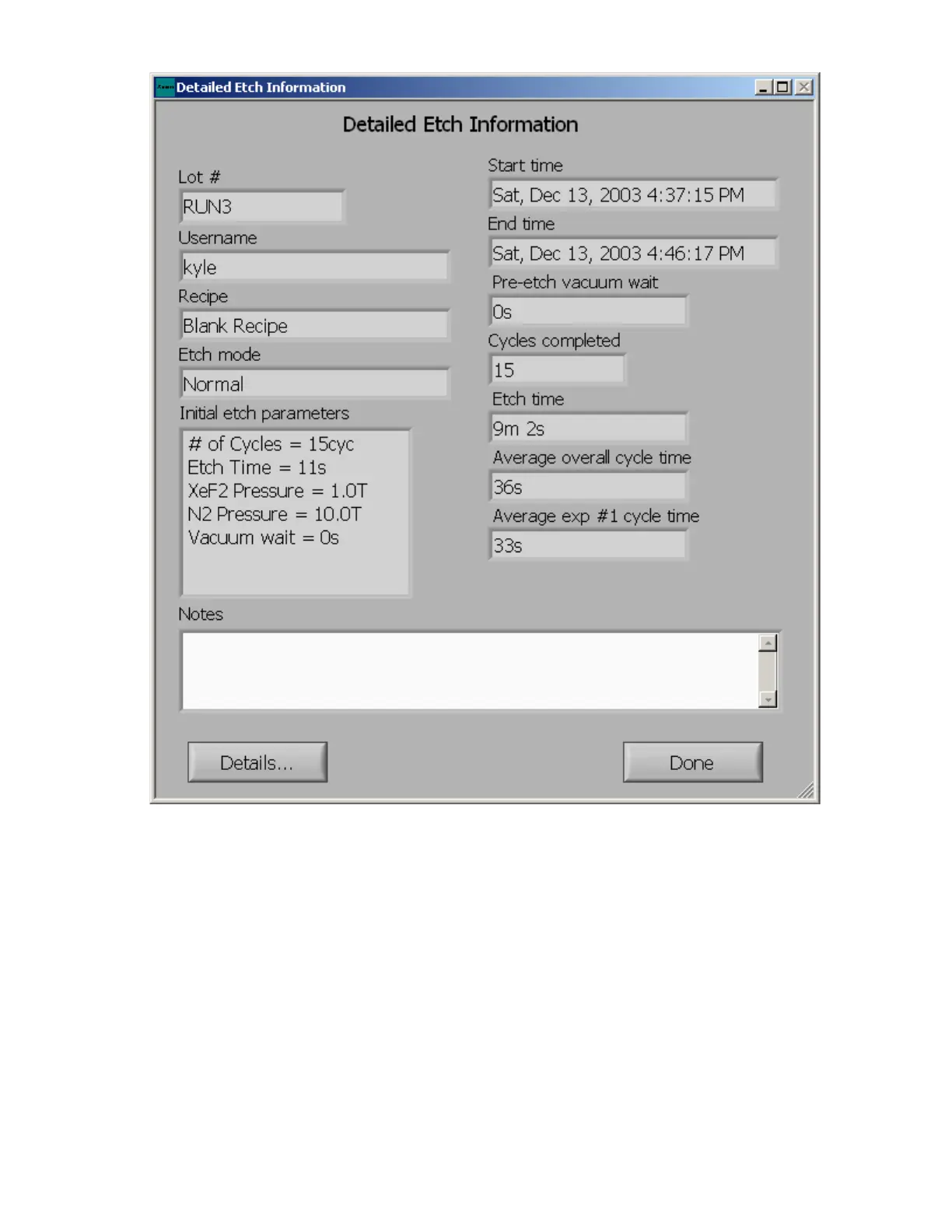
For system errors and maintenance related issues, the full log can offer valuable information. To display
the details of the full log, click “details” on the “display detailed etch info” screen, shown on next page,
to view the log file in its entirety. In the notepad program, the date, time, and actions executed are
displayed as shown below. The level of detail included in the details of the full log is controlled by the
settings related to the log file in the System Configuration Menu, which is described later.



 To Next Page