Panasonic Eco Solutions Nordic AB
MEW01457 Rev: - Operating Instructions Fire alarm system EBL512, V2.7.x
123
27.7 Event log (H4/U7)
This is a list of events. Type and number of events in the list, etc. can
be set in Win512 (see Planning Instructions and Win512 help).
From this menu, it is possible to get a print-out.
The events can be listed:
Via display: See Alternative "A" below.
Via a print-out: See Alternative "1" below.
NOTE! The event logging is disabled as long as menu H4/U7 is
open.
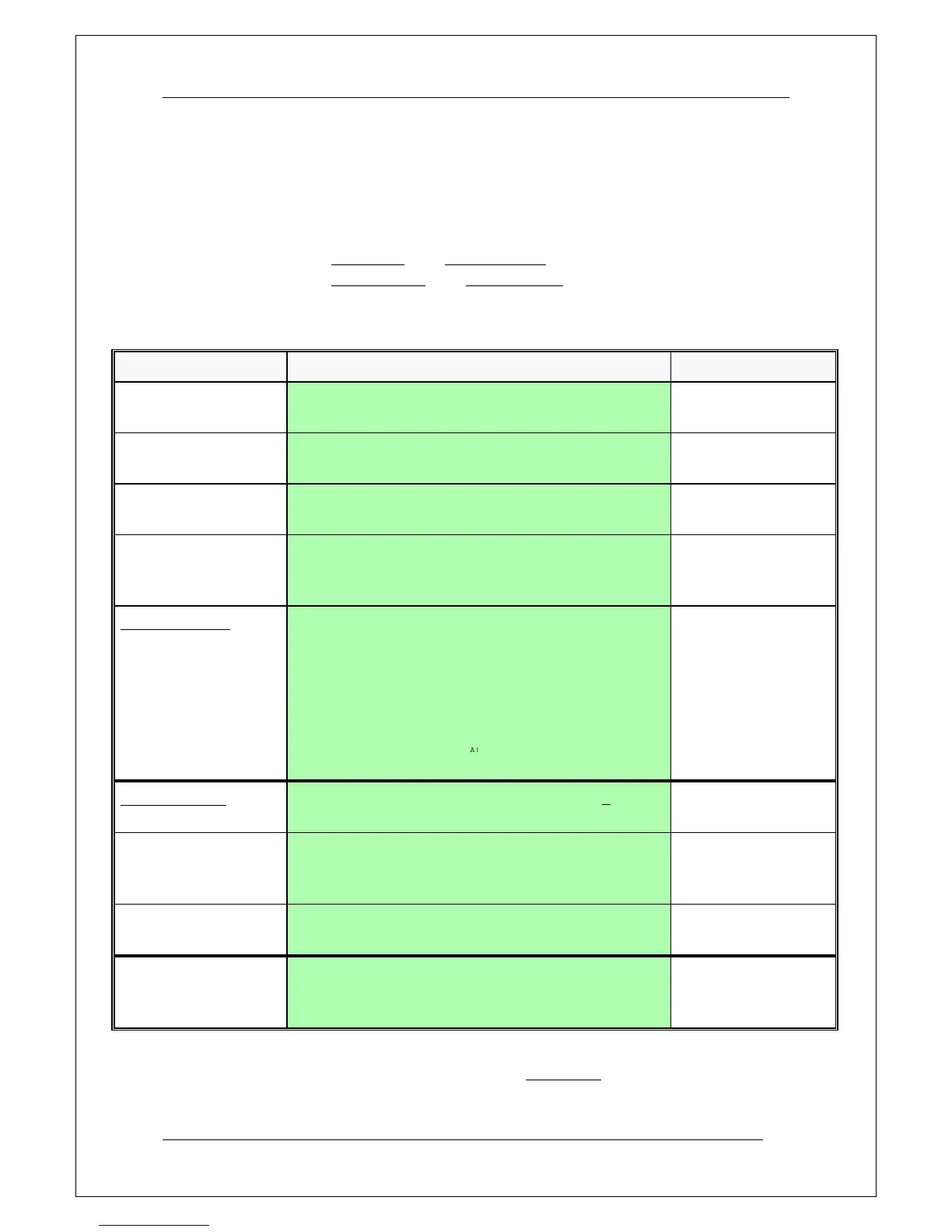
According to chapter
"Access", see page 92.
Present system status on display and
printer ACCEPT? H4
Disablement
Printout: (1=yes) U1
Event log
Printout: (1=yes) U7
Press "A" for display
presentation or
Press "1" for print-out.
When "A" is pressed, an event will be shown in the display,
e.g:
FIRE ALARM zone 123 address 45
MM-DD HH:MM XX
or
FIRE ALARM zone 456
Many alarms in zone MM-DD HH:MM XX
The most recent event
will be shown, i.e. use
"" to scroll upwards in
the list. Press "Return"
to menu U7.
(XX in the example =
control unit number.
XX=99=Win512).
How many events should be printed? 000
ACCEPT?
Write number of events
to be printed,
e.g. "010"
How many events should be printed? 010
ACCEPT?
Press "A" to start print-
out.
Printing started. To stop printing press
C and 0 simultaneously. ACCEPT?
Show event log
Printout: (1=yes) U7
Scroll or press "Return"
to menu H4. Scroll or
press "Return" to log off.
A)
More than one alarm point in zone 456 have activated fire alarm.



 To Next Page