Page 5-13
SETTING PRODUCTION
MATERIALS
5
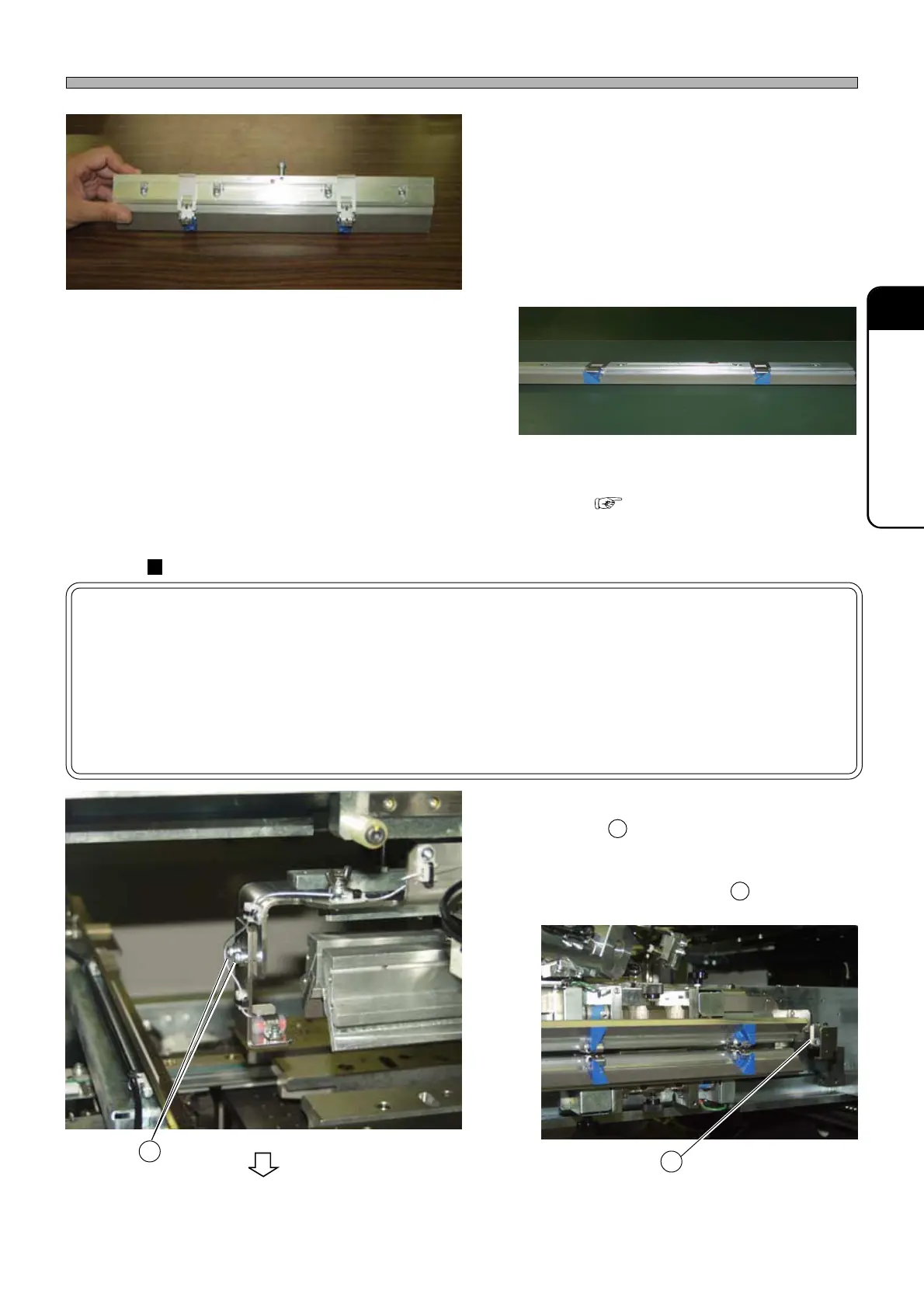
4. Insert the bracket to the groove of the
squeegee.
∗ It will easily be set when you press the bracket
on the squeegee face with your finger.
∗ These right-left symmetrical blocks should be
set as shown below.
5. Attach the squeegee to the squeegee
holder. ( 5-2 How to Change
Squeegees and Adjust the Angle)
Adjusting the remaining-solder-on-mask detection sensors
NOTICE
This work is required only when the sensor positions have been changed because
of the following reasons.
• Using the remaining-solder-on-mask detection sensors for also the cartridge
head
• Using the remaining-solder-on-mask detection sensors for the squeegees other
than the advanced squeegees
1. Fit the sensor bracket into the mount-
ing holes located at the inner side
of the bracket.
∗ Align the sensor optical axis with the
midway between F and R squeegee.
Procedures for Using Advanced Squeegees (Option)
1E4C-E-OMA05-A01-02
To the next page
1D3C-048P
1D3C-049P
1D3C-050P
1D3C-051P
2
1
1
2












 To Next Page