261
Polyend Tracker Manual
260
Polyend Tracker Manual
Performance Mode
12
Performance Mode
12
12.1 Performance Mode Overview
Performance mode allows real time improvisation control over tracks,
patterns and songs adding variation and interest when playing live. This is
normally handled in the ‘Perform’ page although MIDI Input can also be set
to control the performance parameters.
Track 1
Patt: 1
---
---
-1
-1
-1
---
---
-1
-1
-1
---
---
-1
-1
-1
---
---
-1
-1
-1
---
---
-1
-1
-1
---
---
-1
-1
-1
---
---
-1
-1
-1
---
---
-1
-1
-1
---
---
-1
-1
-1
---
---
-1
-1
-1
>>>
>>>
/16
/16
/16
---
---
-1
-1
-1
Track 2
Patt: 1
Track 3
Patt: 1
Track 4
Patt: 1
Track 6
Patt: 1
Track 5
Patt: 1
Track 7
Patt: 1
Track 8
Patt: 1
Performance FX
Volume
High-pass cutoff
Sample end
Tune
Delay send
Sample Playback
Panning
Band-pass cutoff
Low-pass cutoff
Sample position
Reverb send
Volume LFO
0m:00s P1.028
Punch In Effects
12 Congurable
performance effect slots
MIDI CC
Indicates the top row, MIDI
CC controllable values.
Track Selection
Selects which tracks will be
affected by the performance
effects applied, indicated red.
Punch In Parameters
Effect parameters (4 per effect)
each represented by a pad in the
4 x 12 Pad grid
Pad Grid
Each pad represents the turning On or Off of the value dened
for the 12 effects. The effect values are congurable with row 1,
by default set to off (- - -).
Performance Mode
Press [Perform] to select the performance mode screen, Edit parameters and
congure the effects in record mode, press [Rec]. It is possible to cycle between
pattern and song pages while performance mode is active.
REC Mode
Press [Rec] to edit the perform conguration. The selections will be
indicated red as will the effect selection bounding box. Effects can
be congured and the values edited in REC mode of Perform.
---
---
-1
-1
-1
Performance FX
Volume
Selected effects are indicated green or red (if editing) on
the tracker screen and the respective pad is lit.
Playback Status
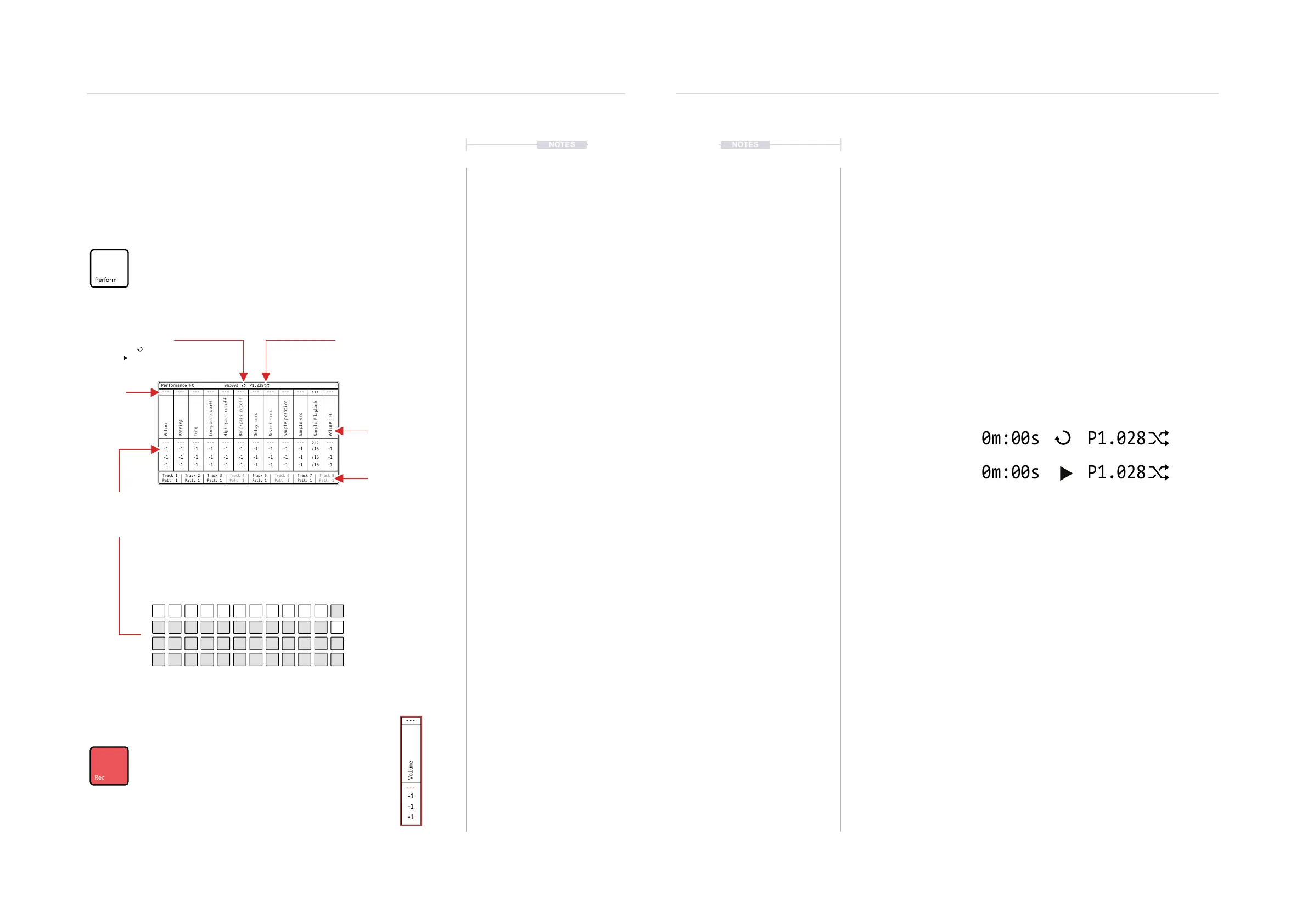
Shows pattern loop playback
or full song playback
Perform Status
Shows Performance Mode is
active.
12.2 Performing - Quick Start
Assuming the effects are set up, values in place then real-time
improvisations can be performed. Think of performance effects as applying
parameter value variations as an offset from the current setting.
▌ PERFORMING LIVE WITH THE PERFORMANCE EFFECTS
1. Press [Perform] to select the Performance Mode page.
2. Press [Track 1] - [Track 8], screen buttons to select for applying effects
on (red) or off. Only the selected, red lit tracks will be affected by the
triggered performance effects.
3. Press [Play] to play a pattern or [Shift] + [Play] to play a song, also
toggles between song and pattern play. The display header will show
the pattern or song playback symbol. Also the perform mode symbol will
be displayed.
4. To punch in an effect, Press [PAD]. The effect is retained once pressed.
The Pad column represents each of the 12 loaded effects.
The Pad row represents the effect value setting.
A default series of effects will be in place, example column 1, Volume.
5. To clear the effect, Press [PAD] for the effect, row 1.
The Pad row 1 is reserved for restoring the default, i.e. effect off.
6. To apply a temporary effect, Hold [PAD] + Turn (Jog) - when NOT in
[Rec] mode, i.e. parameters are green. The effect value will be applied
while the pad is held and will revert to the default when the pad is
released.
7. The effect will apply an offset to the current value of the parameter
affected. The value will be as stated in the parameter row. For example,
set pitch offsets for lead or bass tracks.
8. To mute / unmute tracks, Hold [Shift] + Press [Track 1] - [Track 8],
Screen buttons.
9. Press [Instrument Parameters] and [Perform] to toggle between audio
instruments and perform to offer more variations while still performing.
Pattern Play
Song Play
NOTESNOTES
-1 -1 -1-1 -1 /16-1 -1 -1-1 -1 -1
--- --- ------ --- >>>--- --- ------ --- ---
-1 -1 -1-1 -1 /16-1 -1 -1-1 -1 -1
-1 -1 -1-1 -1 /16-1 -1 -1-1 -1 -1



 To Next Page