PrismJET 54 Gen2 OPERATION MANUAL Before using
3.6 Adjust Print 111
• While “Warming Up” is displayed, do not touch Platen and Media guide.
They become very hot and you could burn yourself.
• You can start printing during warming up.
4.4.8 Start Printing during Warm up
• An adjust print pattern is printed.
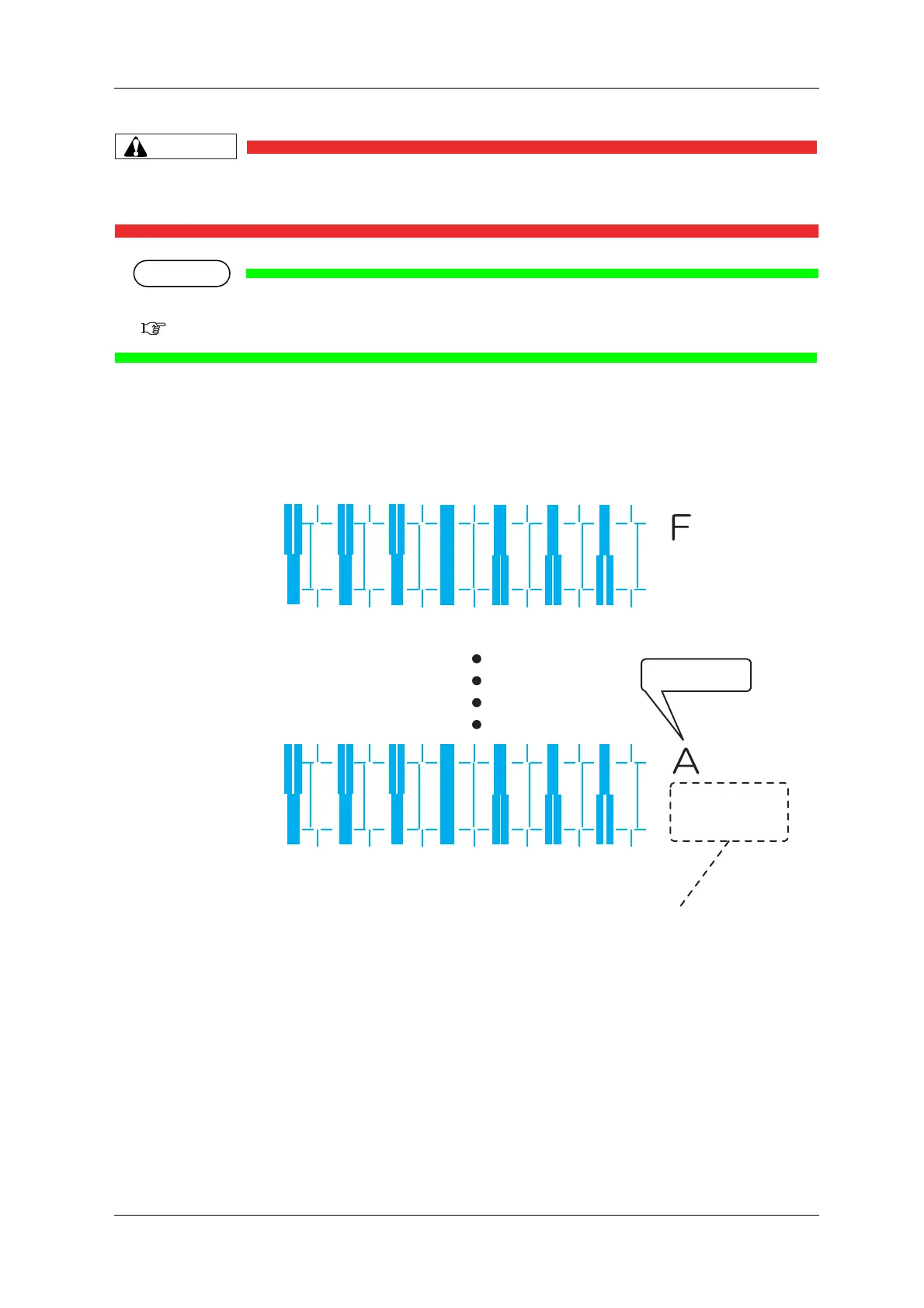
For Adjust print pattern printing, 6 adjust print patterns (A to F) are printed. Enter the adjusted
values.
(Starts printing after warming up is complete.)
• For the Adjust print pattern, the same patterns will be printed repeatedly on both sides and center
of the media.
Pattern name
1234567
1234567
Print information
Bi dir
Low H.Height
normal speed
small drop family
Bi dir
Low H.Height
normal speed
large drop family



 To Next Page