Maintenance PrismJET 54 Gen2 OPERATION MANUAL
272 6.2 Cleaning the printer
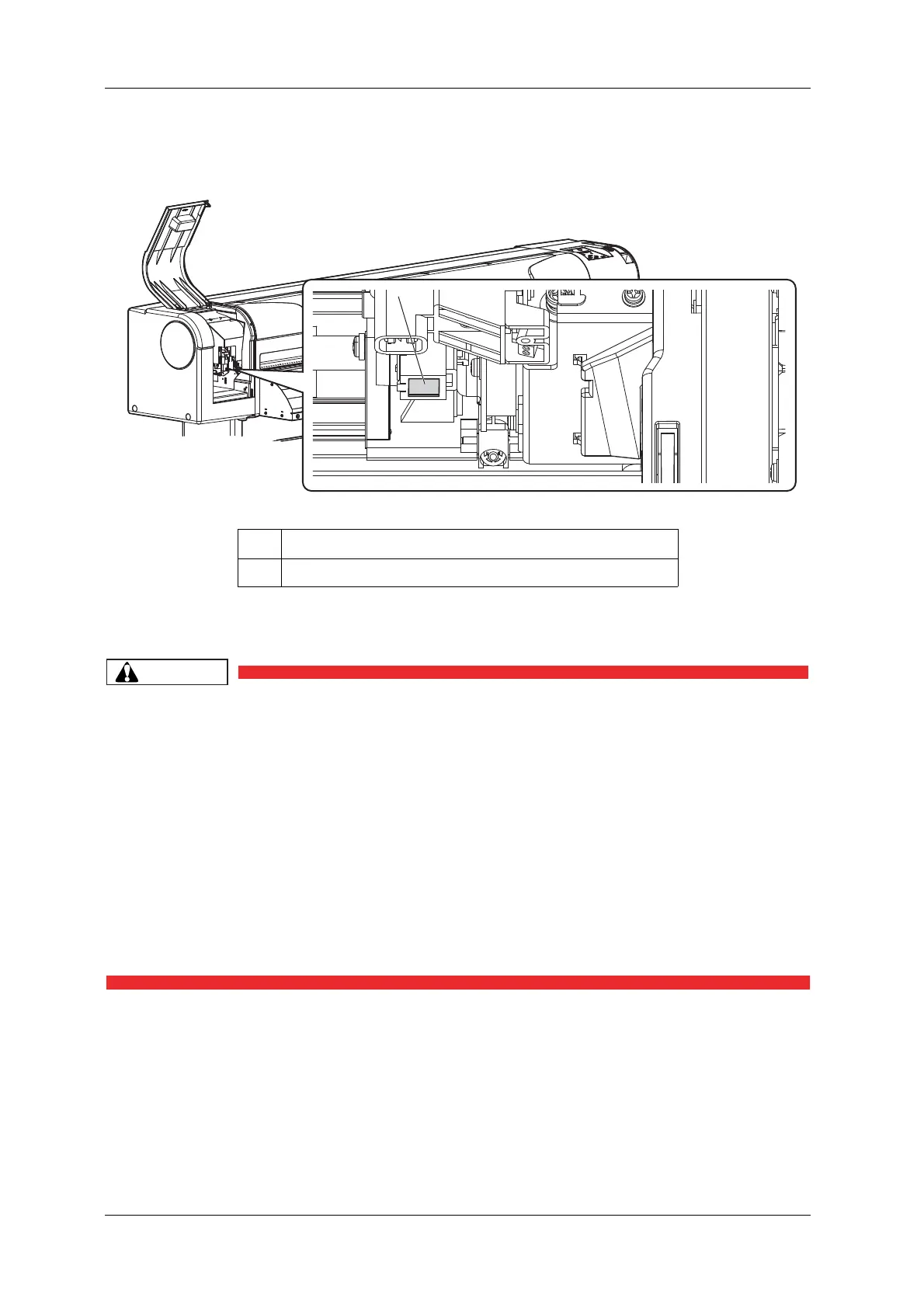
6. Use a penlight, etc to check if any foreign substance, such as dust or ink clump, is attached to the
following places.
7. Using a cleaning stick slightly dampened with ethanol, gently clean the glass on the color sensor
located at the bottom of the carriage to remove ink and dust.
• When cleaning the color sensor,
• Do not touch the nozzles of the print head.
Doing so may damage the print head.
• Do not touch the tip of the cleaning stick.
The print head may be damaged because of oil from your hands.
• Never put water, etc on the tip of the cleaning stick.
Doing so may damage the print head.
• Do not reuse the cleaning stick.
The attached dust, etc may damage the print head.
• Do not push the glass on the color sensor too hard with a cleaning stick.
This will damage the glass.
No. Name
1 Color sensor



 To Next Page