Before using PrismJET 54 Gen2 OPERATION MANUAL
52 3.3 Installing ink cartridges
• When performing head cleaning again before ink charge, press the [+] or [-] key on the operation
panel to select “Yes”, and press the [Enter] key to perform head cleaning.
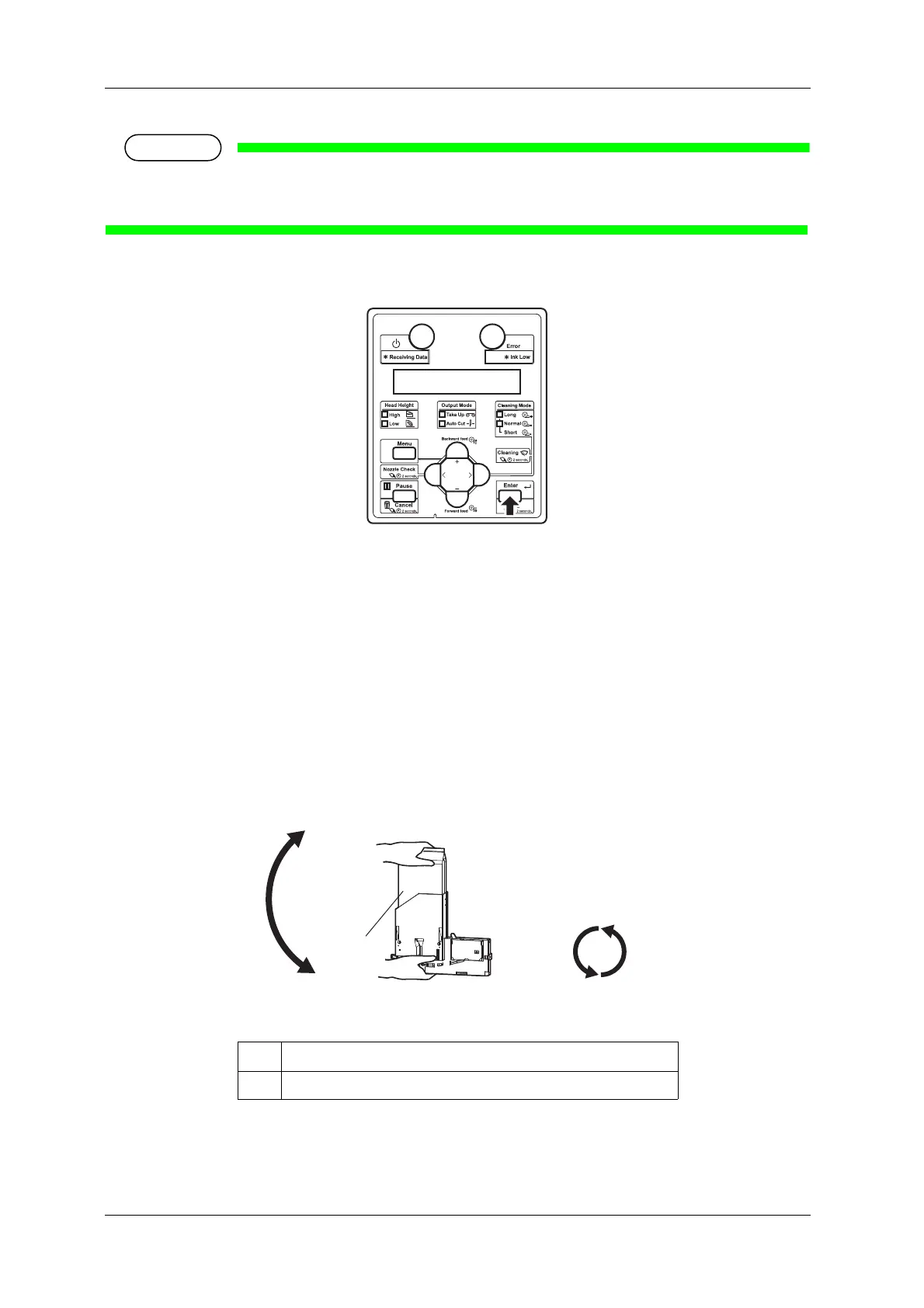
6. Press the [Enter] key on the operation panel.
• “Insert InkCartridges” is displayed on the operation panel.
7. Take out the new ink bag from the bag.
8. Install the ink bag and smart chip card to high capacity pack adapter.
9. Agitate the ink bag.
• To prevent the ink bag and the High capacity ink pack adapter from separating, hold one hand
against the top of the ink bag. Rotate the plug of the ink bag vertically and hold for 3 seconds.
• Then, invert the ink bag with the adapter and hold for 3 seconds.
• Repeat that 10 times.
No. Name
1 Ink bag



 To Next Page