PrismJET 54 Gen2 OPERATION MANUAL Before using
3.5 Test print 67
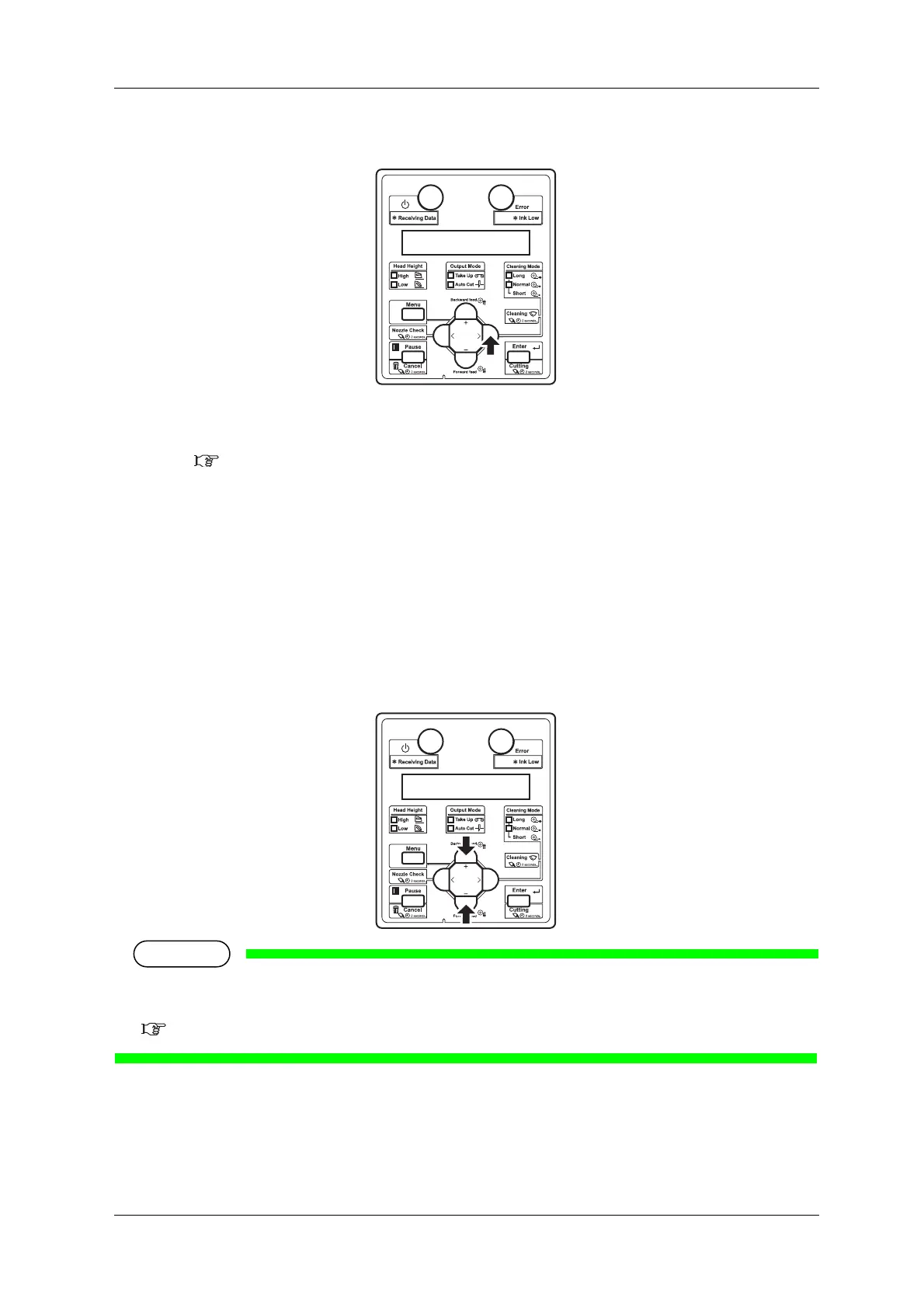
c. Press the [>] key on the operation panel.
• “Test1: Nozzle Check” is displayed on the operation panel.
• The display shifts to the Test Print menu.
5.2 Test Print Menu
4. Press the [+] key or [–] key on the operation panel to select an item for printing from the following
items.
• Nozzle Check
• Nozzle Check F
•Mode Print
•Setup List
• Palette
When the selected print mode of the user type is Quality or Production, Palette menu is not
displayed.
5.1.1.1.1 Print Mode menu



 To Next Page