Before using PrismJET 54 Gen2 OPERATION MANUAL
94 3.6 Adjust Print
• “Pattern *: 4” (* indicates a pattern name as shown below) is displayed on the operation panel.
• The print modes and their pattern names are as follows.
• Refer to the following for Print mode.
5.1.1.1.1 Print Mode menu
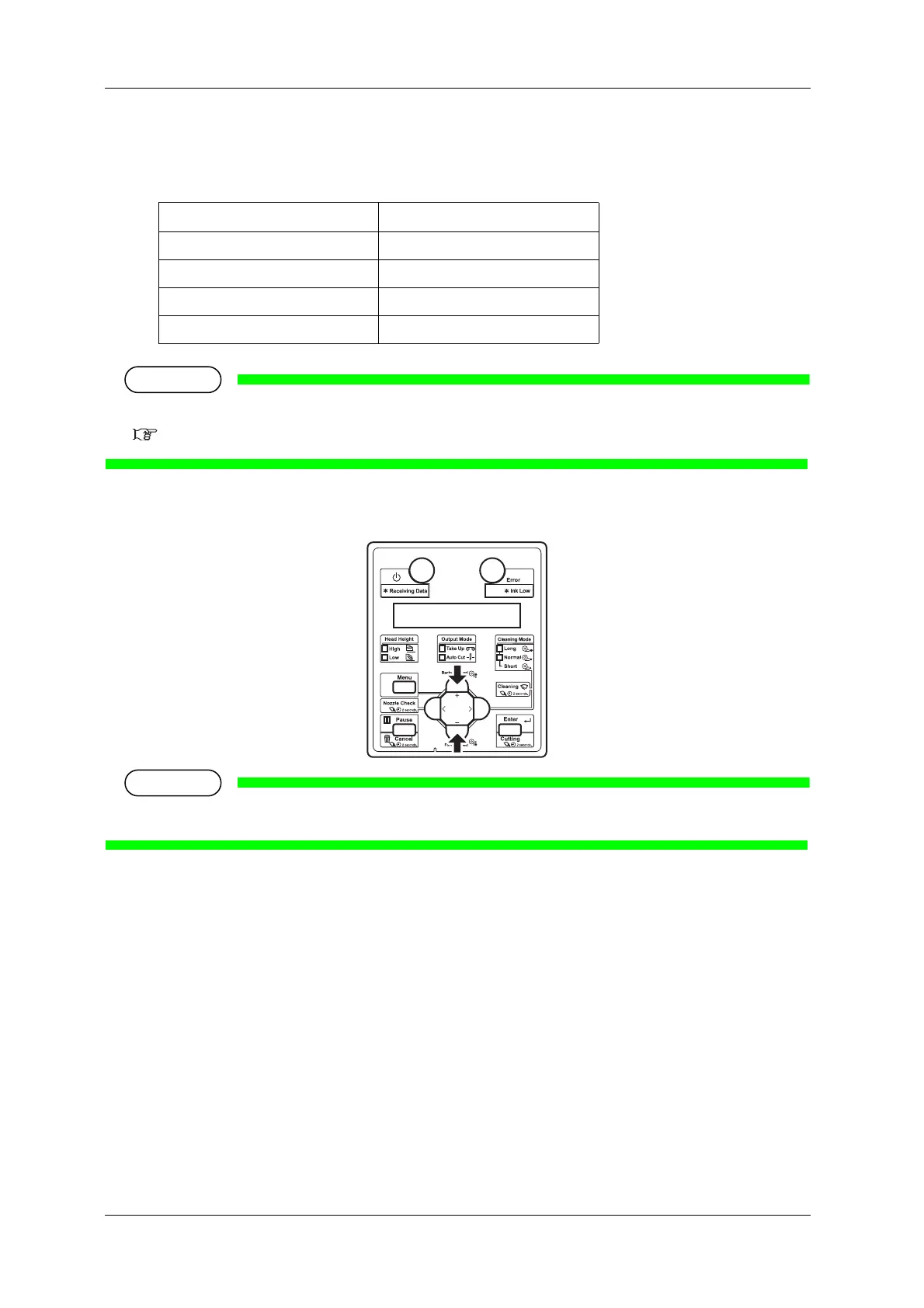
5. Press the [+] key or [–] key to enter the number that you selected in Step 4.
• When you press the [Cancel] key on Operation panel, the display returns to “Adj.3: Fine Pattern”.
PrintMode PatternName
High Quality D
Quality D
Production D
High Speed D



 To Next Page