Before using PrismJET 54 Gen2 OPERATION MANUAL
98 3.6 Adjust Print
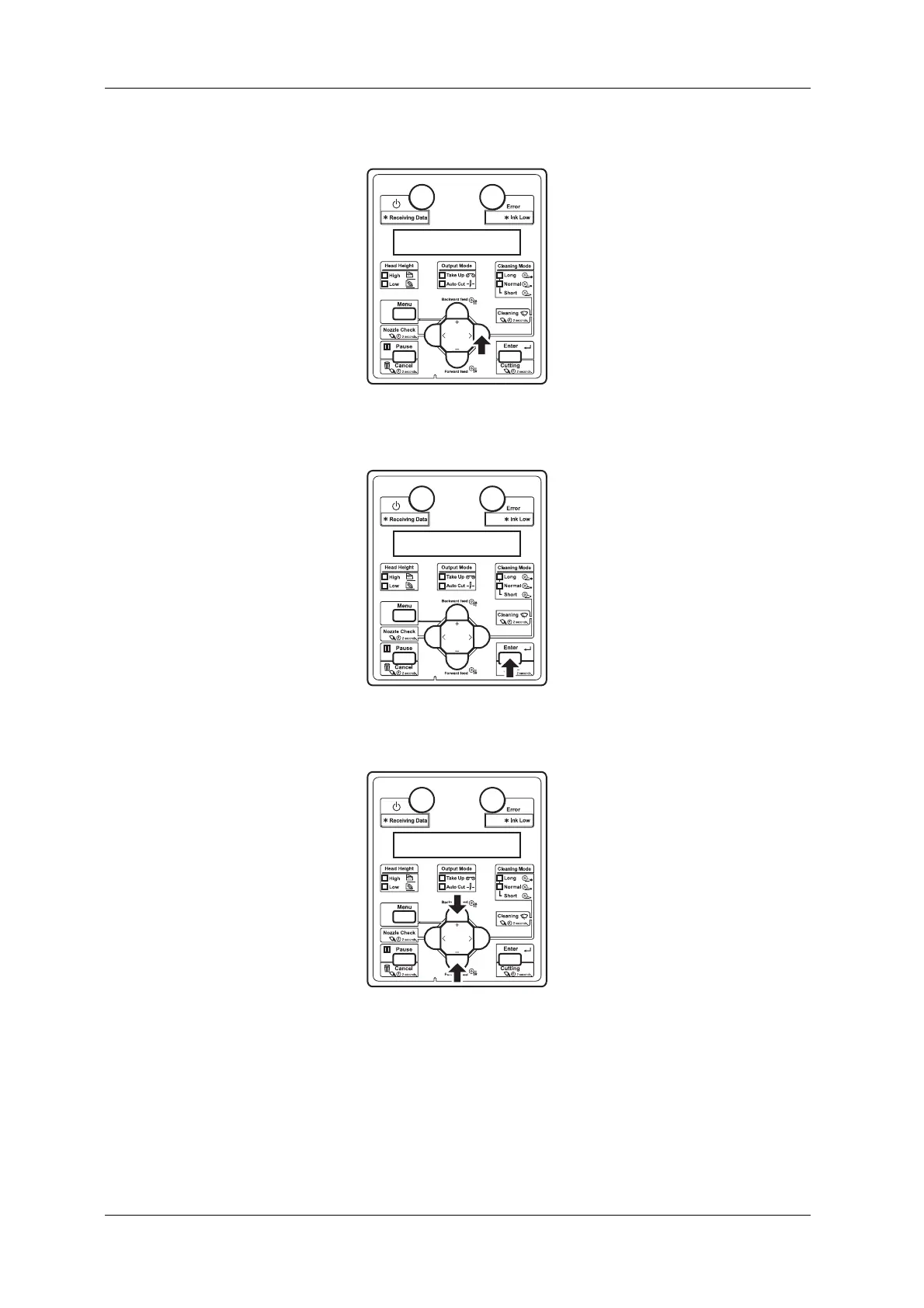
b. Press the [>] key on the Operation panel.
• “Set1: User Type” is displayed on the operation panel.
c. Press the [Enter] key on the Operation panel.
• “User: TypeXX” (XX is a number between 1 and 15) is displayed on the operation panel.
d. Press the [+] key or [-] key on Operation panel to select the user type setting.



 To Next Page