PrismJET 54 Gen2 OPERATION MANUAL Before using
3.6 Adjust Print 99
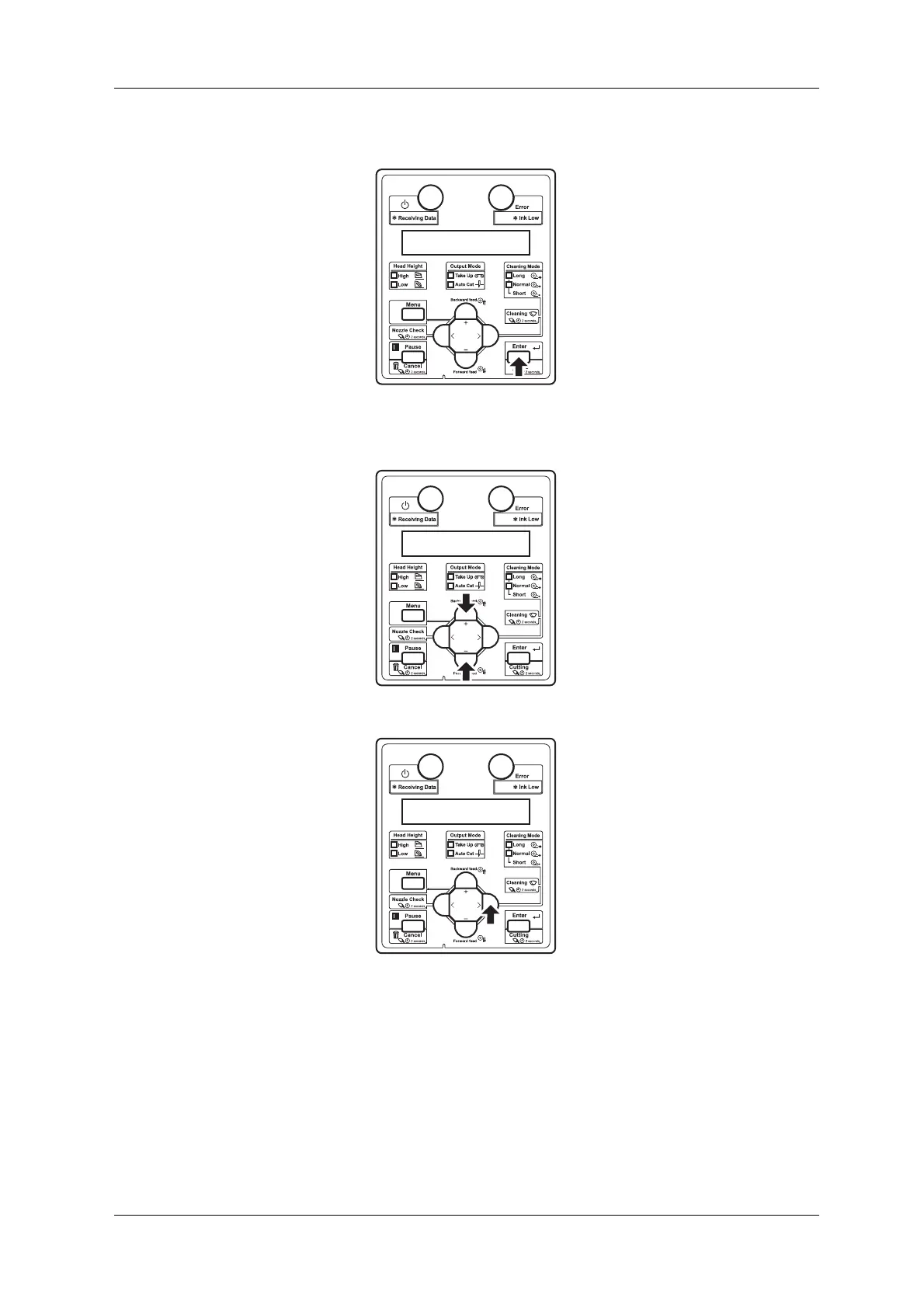
e. Press the [Enter] key on the operation panel.
• “**>1: Print Mode” is displayed on the operation panel.
f. Press the [+] key or [–] key to select “**>2: Adjust Print>”.
g. Press the [>] key on the operation panel.
• “Thickness 170 µm” is displayed on the operation panel. (The default is set to 170 µm. If the
default value has been changed, the changed value is displayed.)



 To Next Page