Before using PrismJET 54 Gen2 OPERATION MANUAL
100 3.6 Adjust Print
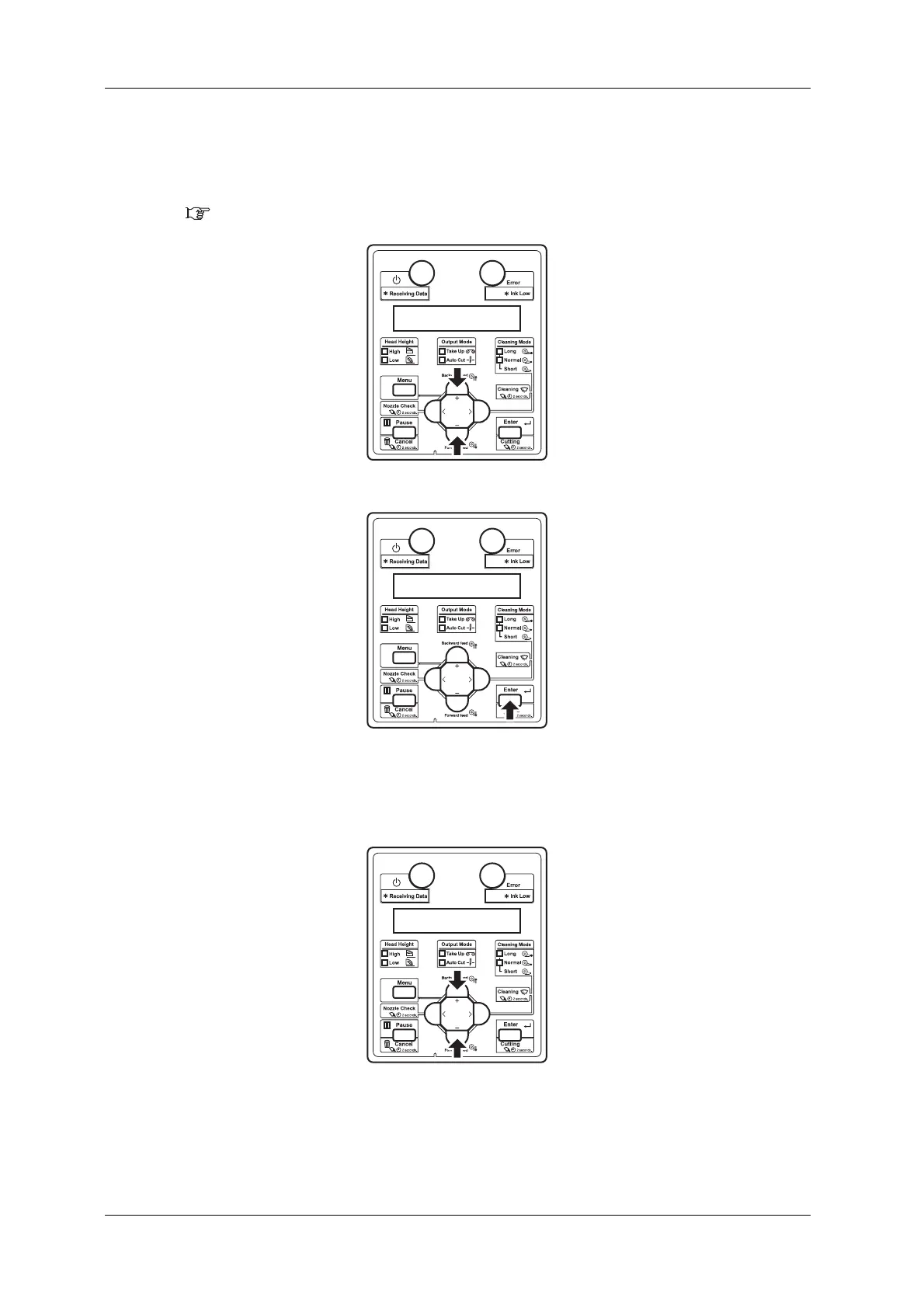
h. Press the [+] key or [-] key and enter the thickness of the paper to use in the range of 80 µm to
1,300 µm.
• This setting is the same as “Media thickness menu”.
5.1.1.1.9 Media thickness menu
i. Press the [Enter] key on the operation panel.
• Media thickness value is set.
• “Adj.Print1: Auto” is displayed on the operation panel.
j. Press the [+] key or [–] key to select “Adj.Print3: Custom”.



 To Next Page