A3164
Storage tank liquid level threshold setting
E05 Band AI4
Metering stop threshold
OFF
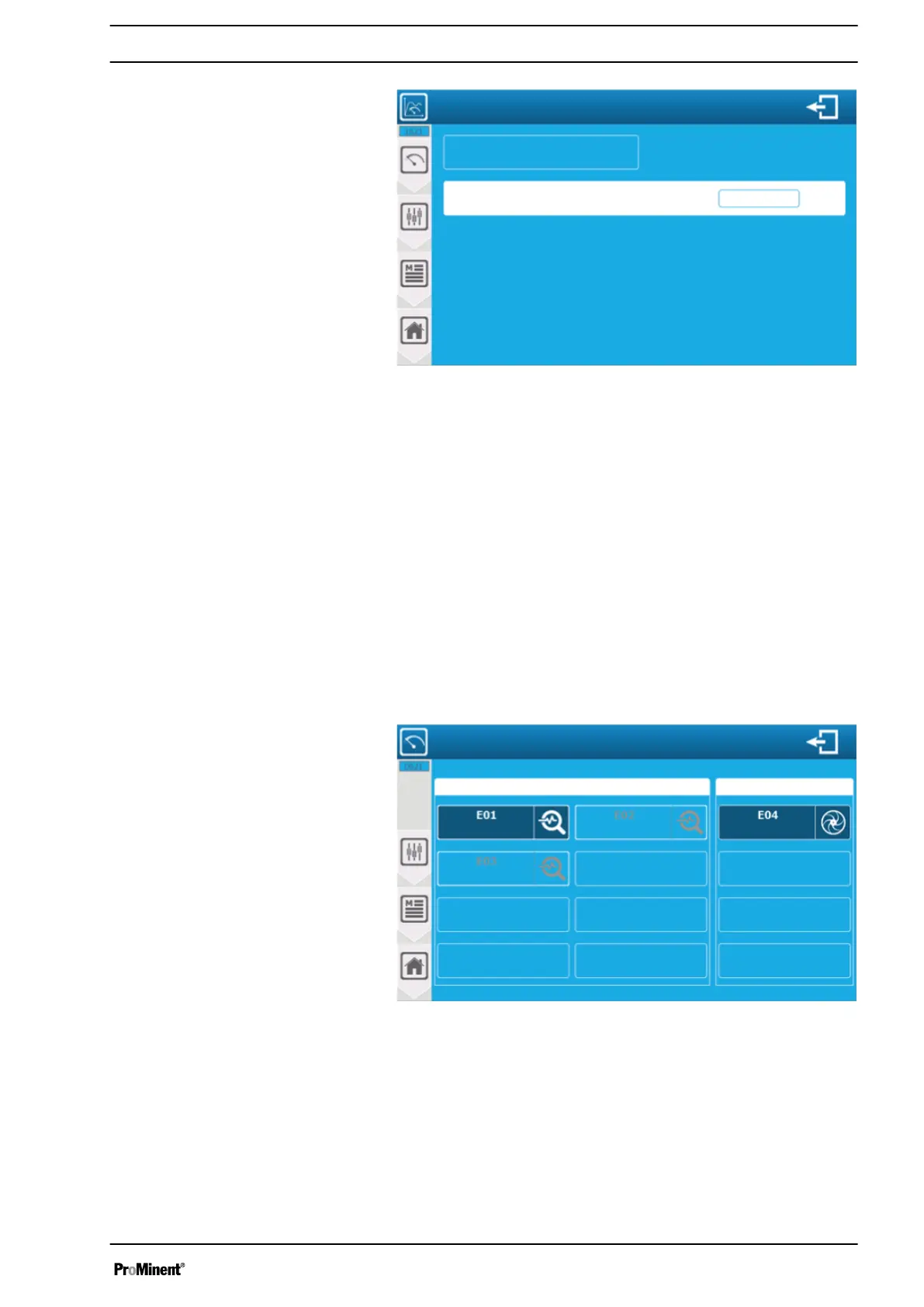
Fig. 110: Setting threshold values
‘E05 Band AI4’
: parameter identification. This is where to find
parameter number identification (E05); type (liquid level) and asso‐
ciated sensor input (AI4).
‘Metering stop threshold OFF’
: Enter the lowest liquid level at
which the metering of the parameter caused by this liquid level is
reduced. The threshold is disabled here; the current value (OFF),
metering is not reduced by the liquid level in the tank. Press the
display to open the numeric keyboard and enter the required value.
Saving: When a change has been made, the
‘SAVE’
key (disk
symbol) appears. Press the display field to save your configuration.
8.6.2 Version: Sensors and parameters
This version is only available if the installation option
‘Restrict
storage tank liquid level only to the parameter’
is disabled.
A3165
Storage tank liquid level settings
Free chlorine
Temperature
Liquid level measurement
Liquid level settings
pH value
Parameter with assigned liquid level sensor
Fig. 111: Version: Sensors and parameters
In this example, the pH parameter is influenced by a flow sensor.
The liquid level control threshold setting is specific to the pH
parameter. The screen shows the configured parameters and flow
parameters.
You can configure the active liquid level parameters by pressing
the display field.
Setting measuring and control parameters
105














 To Next Page