9
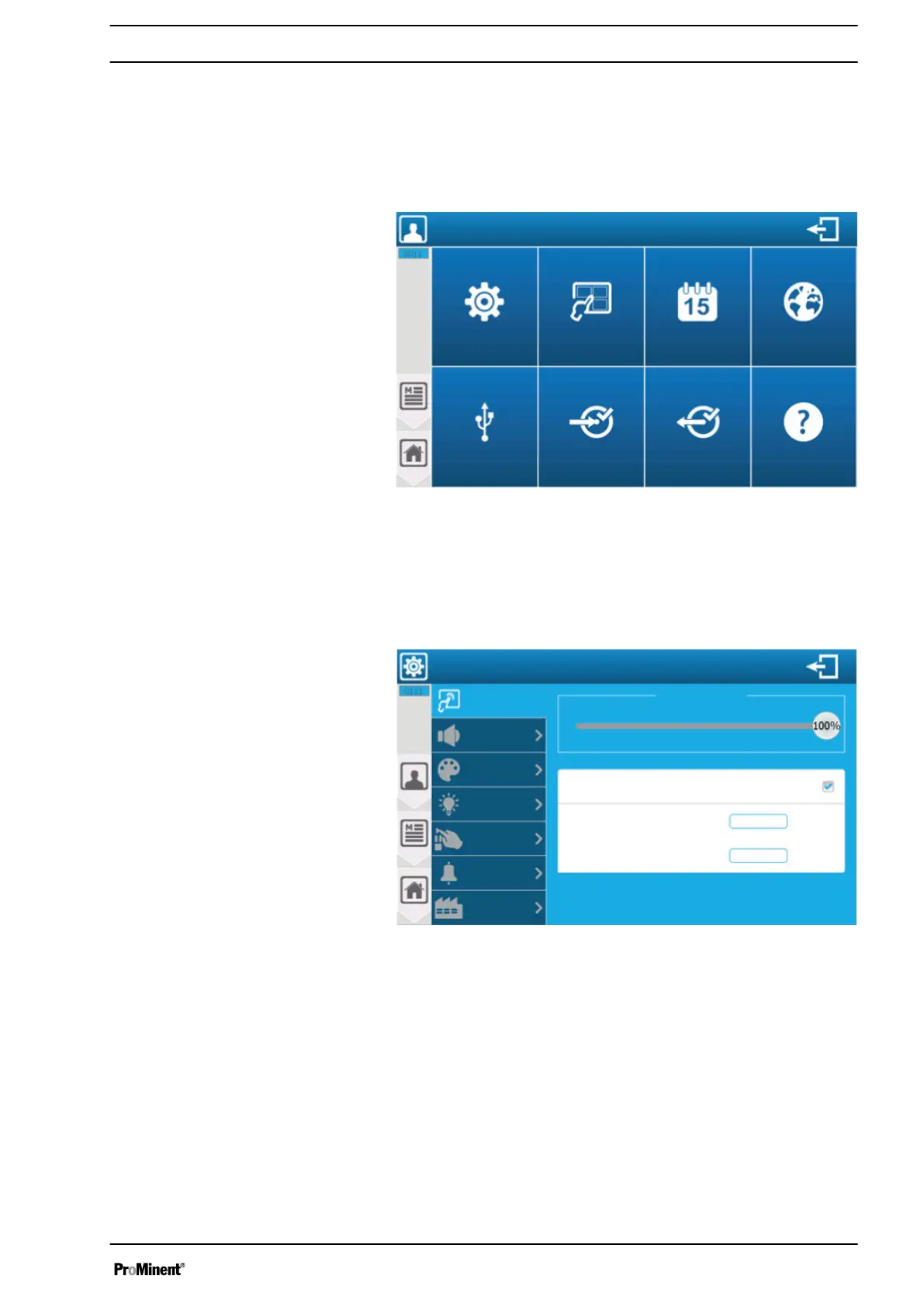
‘USER’
programming screen
n User qualification, programming screen: trained user
Ä Chapter 2.4 ‘User qualification’ on page 14
The
‘USER’
menu lets you access the settings of the graphic inter‐
face.
A3174
User menu
Display
InformationOutput testInput testUSB
LanguageDate and time
General
settings
Fig. 114: ‘USER’ programming screen
9.1
‘User’
-
‘GENERAL SETTINGS’
menu
You can access the audio and visual settings of the graphic inter‐
face via the
‘GENERAL SETTINGS’
menu.
A3175
General user settings
Backlighting
Screen
Sound
Factory setting
Alarms
Button
Display
Colours
Delay time before activation
15
Backlighting level
Activate screen saver
Minutes
20
Fig. 115: ‘User’ - ‘GENERAL SETTINGS’ menu
You can adjust all the values according to your needs in this menu
and its sub-menus. The menus show you all the functions in plain
text and logical steps and you can adjust everything to meet your
needs, e.g. via virtual sliders, numeric or alphanumeric keyboards.
9.2
‘User’
-
‘DISPLAY’
menu
The controller has two display modes: a "small x6" version that dis‐
plays six parameters per page, and a "large x3" version that dis‐
plays three parameters per page
‘USER’
programming screen
107














 To Next Page